
7 Best Construction Management Software for Subcontractors

I spent several weeks running real bids, mock projects, and field workflows through more than a dozen construction management software for subcontractors. I’ve learned that Procore suits large commercial GCs, Buildertrend fits residential builders, OneCrew is best for paving subs, and eSUB serves commercial MEP subs.
The right pick depends on whether you're a general contractor managing many subs, a specialty sub running your own jobs, or a project-based trade like paving or concrete that needs something more vertical.
Here are the 7 best construction management software for subcontractors in 2026.
7 Best Construction Management Software for Subcontractors: Quick Comparison
How I Researched and Tested These Construction Management Tools
I signed up where free trials existed, sat in on demos where they didn't, and pulled in real subs and a couple of GCs to walk through how each platform handles day-to-day work. Here's what I weighed:
- Estimating and bidding: How fast you can build a real, accurate bid, not a templated one. For specialty trades like paving, that means platforms that handle real asphalt bidding workflows, not generic line items.
- Compliance and document workflow: COIs, W-9s, lien waivers, change orders, and audit trails.
- Field coordination: Crew scheduling, daily logs, and how usable the mobile app is for a foreman with dirty hands.
- Integrations: QuickBooks, Sage, Procore, and other tools subs actually have to plug into.
- Pricing and ROI: What you really get for the money, not what the deck shows.
This hands-on approach helped me see which construction management software for subcontractors actually holds up in daily use, and which ones just look polished on a sales call.
1. Procore: Best for General Contractors Managing Many Subs
What it does: Procore is a full construction management platform built for large GCs to coordinate scope, documents, payments, and field activity across hundreds of subs.
Best for: Mid-size and large general contractors running complex commercial, healthcare, or institutional projects with deep subcontractor benches.
Key features
- Subcontractor invitation and prequalification: Centralizes COIs, bonding, safety records, and qualification forms in one place.
- Bid management: GCs can solicit bids, compare them side by side, and award scope without the spreadsheet chaos. Useful for general bidding, though specialty subs still need help when they have to calculate asphalt yield or trade-specific quantities outside Procore.
- Drawings and document control: Version-controlled plans with markups that subs can pull up on the iPad in the truck.
Procore pros
- Industry-standard on large commercial projects
- Deep, real audit trails for change orders and pay apps
- Strong financials module that ties into Sage, Viewpoint, and other ERPs
Procore cons
- Pricing is opaque and tied to annual construction volume, so small subs get sticker shock
- Setup is heavy and takes some time to dial in properly
What users say
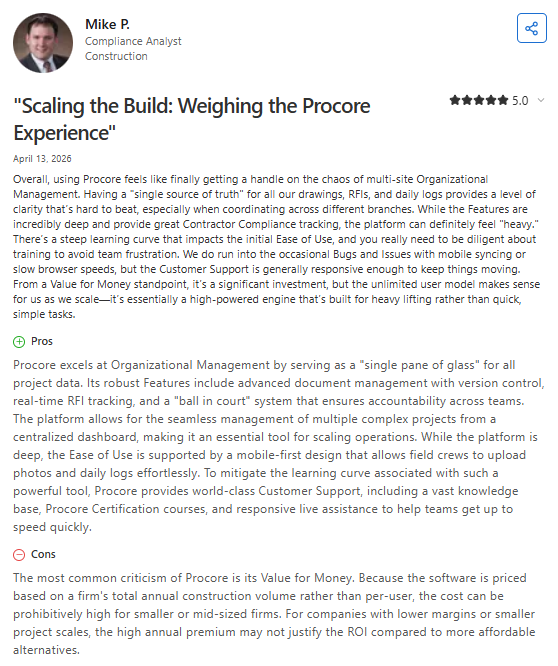
- Some users praise Procore’s depth for large projects: One reviewer described Procore as one of the strongest construction management platforms for coordinating documentation, compliance, and project oversight across complex jobs. (Levi H., Capterra; April 1, 2026)
- Smaller subcontractors question the billing and collaboration workflow: One subcontractor said Procore worked well for plan viewing, billing, and submittals across GC projects, but criticized the limited billing detail and lack of visibility into what teammates had already billed. (Lauren G., Capterra; March 22, 2026)
Pricing
Procore doesn't publish set prices on its site. Pricing is custom-quoted based on your annual construction volume (ACV), and contracts include unlimited users and 24/7 support. Request a tailored quote on Procore’s pricing page.
Bottom line
I'd recommend Procore to GCs running serious commercial portfolios who already coordinate dozens of subs. If you're a 3-person sub working residential jobs, you're paying for a Cadillac you'll never drive.
2. Buildertrend: Best for Residential Builders Working with Subs
What it does: Buildertrend is a residential-focused construction platform that handles scheduling, change orders, client communication, and sub coordination from one place.
Best for: Custom home builders, remodelers, and design-build firms that lean on a regular roster of trade subs.
Key features
- Sub scheduling and dispatch: Assign subs to specific phases and let them confirm directly inside the app.
- Change order workflow: Client signs off digitally so subs aren't doing extra work that nobody approved.
- Selections portal: Homeowners pick fixtures, finishes, and options, which then flow into sub scopes.
Buildertrend pros
- Subs get free access via invitation, which lowers adoption friction
- Clean client-facing portal that homeowners actually use
- Two-way QuickBooks Online sync that handles invoices and payments
Buildertrend cons
- Built for residential. Heavy commercial or civil subs will outgrow it fast
- Multiple users report steep price increases after year one
What users say
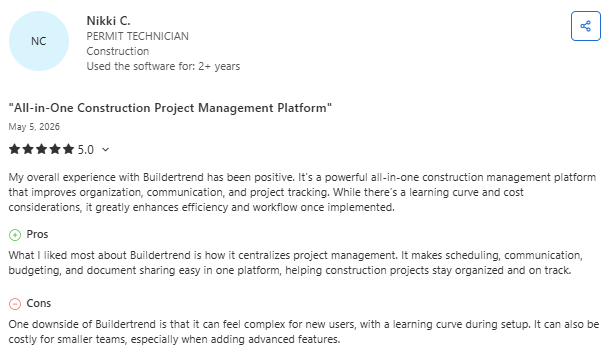
- Many users like Buildertrend’s centralized workflow: One reviewer said Buildertrend helped streamline scheduling, budgeting, communication, and project tracking in a single platform, making construction projects easier to organize and manage across teams. (Jessica S., Capterra; April 8, 2026)
- Some smaller contractors criticize the contract and pricing structure: One small business owner said Buildertrend enforced long-term payment obligations even when the platform was barely used, describing the contract terms and support response as inflexible for smaller companies. (Ricardo D., Capterra; May 1, 2026)
Pricing
Buildertrend doesn't publish set prices on its site either. Pricing is custom and tailored to your business size, team, and goals, and you'll need to schedule a quick call to get a quote. Get your custom quote on Buildertrend’s pricing page.
Bottom line
Buildertrend's a solid call for residential builders who want one tool for clients and subs. If you're running heavy civil, road work, or industrial paving, look elsewhere. It wasn't built for you.
3. OneCrew: Best for Paving Subcontractors (Asphalt and Concrete)
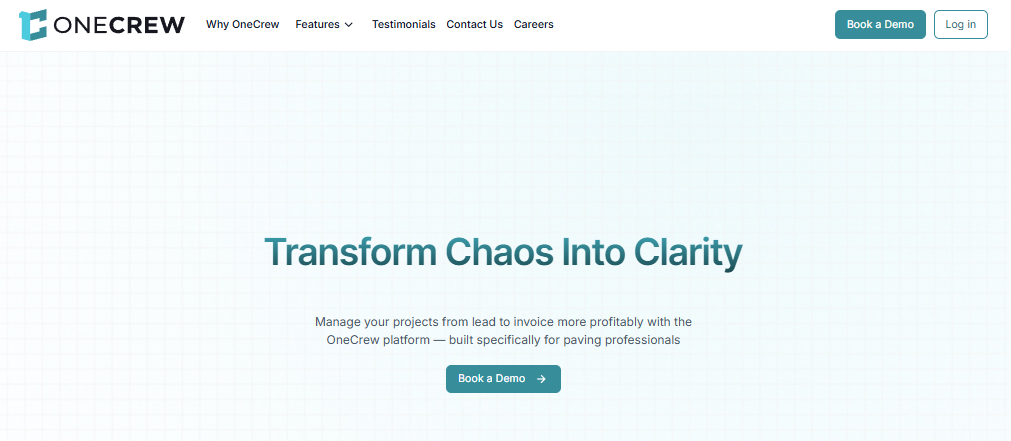
What it does: OneCrew is a unified management platform built specifically for paving contractors (including asphalt and concrete subs) covering lead intake, estimating, scheduling, field execution, and invoicing in one place.
Best for: Project-based paving subcontractors working on commercial parking lots, roadways, and infrastructure jobs, regardless of company size. Most of the tools above are general-purpose. OneCrew goes the other way and goes deep on one vertical: paving.
Key features
- Estimating built for paving work: Configurable cost calculations that handle labor, materials, equipment, and subline items at the level of detail asphalt and concrete subs actually need.
- Site and plan mapping with measurement: Map job sites for takeoff and use the PDF takeoff add-on for measurement off plan sets. These are two separate features that cover both workflows.
- Customer portal for proposals, payments, and chat: Customers view and sign proposals, view and pay invoices, share photos or documents, and message you directly.
OneCrew pros
- Purpose-built for paving, with workflows that match how asphalt and concrete subs actually run jobs
- QuickBooks Online integration for invoices and payments
OneCrew cons
- Vertical-specific, so if you're not in paving, this isn't your tool
- Doesn't replace an accounting platform (that's intentional)
What users say
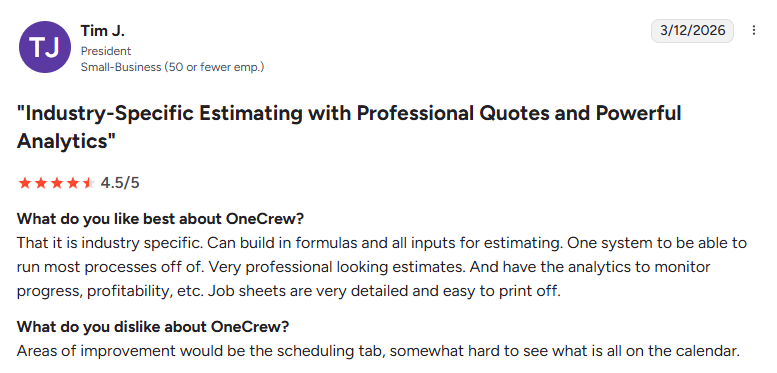
- Users praise OneCrew’s paving-focused workflow and ease of adoption: One reviewer said OneCrew fit naturally into their existing operations without forcing major process changes, helping the team stay organized with scheduling and job tracking while remaining easy to use in day-to-day work. (Matt M., G2; February 10, 2026)
- Some users want more customization in the mapping interface: One reviewer liked having estimating, proposals, mapping, and workflow management inside one platform, but said the map line colors could be improved because darker shades sometimes make outlined work areas difficult to see clearly. (Verified User in Construction, G2; February 2, 2026)
Pricing
OneCrew uses seat-based pricing, sized to your team and the features you need. Pricing is shared during a demo. Schedule one through OneCrew’s website.
Bottom line
If you're a paving sub doing asphalt, concrete, or both, OneCrew is built for the way you actually work. If you're a residential remodeler or an MEP sub, this isn't the right fit.
4. eSUB: Best for Subcontractor-Side Project Management
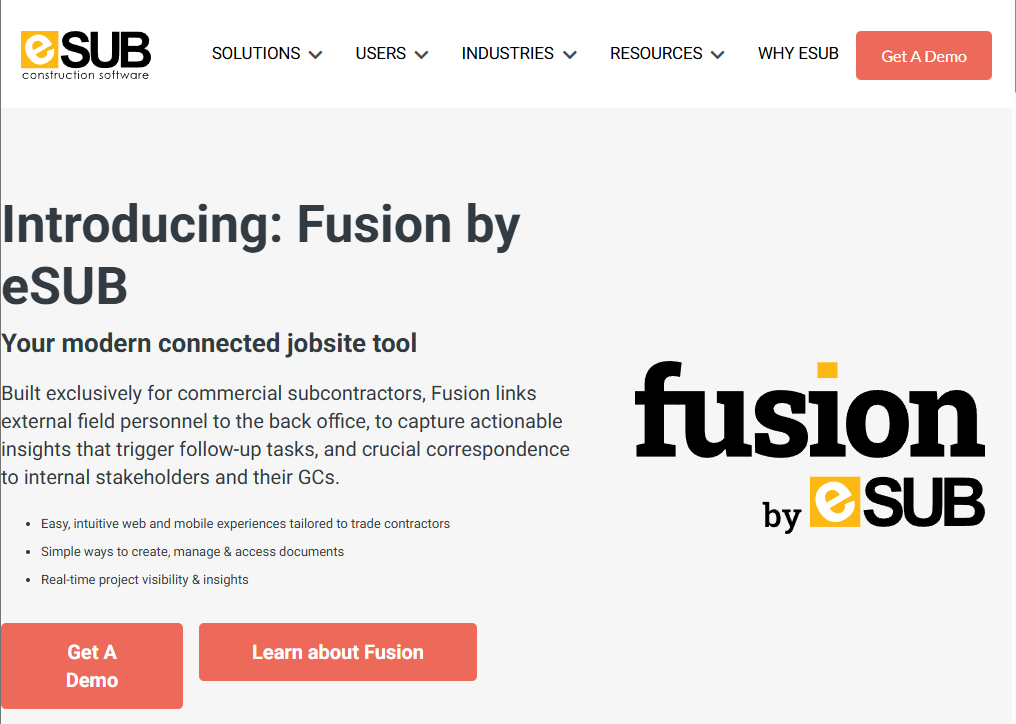
What it does: eSUB is built specifically for trade subcontractors (not GCs) to manage labor, documents, change orders, and field productivity on commercial projects.
Best for: Mid-size mechanical, electrical, plumbing, and trade subs working on commercial jobs where the GC runs Procore or similar.
Key features
- Time and material ticket capture: Field crews snap photos and log hours that flow straight into change orders.
- Daily reports tied to budget: Foremen log progress against scope so PMs spot overruns before pay app day.
- Document control aligned to GC platforms: Plays nicely when the GC is running Procore or Autodesk Construction Cloud.
eSUB tracks training certifications too, which matters for commercial work where GCs ask for documentation like roller operator training records before crews step on site.
eSUB pros
- Built from the ground up for the sub workflow, not adapted from a GC product
- Strong labor productivity tracking that actually shows you where margin is leaking
- Solid mobile experience for field foremen
eSUB cons
- Estimating module is light compared to specialized estimating tools
- Less helpful if your subs do a lot of self-perform residential work
What users say
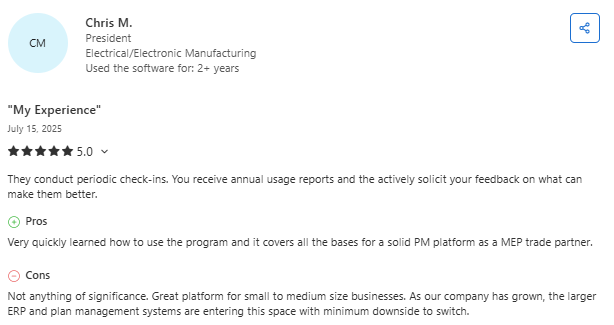
- Users like eSUB’s centralized project documentation: One reviewer said eSUB made it easier to keep project information and documentation in one place, helping teams stay organized while remaining simple enough for day-to-day use. (Ashley P., Capterra; April 8, 2025)
- Some users report occasional platform and support frustrations: One reviewer said eSUB worked well overall for estimating-related workflows, but mentioned running into a few technical issues where the support team could not always provide clear answers. (Carolina M., Capterra; February 13, 2025)
Pricing
eSUB doesn't publish prices on its official site. Pricing is subscription-based and customized to your team and feature needs. Request a demo and quote through eSUB’s website.
Bottom line
If you're a trade sub running commercial work and you've been forced to live in the GC's Procore environment, eSUB gives you back a tool that actually fits your workflow.
5. Knowify: Best for Small to Mid-Size Specialty Contractors
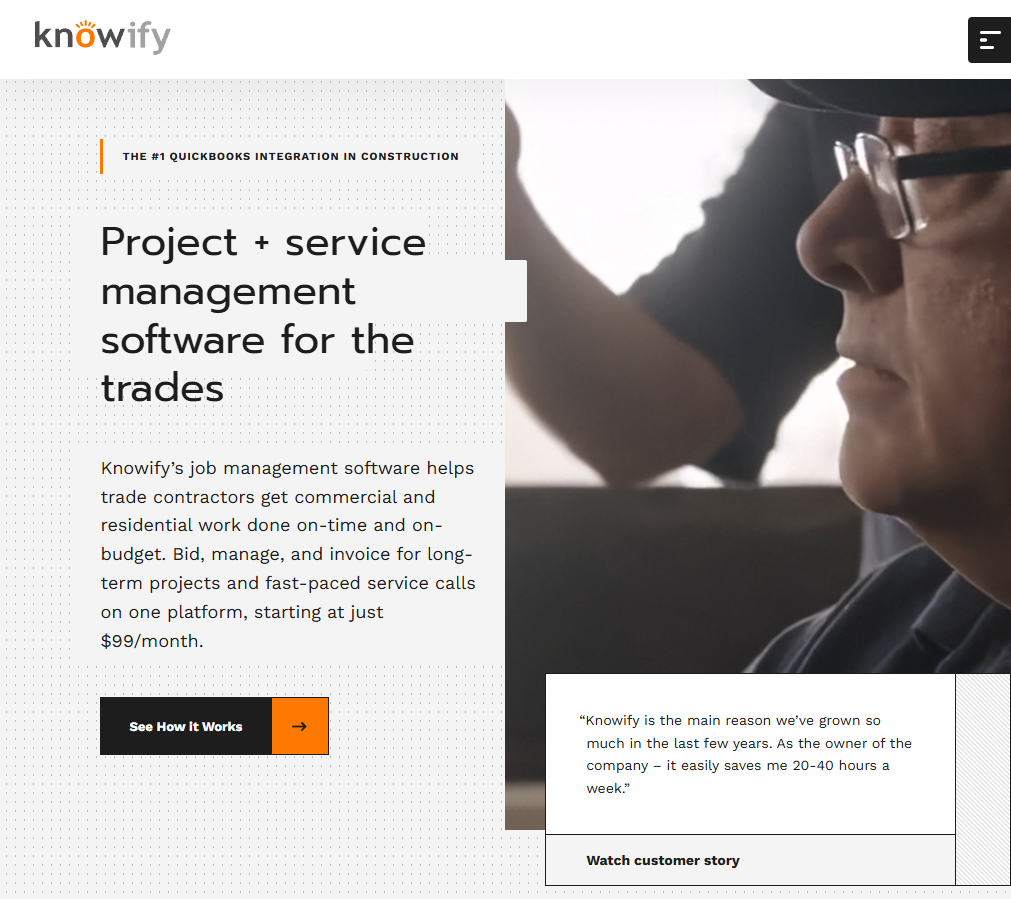
What it does: Knowify is a contractor management platform that combines bidding, job costing, scheduling, and a tight QuickBooks integration into one tool aimed at smaller specialty subs.
Best for: Small to mid‑size specialty contractors that rely heavily on QuickBooks and need stronger job costing and bidding.
Key features
- Bidding with phase-level cost tracking: Build bids by phase or cost code and watch actuals roll in as the job runs. Useful for general scoping, though it stops short of trade-specific calculations like asphalt thickness on a paving bid.
- AIA-style billing: Generate compliant pay apps without exporting to a separate tool.
- Real-time QuickBooks sync: Two-way data flow that doesn't require a finance person to babysit.
Knowify pros
- Fast to set up compared to enterprise platforms
- Tight integration with QuickBooks Online and Desktop
- Reasonable pricing for smaller teams
Knowify cons
- Mobile and field-side workflow could be deeper for foremen on heavy projects
- Not built for GC-side management of dozens of subs
What users say
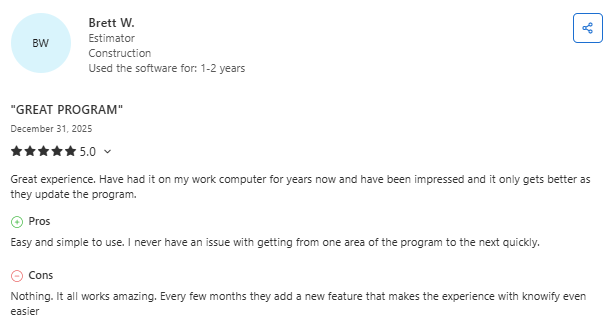
- Users value Knowify’s job costing and financial visibility: One reviewer said Knowify helped track job costs, budgets, invoices, and profitability in a way that gave clearer insight into project finances once the team became familiar with the system. (Josh W., Capterra; December 22, 2025)
- Some users want more flexibility in proposal customization: One reviewer praised Knowify’s invoicing and workflow tools but said proposal templates felt restrictive because editing or changing them required assistance from Knowify’s support team. (Marie S., Capterra; November 7, 2025)
Pricing
Knowify is the rare platform on this list that publishes pricing publicly. The official site lists trade contractor plans starting at $99/month.
Each tier, e.g., Core, Advanced, Enterprise, unlocks deeper job costing, project planning, and unlimited users. AIA Pay Applications (G702 & G703) are available on all tiers. See current tiers on Knowify’s pricing page.
Bottom line
I'd recommend Knowify to specialty subs already comfortable in QuickBooks who want bidding and job costing without the enterprise overhead. Bigger commercial subs running multiple complex jobs at once will probably outgrow it.
6. GCPay: Best for Subcontractor Payment and Compliance
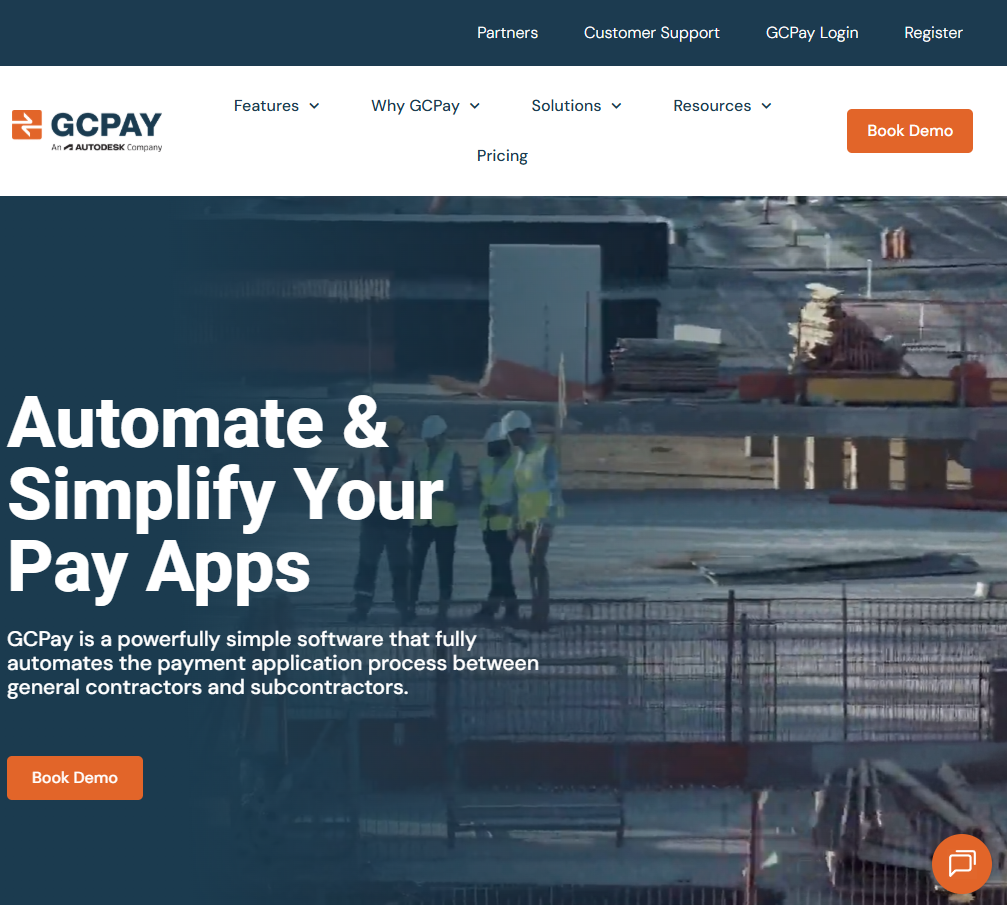
What it does: GCPay handles the messy parts of paying subs (pay apps, lien waivers, COIs, and compliance documents) in a workflow that keeps GCs and subs honest with each other.
Best for: GCs and large subs that move a lot of money and live or die by lien waivers and compliance documentation.
Key features
- Conditional and unconditional lien waiver workflow: Templates auto-populate, and sub waivers tie directly to payment release.
- Compliance tracking: COIs, W-9s, prequal forms, and trade-specific docs like asphalt safety sign-offs are tracked in one place, with expirations flagged automatically.
- Integrations with Sage, Viewpoint, and Procore: Plays well with the financial systems most large GCs already run.
GCPay pros
- Genuinely fixes the lien waiver/pay app pain that everyone complains about
- Subs get paid faster because compliance gates are clearer
- Strong audit trail for high-dollar commercial work
GCPay cons
- Narrow focus, so you'll still need a separate platform for project management
- Not really aimed at smaller subs running residential or light commercial
What users say
- Users appreciate GCPay’s compliance and billing controls: One reviewer said GCPay made it easier to manage compliance documents, approve payment applications, and control subcontractor billing workflows, while also praising the onboarding and support experience. (Amanda R., Capterra; March 5, 2026)
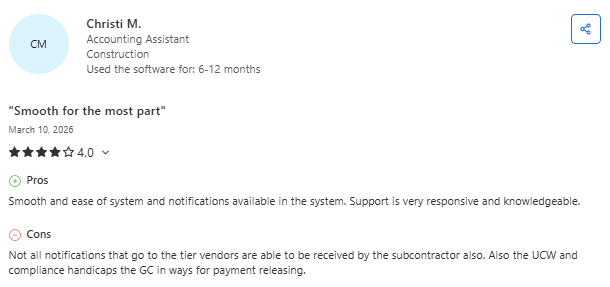
- Some subcontractors dislike the billing workflow and repetitive processes: One reviewer said GCPay simplified billing submissions and visibility into payment windows, but criticized confusing billing instructions, repetitive approval steps, and the way billing-related costs are pushed onto subcontractors. (Carolina T., Capterra; March 6, 2026)
Pricing
GCPay's official site states pricing is customized to your business needs and usage, based on the annual construction volume of subcontracted work and the number of projects and subs you manage. Book a demo through the GCPay pricing page to get a quote.
Bottom line
GCPay's a sharp tool for GCs and large subs drowning in pay app paperwork. Smaller subs working residential jobs probably don't need this kind of horsepower.
7. SubBase: Best for Material Procurement and Sub Coordination
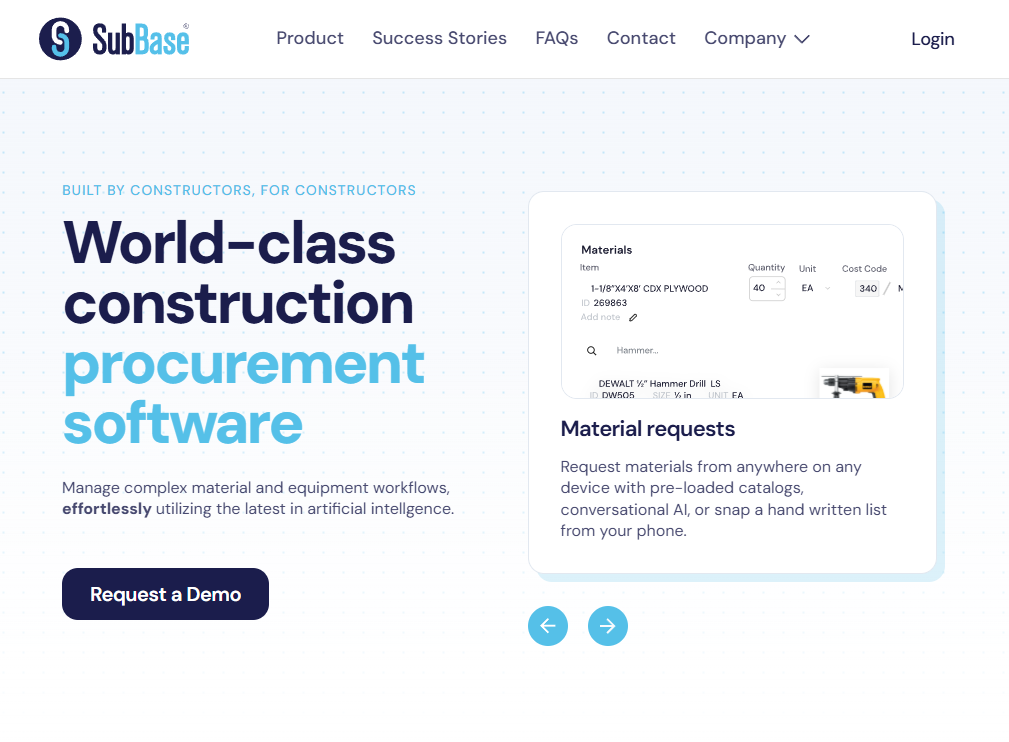
What it does: SubBase is a procurement-first construction platform that helps subs and GCs manage material orders, supplier communication, and project budgets in one place.
Best for: Trade subs and mid-size GCs where material costs are a huge chunk of the job and order chaos kills margin.
Key features
- Quote management: Send RFQs to multiple suppliers and compare side by side.
- Order tracking: Watch deliveries against the schedule so a late truck doesn't stop a crew.
- Budget reconciliation: Material costs flow into job budgets and tie out against POs.
SubBase pros
- Solves a real problem most platforms wave their hands at: material chaos
- Useful for both GCs and subs who manage their own material spend
- Decent reporting on supplier performance over time
SubBase cons
- Less useful for self-perform crews where material costs are smaller relative to labor
- Not a complete PM platform on its own
What users say
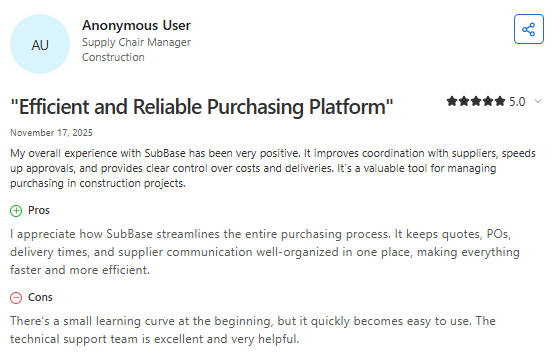
- Users like SubBase’s visibility into purchasing and materials: One reviewer said SubBase improved communication between office and field teams by making it easier to track material deliveries, purchase orders, and inventory status in one centralized system. (Kevin B., Capterra; October 22, 2025)
- Some users want stronger mobile and catalog functionality: One reviewer praised SubBase for simplifying procurement and order tracking, but said the mobile experience and electrical material catalog could be improved for field teams and material request workflows. (Omar U., Capterra; November 6, 2025)
Pricing
SubBase doesn't list pricing publicly. Pricing is customized to your team and order volume. Book a demo through the SubBase website to get a tailored quote.
Bottom line
SubBase is a smart pick if material chaos is your biggest margin leak. If you're labor-heavy and don't move much in materials, you'll get less out of it.
Which Construction Management Software for Subcontractors Should You Choose?
There's no single best tool. The right pick depends on which side of the GC/sub relationship you're on and what trade you run.
Choose Procore if you …
- Run a mid-size or large GC and need the industry-standard environment your subs already know
- Manage commercial, healthcare, or institutional jobs with deep documentation needs
Choose Buildertrend if you …
- Build custom homes or run residential remodels and need one tool for clients and subcontractors
- Want a tight QuickBooks Online sync without a custom integration
Choose OneCrew if you …
- Run a paving subcontractor business in asphalt, concrete, or both
- Want one platform covering estimating, scheduling, field, customer portal, and invoicing
Skip this category entirely if …
- You're a true one-person operation doing a few jobs a year. A basic CRM and QuickBooks will do
- Your work doesn't really involve subs or being subbed (most of these tools are overkill)
Final Verdict
If you're a paving subcontractor still stitching together spreadsheets, a generic CRM, an estimating app, and a separate invoicing tool, you're spending more time managing the patchwork than managing the work.
OneCrew was built specifically for project-based paving contractors, and it replaces those 4 to 7 disconnected tools with one platform that connects your entire operation. Here's what you can do inside OneCrew:
- Estimate from PDFs or satellite maps with built-in calculators and configurable cost automations: Set up your labor rates, material costs, equipment charges, and sub-line items once, and the system applies them consistently across every bid.
- Track leads and customer relationships from first call through repeat business: Every inquiry, conversation, quote, and project history lives in one system.
- Build and send proposals through a customer portal where clients can review, approve, and sign: Turn your estimates into polished, branded proposals that include scope, phasing, and pricing in one document.
- Schedule crews and assign roles to specific job phases with clear accountability: Assign foremen, operators, and laborers to mobilization, base prep, paving, and striping phases so everyone knows who's doing what, where, and when.
- Keep field crews connected to job details, schedules, and real-time updates from the office: Field management tools put site information, material specs, and daily assignments on your crews' phones.
- Invoice and collect payment without double-entry or chasing paperwork: Generate invoices from completed work orders with line items pulled directly from your original estimate.
Book a free demo and see how OneCrew compares to other construction management software for subcontractors built for general use.
FAQs
1. What is the best construction management software for subcontractors?
The best construction management software for subcontractors depends on your trade and project type. Procore is the top pick for general contractors managing many subs, eSUB is built specifically for the subcontractor side of commercial work, and OneCrew is the strongest option for paving subs running asphalt and concrete jobs.
2. Do subcontractors need different platforms than general contractors?
Yes, subcontractors usually need different platforms than general contractors because the workflows are different. GC platforms focus on coordinating many trades, while sub-focused tools like eSUB, Knowify, and OneCrew prioritize estimating, labor productivity, and the kind of field execution work subs actually do every day.
3. How much does construction management software for subcontractors cost?
Construction management software for subcontractors ranges widely depending on the platform. Knowify publishes plans starting at $99/month, while Procore, Buildertrend, eSUB, GCPay, and SubBase all use custom quotes tied to factors like annual construction volume, team size, or order volume. Vertical platforms like OneCrew use seat-based pricing shared during a demo.
4. Can construction management software handle compliance and lien waivers?
Yes, most construction management software for subcontractors handles compliance and lien waivers, but the depth varies a lot. Tools like GCPay specialize in lien waiver and compliance workflow, while general platforms like Procore include it as one feature among many. For high-volume commercial work, a dedicated compliance tool is usually worth the cost.
5. Is Procore good for subcontractors or only for general contractors?
Procore works for subcontractors, but it's primarily built for general contractors and large project teams. Subs invited into a GC's Procore environment can use it for free, but a subcontractor running their own business usually pairs it with something built for the sub side, like eSUB, Knowify, or OneCrew if you're in paving.

.png)