
6 Best Asphalt Bidding Software for Paving Contractors in 2026 (Ranked)

The best asphalt bidding software in 2026 helps you build accurate bids fast, keep crews scheduled (without bouncing between tools like asphalt paving scheduling software), and get invoices out without spending hours in Excel.
Every platform here was run through the same test: a sample parking lot bid from takeoff to proposal, then a check on how easily that bid moved into scheduling and billing.
6 Best Asphalt Bidding Software: At a Glance
1. OneCrew: Best Asphalt Bidding Software Overall
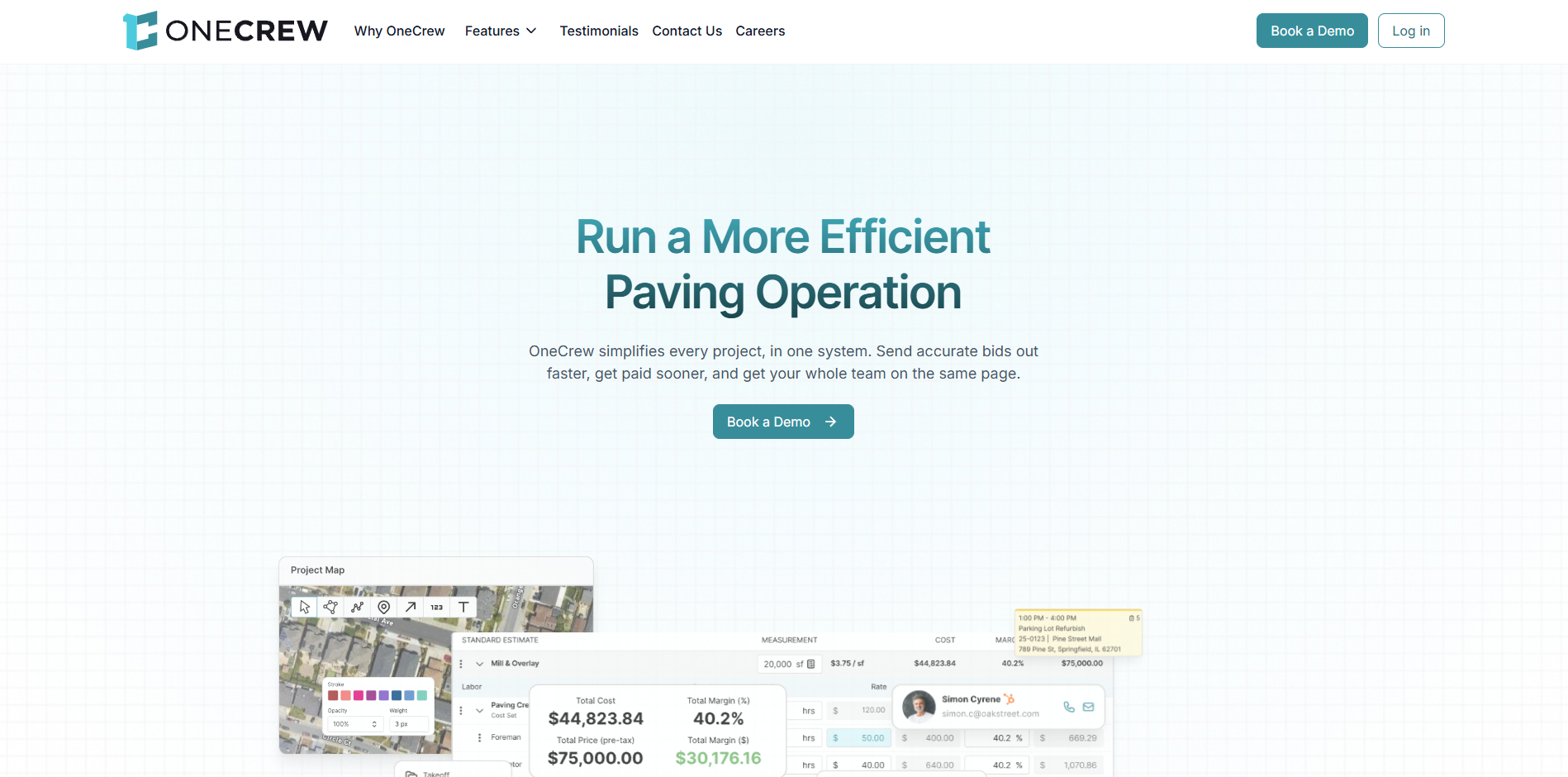
OneCrew is a paving-focused platform that takes you from lead to proposal to scheduled job, then to invoice, all in one place.
Who it’s for: Asphalt and concrete contractors who run project-based jobs and want one platform instead of a mix of spreadsheets, whiteboards, and disconnected apps.
Most “construction” tools treat paving like any other trade. That usually means extra steps, extra exports, and a lot of manual cleanup before a bid looks right.
OneCrew matches how paving work actually moves through a team. You can start with takeoff, build an estimate with labor, materials, equipment, and subs, then turn that into a scheduled job.
The same record keeps your office and field teams on the same page, so details do not get lost in handoffs.
Key features
- Takeoff options that fit the job: Use PDF takeoff for plan sets, or map-based measurements for quick site work. Pull quantities into the estimate without re-measuring everything.
- Estimate templates for paving work: Build assemblies and formulas for common items like milling, base, asphalt tonnage, tack, trucking, and striping. Save them so new estimators price jobs the same way your best estimator does.
- Job phases and crew assignments: Assign crews, roles, and equipment to phases like prep, paving, and punch list. Track status from pre-construction through billing.
- Customer portal for approvals and payments: Send proposals, collect signatures, and keep messages and documents tied to the job so you do not lose the thread in email.
- QuickBooks Online sync: Push invoice and payment details to QuickBooks Online so your books stay clean without double entry.
OneCrew pros
- Built for paving workflows: The platform is designed around asphalt and concrete project work, not quick service calls.
- One record from lead to invoice: Estimates, schedules, field updates, and billing stay connected.
- Independent company: OneCrew is not owned by a paving roll-up, so your data stays with you and away from competitors.
- Hands-on onboarding: The team trains your office and helps you set up templates so you can start quoting faster.
OneCrew cons
- Pricing requires a demo: You will need a call to see the exact pricing for your team.
- More platform than you need for takeoff only: If you only want measurements and exports, PlanSwift or STACK may be a simpler fit.
Pricing
OneCrew pricing is seat-based and depends on the modules you need. You’ll get the full breakdown during the demo.
Bottom line
If you bid and run real paving projects, OneCrew is the best all-in-one asphalt bidding platform in this list. It keeps takeoff, estimating, scheduling, and invoicing tied together, so you spend less time chasing files and more time pushing work out the door.
2. Bitumio: Best for Small, Residential Asphalt Maintenance Calculations
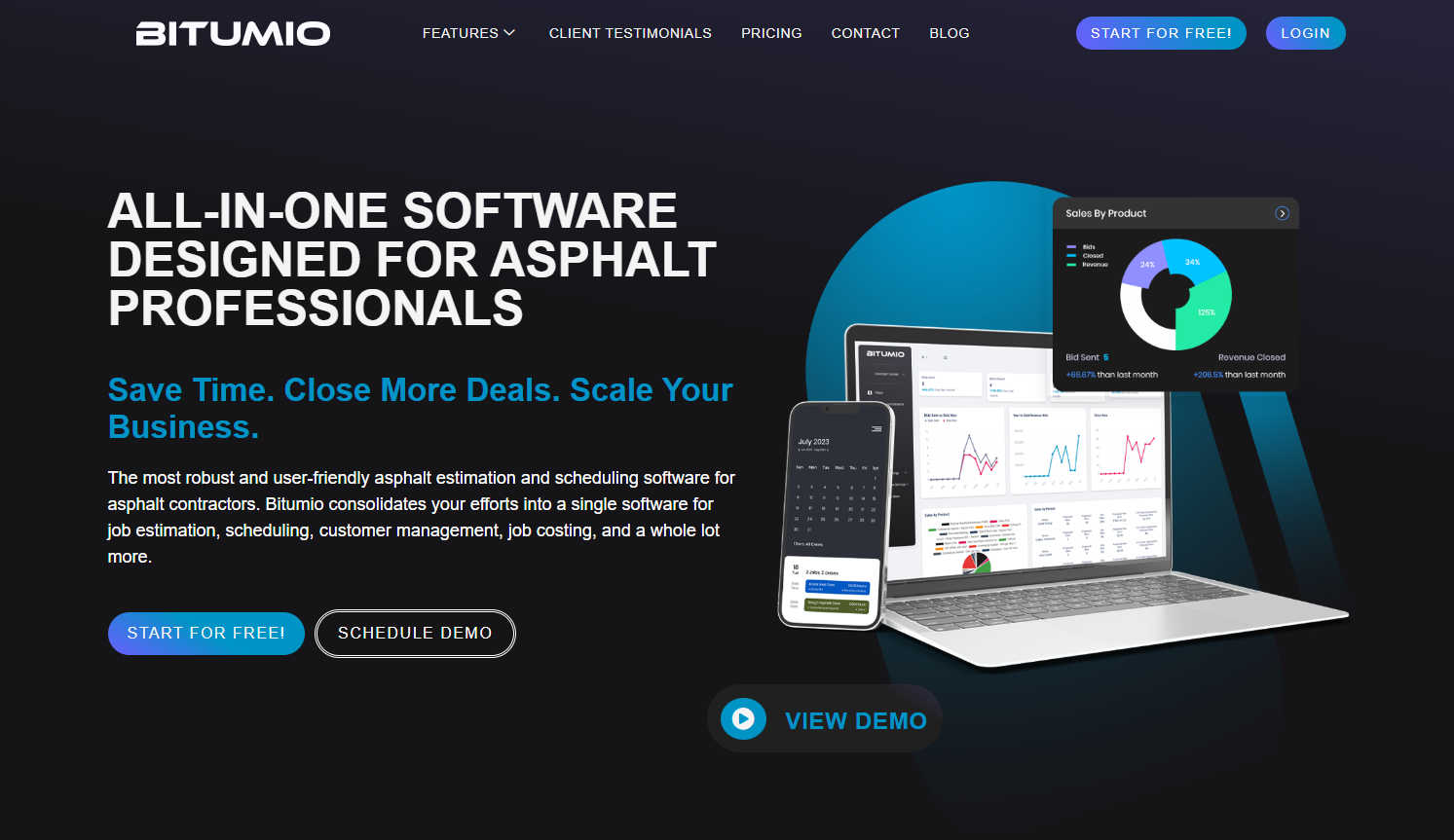
Bitumio automates the complex material and labor calculations for sealcoating, crack filling, and patching work that general platforms struggle to handle accurately.
Who it's for: Small, residential asphalt maintenance contractors who price sealcoating, striping, and repair jobs more often than full-scale new construction.
Bitumio stands out because it handles the “messy” parts of maintenance estimating that usually end up as custom spreadsheet formulas.
You plug in the measurements, then the platform translates them into material needs and labor assumptions based on how the work gets applied (spray vs. squeegee) and how your crews produce.
It also accounts for operational realities like travel, trucking, and production rates. That level of maintenance focus makes Bitumio a strong fit for sealcoat-heavy businesses, but it won’t feel as complete if most of your work involves larger paving scopes or concrete.
Key features
- Maintenance quantity calculators: Enter crack measurements or surface area, and the platform generates material quantities based on application method and product type.
- Travel and trucking logic: Build in travel time, logistics costs, and transfer truck needs based on job location and scope.
- Mobile crew access: Send job scope, schedules, material needs, equipment requirements, and directions to crews through the mobile app.
- Map-based measurements: Measure sites in-platform and attach images to proposals and work orders.
Bitumio pros
- Strong fit for small residential maintenance bids: Bitumio handles sealcoat and crack repair calculations better than general construction tools.
- Better-looking proposals: The proposal output helps you look more professional than an Excel printout.
- Free trial available: You can test it before you pay.
Bitumio cons
- Less useful for bigger paving projects: The maintenance specialization means fewer tools for complex, multi-phase construction work.
- Not designed for concrete: Mixed asphalt + concrete contractors may need a second platform.
Pricing
Bitumio offers a free trial, with paid plans starting at $149 per user per month.
Bottom line
Bitumio is the best pick for small contractors who bid a lot of sealcoating, crack sealing, striping, and repair work. If maintenance makes up most of your revenue, it removes a lot of manual math from your bidding process.
If you mainly run full paving projects, you’ll get more value from a platform built around those workflows.
3. STACK: Best for Cloud-Based Paving Takeoffs
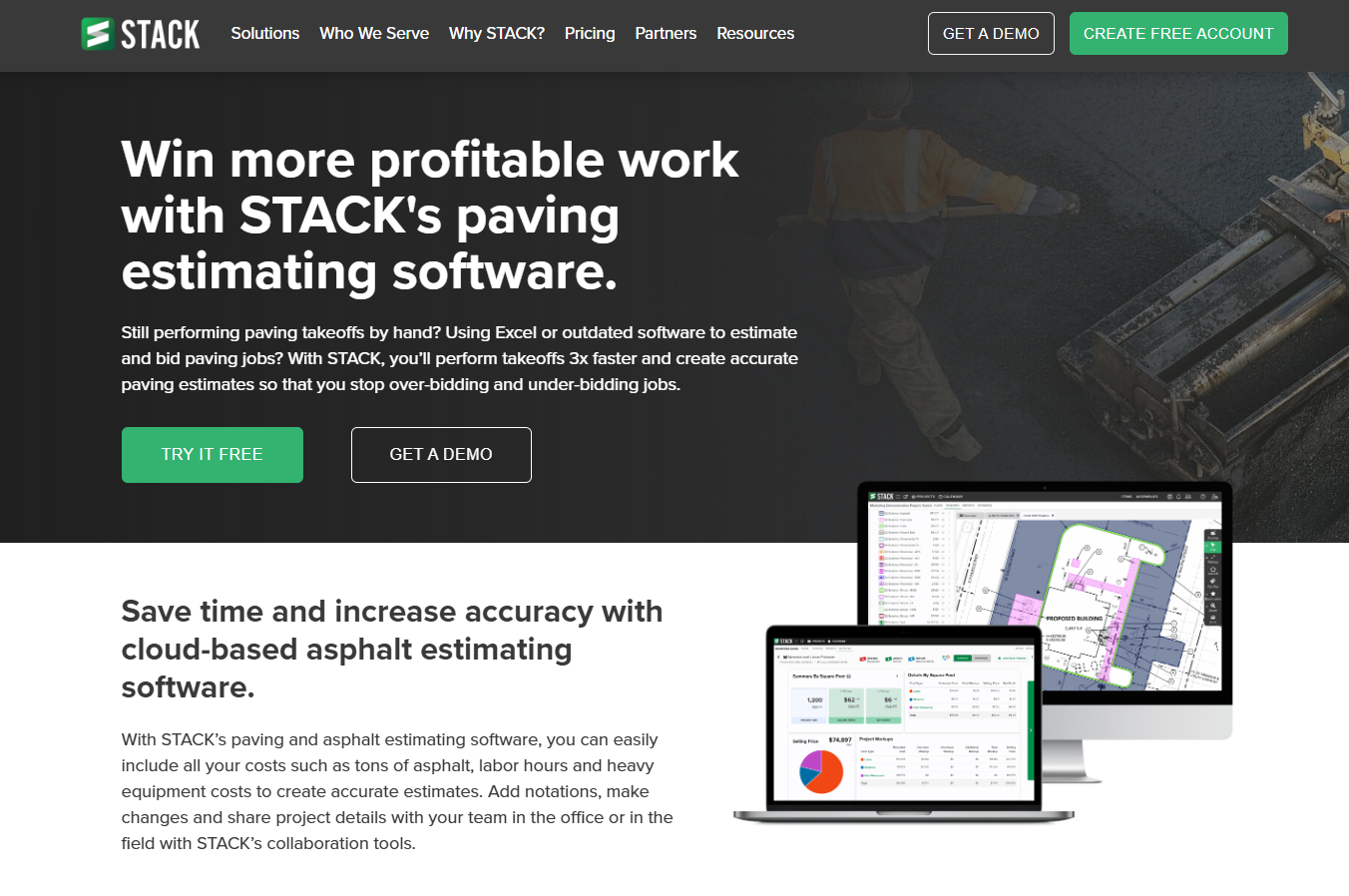
STACK provides a cloud-based takeoff and estimating platform. It works well when multiple people need to measure plans, review quantities, and build an estimate without emailing files around.
Who it’s for: Paving teams that want cloud takeoff, shared plan rooms, and collaboration features for busy bid days.
The big benefit with STACK is access. Your estimator can start a takeoff in the office, someone else can verify quantities, and a PM can review the scope, all in the same project. That beats the “who has the latest PDF” game.
STACK also supports the measurement types you need for paving, including area and linear takeoffs for surfaces, curbs, and striping layouts. You can build assemblies, apply pricing, and keep things consistent across the team.
Key features
- Digital plan markup: Upload blueprints and measure quantities directly on screen with point-and-click tools for area, linear, and count takeoffs.
- Pre-built and custom assemblies: Use existing templates or build your own assemblies for common paving specs. Apply them to takeoffs for instant cost calculations.
- Real-time collaboration: Multiple team members can access and work on the same project simultaneously from any device with internet access.
- Integration options: Connect STACK with paving project management and CRM tools to maintain data consistency from estimate through project execution.
STACK pros
- True cloud access: Work from the office, home, or job site on any device without installing desktop applications.
- Team collaboration: Distributed teams can work together on complex bids without version control headaches.
STACK cons
- Requires internet connection: The cloud-based approach means you need reliable internet access to use the platform.
- General construction focus: STACK serves many trades, so paving-specific features aren't as deep as purpose-built tools.
Pricing
STACK's Takeoff & Estimate Premium plan runs $249 per user per month, billed annually ($2,988 per user per year), with Pro at $299/user/month (billed annually).
Bottom line
STACK delivers a solid asphalt bidding software option for contractors who prioritize cloud access and team collaboration. The platform handles paving takeoffs well, though contractors wanting paving-specific automations may prefer specialized tools like OneCrew or Bitumio.
4. PlanSwift: Best for Fast Digital Measurements
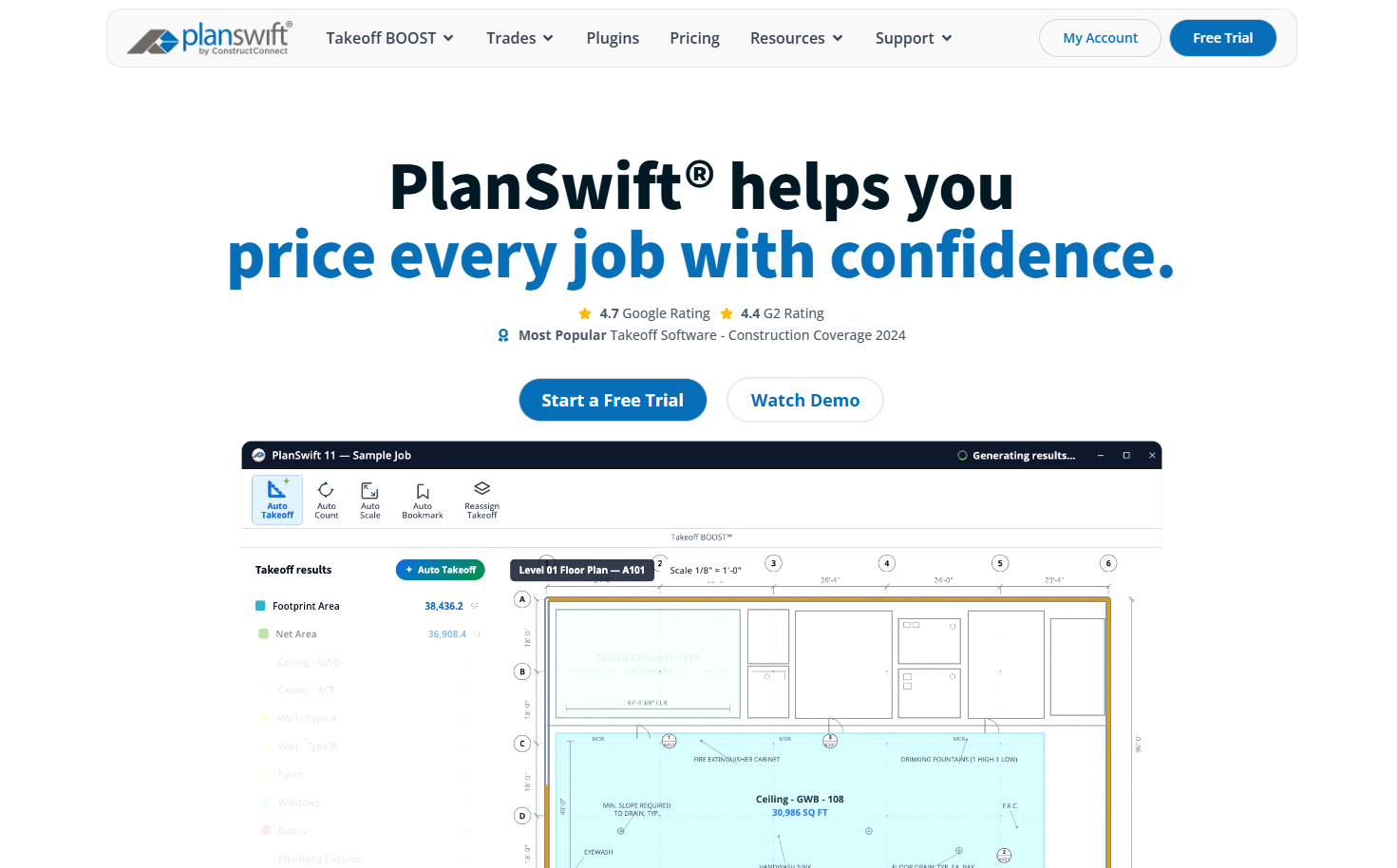
PlanSwift is a Windows-based takeoff tool that shines when you want fast measurements, customizable assemblies, and clean exports into Excel or another estimating process.
Who it’s for: Estimators who want a dedicated takeoff tool, prefer desktop speed, and plan to keep scheduling and invoicing in other systems.
PlanSwift is built around point-and-click takeoff. Once you calibrate the scale, you can measure paving areas, linear footage, and counts quickly. Then you apply assemblies to roll those quantities into costs.
If you also bid sitework, PlanSwift offers add-ons like Earthwork Pro for spot elevations, trenching, and cut and fill.
Key features
- Point-and-click takeoff: Measure area, length, and count items with simple clicks and consistent scale settings.
- Assemblies and formulas: Build item templates that include material, labor, waste, and markup, then apply them to quantities for quick rollups.
- Excel export and reports: Send quantities and costs into your spreadsheets or use built-in reports when you need a fast summary.
- Broad plan format support: Upload common formats like PDF and DWG, plus image files such as JPG and TIFF.
PlanSwift pros
- Quick to learn: Most estimators can start producing takeoffs after a short setup.
- Flexible for different scopes: You can configure templates for asphalt, concrete, and related trades.
- Strong export workflow: If Excel is still your “source of truth,” PlanSwift supports that reality.
PlanSwift cons
- Windows desktop only: Mac and mobile access are limited compared to cloud tools.
- Takeoff first, workflow second: You will still need separate tools for scheduling, customer approvals, and invoicing.
Pricing
PlanSwift plans start at $2,000 per year for 1 seat.
Bottom line
PlanSwift is a solid choice when takeoff speed and exports matter most. If you want one platform that connects takeoff to scheduling and billing, look at OneCrew instead.
5. SaaSphalt: Best for QuickBooks-Focused Contractors
SaaSphalt provides estimating, scheduling, invoicing, and job costing with deep QuickBooks integration for paving, sealcoating, and striping contractors.
Who it's for: Smaller paving operations that rely heavily on QuickBooks for accounting and want tight two-way synchronization.
SaaSphalt shines when QuickBooks drives your financial operations. The platform syncs customers, vendors, employees, invoices, sales orders, time tracking, and purchase orders back and forth between systems.
If your bookkeeper lives in QuickBooks, this integration eliminates double-entry across the board. That matters even more once paving season starts and your quote-to-invoice volume spikes.
The customization options stand out. Unlike locked-down platforms, SaaSphalt lets users create their own tables, fields, screens, and buttons using drag-and-drop tools. This flexibility helps contractors adapt the asphalt bidding software to their specific processes rather than forcing workflow changes.
Key features
- QuickBooks synchronization: Two-way sync includes customers, vendors, employees, invoices, time tracking, purchase orders, and more.
- Mobile estimating: Create and send proposals from mobile devices or laptops while on site. Convert approved proposals to work orders with one click.
- Time tracking for payroll: Post actual employee start and stop times directly to QuickBooks for payroll processing.
- User customization: Build custom tables, fields, and screens to match your unique business processes.
SaaSphalt pros
- Best-in-class QuickBooks integration: Few paving platforms sync this comprehensively with QuickBooks.
- Flexible customization: Adapt the platform to your workflows instead of changing how you operate.
- No contracts required: Start with a free trial.
SaaSphalt cons
- QuickBooks dependent: The platform's strengths assume heavy QuickBooks usage. Contractors on other accounting systems get less value.
- Smaller company: The team behind SaaSphalt is leaner than larger competitors, which may affect support response times.
Pricing
SaaSphalt offers a free trial and charges $70 per user per month.
Bottom line
SaaSphalt fits paving contractors whose operations center on QuickBooks. The integration depth saves real time for businesses already committed to that ecosystem. Contractors wanting broader project management should evaluate other asphalt bidding software options.
6. HCSS HeavyBid: Best for DOT and Heavy Civil Projects
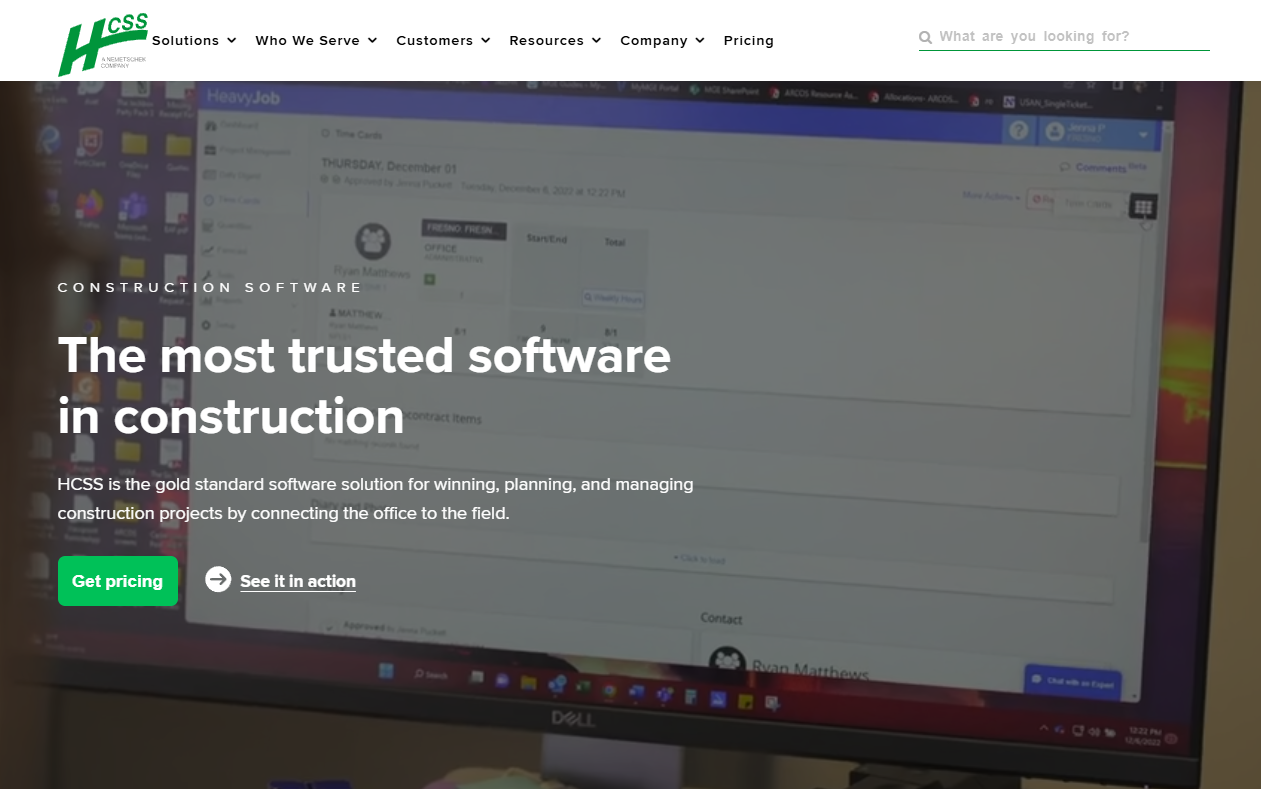
HeavyBid provides enterprise estimating tools designed for heavy civil construction, infrastructure projects, and DOT bidding with historical cost tracking.
Who it's for: Large contractors bidding on highway projects, public works, and multimillion-dollar infrastructure jobs where unit-price work and historical data drive accuracy.
HCSS HeavyBid handles complexity that would overwhelm most asphalt bidding software. The platform manages unit-price bidding, crew-based estimating, earthwork calculations, and subcontractor comparison across massive project scopes.
The Quick Pricing module generates rough go/no-go estimates in minutes using past project data, helping teams decide which bids deserve full attention.
HeavyBid's real strength is historical cost analysis. The platform tracks actual versus estimated costs over time, improving accuracy on similar future projects. This data-driven approach matters enormously when bidding competitive DOT work where margins are thin, and errors are costly.
Key features
- Historical cost tracking: Build estimates using actual cost data from completed projects. Compare planned versus actual performance to refine future bids.
- Multi-estimator collaboration: Teams work together on complex bids with tools designed for large estimating departments.
- Subcontractor quote comparison: Analyze vendor pricing against self-perform options to optimize bid strategy.
- Integration with scheduling platforms: Connect estimates to Primavera P6 and MS Project for project execution planning.
HCSS pros
- Deep historical insights: Years of project data improve estimate accuracy for heavy civil work.
- Handles complex calculations: Earthwork, utilities, and infrastructure estimates that simpler tools can't manage.
- Industry proven: HCSS reports that 43 of the ENR top 50 heavy civil contractors use its software.
HCSS cons
- Steep learning curve: The platform requires dedicated training time that smaller contractors may struggle to invest.
- Overkill for basic paving: Commercial parking lots and residential driveways don't need this level of complexity.
- Enterprise pricing: Costs reflect the platform's enterprise positioning, putting it out of reach for smaller operations.
Pricing
HCSS provides custom pricing based on company needs and modules selected. Contact the sales team for detailed quotes.
Bottom line
HCSS HeavyBid fits large contractors bidding DOT work, highway projects, and heavy infrastructure. The powerful features justify the cost for operations at that scale, but commercial and residential paving contractors will find it unnecessarily complex.
Stick with asphalt-focused platforms like OneCrew or Bitumio for typical paving work.
How These Asphalt Bidding Platforms Were Evaluated
Here’s what we looked for:
- Paving fit: Does the platform handle the way asphalt work is priced, including tonnage, trucking, equipment, and production-rate assumptions, or does it force you into generic construction categories?
- Speed from takeoff to bid: How fast can an estimator go from measurements to a complete proposal that is ready to send?
- Handoff to operations: Can you turn a won bid into a scheduled job with crews and phases, or does the estimate die in a PDF and require re-entry?
- Accounting and data flow: Does it connect cleanly with QuickBooks and other tools, or does it create duplicate entry?
- Safety and compliance: Does the platform help you price and track traffic control and asphalt safety items without building a custom workaround?
- Support and learning curve: Can a team pick it up quickly, and do you get answers when you are mid-season and stuck?
Our process: We built a sample commercial parking lot estimate in each platform, starting with takeoff, then pricing labor, materials, equipment, and subs.
We also ran a smaller maintenance-style scope (sealcoat and striping) to see how each tool handled quick-turn work, then compared notes from real contractor reviews to confirm where that experience lined up with theirs.
Extra factors to consider:
- Mobile access: Field crews need schedule and job information on their phones. Desktop-only platforms create friction.
- Pricing transparency: Platforms that hide pricing until demos add sales friction that busy contractors resent.
- Industry focus: Tools built for paving contractors outperform generic construction platforms for asphalt-specific workflows.
Which Asphalt Bidding Software Should You Choose?
The right choice depends on your project types, team size, and current tool stack. Here's how to narrow your decision:
Choose OneCrew if you …
- Run an asphalt or concrete contracting business of any size
- Handle project-based work from estimate through final invoice
- Want to replace multiple disconnected tools with one unified platform
- Need configurable estimating with labor, material, and equipment calculations
- Value a platform built specifically for paving workflows
Choose PlanSwift if you …
- Only need fast, accurate takeoffs from digital blueprints
- Have a smaller team
- Want a predictable annual subscription rather than per-seat cloud pricing
- Already have separate tools for scheduling and invoicing
- Prefer Excel export for your existing estimating workflows
Choose STACK if you …
- Need several people measuring and reviewing the same plan set
- Want takeoffs reachable from the office, home, or a job site
- Can rely on a steady internet connection on bid day
Choose SaaSphalt if you …
- Run your financials out of QuickBooks and want two-way sync
- Want to customize fields and screens to match your process
- Are a smaller operation that does not need heavy project management
Choose HCSS HeavyBid if you …
- Bid DOT, highway, and public works on unit prices
- Rely on historical cost data to price competitively
- Have the estimating staff and training time the platform demands
Note: If you bid asphalt scopes for public work, you still need to account for compliance line items tied to OSHA requirements for asphalt.
Final Verdict
Run the same asphalt bid through each platform, and OneCrew comes out as the best option for most paving contractors. It keeps your takeoff, estimate, schedule, and invoice connected, which cuts the back-and-forth that usually slows down a busy season.
PlanSwift is the right call when you only need a takeoff engine, and you plan to finish pricing in Excel.
Run Jobs, Crews, and Quotes in One Place
If your bids live in one tool, your schedule lives in another, and your invoices live somewhere else, you will keep doing duplicate work. OneCrew fixes that by keeping the job record intact from the first call to the final payment.
Here’s what that looks like in practice:
- Send cleaner bids faster: Build estimates from takeoff quantities, then turn them into polished proposals without rebuilding the scope from scratch.
- Move from sold work to scheduled work: Assign crews and phases when you win the job, so production can start with clear details.
- Keep the field aligned: Crews see job info and updates in the same place your office manages schedules.
- Invoice without re-entry: Create invoices from completed jobs and sync them to QuickBooks Online, then collect payment through the customer portal.
Book a free demo and see how OneCrew fits your estimating and production workflow.
FAQs
1. What is the best asphalt bidding software for paving contractors?
If you want one platform from takeoff through invoicing, OneCrew is the strongest option in this list. It ties together takeoff, estimating, crew scheduling, customer approvals, and billing, which is where most contractors lose time.
2. Do I need paving-specific tools, or will general construction platforms work?
General tools can work for basic bids, but they often miss paving details. Paving-focused platforms handle things like tonnage assumptions, trucking, and production-rate templates more naturally, and that usually means fewer manual workarounds.
3. What features matter most in asphalt bidding software?
Start with takeoff (PDF and map options), repeatable estimate templates, and a proposal workflow that supports approvals. If you run project work, add scheduling with phases and crew assignments. QuickBooks Online integration also matters if you want to avoid double-entry.
4. How much does asphalt bidding software cost?
Pricing depends on the platform and how many users you need. PlanSwift lists a $2,000 annual subscription. OneCrew uses seat-based pricing, and enterprise platforms like HeavyBid price by quote.
5. Can these platforms integrate with QuickBooks?
Many can. OneCrew includes a QuickBooks Online integration for invoicing and payments. Always confirm the exact sync direction and what data moves (customers, invoices, payments) before you commit.

