
7 Best Housecall Pro Alternatives I Tested in 2026

The best Housecall Pro alternative depends on what you run: Jobber for solo residential service teams, ServiceTitan for large HVAC and plumbing shops, and OneCrew for paving and concrete contractors who've outgrown home-services tools.
Here's what each does well, where each falls short, and who each one fits.
7 Best Housecall Pro Alternatives: At a Glance
** Pricing verified from each vendor's official site at time of writing. Always confirm current rates before subscribing.
Why Look for a Housecall Pro Alternative?
Housecall Pro works well for simple home-service calls, but it gets limited once you need detailed estimating, multi-phase jobs, or more users. Here’s why users look for Housecall Pro alternatives:
- Costs climb past the entry plan: According to Housecall Pro’s official pricing page, the Basic plan starts at $59/month with annual billing, covers one user, and leaves out QuickBooks sync and GPS tracking.
Teams that need those features usually land on Essentials at $149/month or MAX at $299/month, before add-ons like the Sales Proposal Tool, Vehicle GPS, and HCP Assist.
- It fits service calls better than projects: Housecall Pro is made for a tech who arrives, finishes the job, collects payment, and leaves.
That works for quick HVAC or plumbing visits. It does not fit paving work where your bidding process, asphalt yield, crew schedule, and job phases all need to line up.
- Larger teams pay more: The MAX plan covers up to 8 users and charges $35/month for each added seat. Once you pass that cap, the monthly bill rises with headcount.
Reporting and accounting stay limited: Housecall Pro can report basic revenue and job counts, but margin by crew, region, phase, or service type usually means exporting CSVs.
The QuickBooks sync is available on Essentials and MAX, but invoice or payment issues can still create cleanup work.
Note: If you’re managing proper safety protocols, training roller operators, and calculating asphalt thickness on every bid, extra accounting cleanup is the wrong kind of admin.
Which Housecall Pro Alternative Should You Choose? TL;DR
Here's the short version before we get into each tool:
- Choose Jobber if you're a solo operator or small residential service crew (1–10 people) running same-day visits. Not a fit if you do multi-phase project work.
- Choose ServiceTitan if you run a large HVAC, plumbing, or electrical operation (20+ techs) with the budget for enterprise software. Skip it if you're a small shop or do project-based work.
- Choose FieldPulse if you have a 5–20 tech shop and want guided workflows to keep crews consistent. Not ideal once you scale past 25 technicians.
- Choose OneCrew if you're a paving or concrete contractor doing project-based work and tired of trying to make home-services tools fit. Skip if you only need basic dispatch for quick service calls.
- Choose Workiz if call volume drives your business and you want a phone system baked in. Watch out for add-on costs that stack up quickly.
- Choose Service Fusion if you have a mid-size team (10–25 people) and want flat-rate pricing without per-user fees.
- Choose Bitumio if you do asphalt maintenance estimating only and don't need the rest of the platform.
- Stick with Housecall Pro if you're a solo or 2- to 5-person home service business doing simple scheduling and invoicing, and the add-on costs don't bother you.
1. Jobber
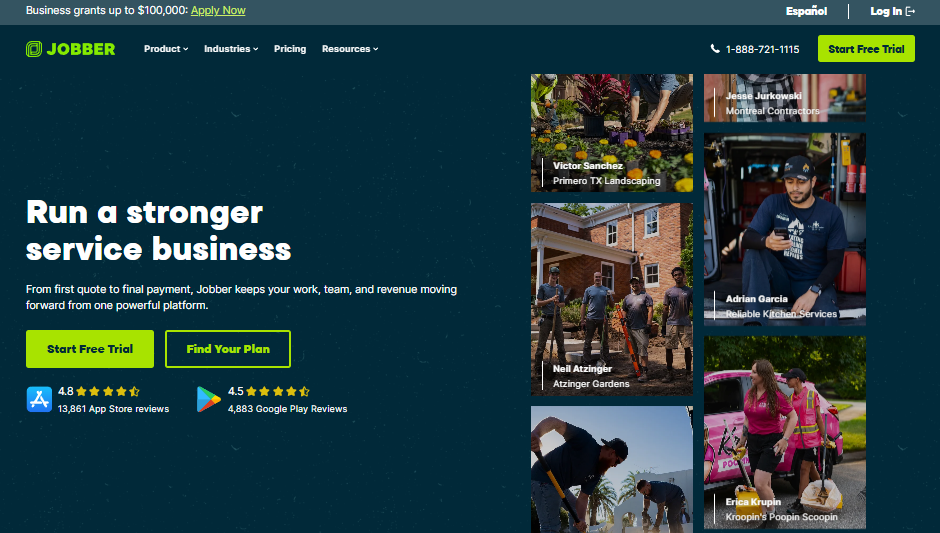
Jobber is the obvious Housecall Pro alternative for solo operators and small residential service businesses.
It serves home service professionals across the US, Canada, and the UK with scheduling, quoting, invoicing, and a client hub that handles approvals and payments. The setup curve is short, with most teams getting fully onboarded within a week.
Key features
- Client hub: Customers approve quotes, view appointments, and pay invoices from a single self-serve portal.
- Quoting and invoicing: Build professional quotes in the field, convert to invoices, and get paid online.
- Scheduling and dispatch: Color-coded calendar with drag-and-drop assignment and route optimization on higher tiers.
- QuickBooks Online sync: Available on Connect and above for two-way sync with QuickBooks Online.
Pros
- Strong client hub that reduces back-and-forth on approvals and payments
- 14-day free trial of the Grow plan with no credit card required
- Larger app marketplace than most competitors
Cons
- Per-user pricing adds up fast past 10 users
- Advanced features like two-way SMS and automated quote follow-ups locked behind higher tiers
- Not built for project-based work (no PDF takeoff, no multi-phase job tracking)
Best for
- Solo operators and small teams (1–10 people) doing quick service calls
- Residential service businesses (HVAC, plumbing, landscaping, cleaning, pest control)
- Contractors who value simplicity over advanced customization
Pricing
According to Jobber's official pricing page, annual prepaid plans run Core at $29/month, Connect (team) at $149/month for 5 users, Grow (team) at $299/month for 10 users, and Plus (team) at $529/month for 15 users.
2. ServiceTitan
ServiceTitan is the enterprise option for large, service-oriented contractors who can absorb the price tag.
It runs HVAC, plumbing, electrical, and similar high-volume service businesses with deep dispatching, marketing attribution, and pricebook management that most platforms can't touch.
Key features
- Dispatch board: Industry-leading drag-and-drop dispatching with technician location, skill matching, and job priority.
- Marketing Pro: Ties advertising spend directly to booked revenue, which most platforms can't do at this depth.
- Pricebook Pro: Guided selling with photo-based service options and integrated financing for high-ticket jobs.
- Customer call recording: Every inbound call recorded, transcribed, and tied to the customer record.
Pros
- Deepest feature set in field service management for service-oriented trades
- Strong analytics, reporting, and marketing attribution
- Built for scaling past 50+ technicians without breaking
Cons
- No free trial, no published pricing, 12-month minimum contract
- Overkill for small teams or anyone doing project-based work like paving
Best for
- Large technician-based businesses (20+ techs) in HVAC, plumbing, electrical
- Operations with $1M+ revenue and dedicated office staff
- Companies ready to invest in marketing attribution and guided selling
Pricing
ServiceTitan doesn't publish pricing on its official site. The official pricing page directs prospects to book a demo for a custom quote based on team size, plan tier, and add-ons.
3. FieldPulse
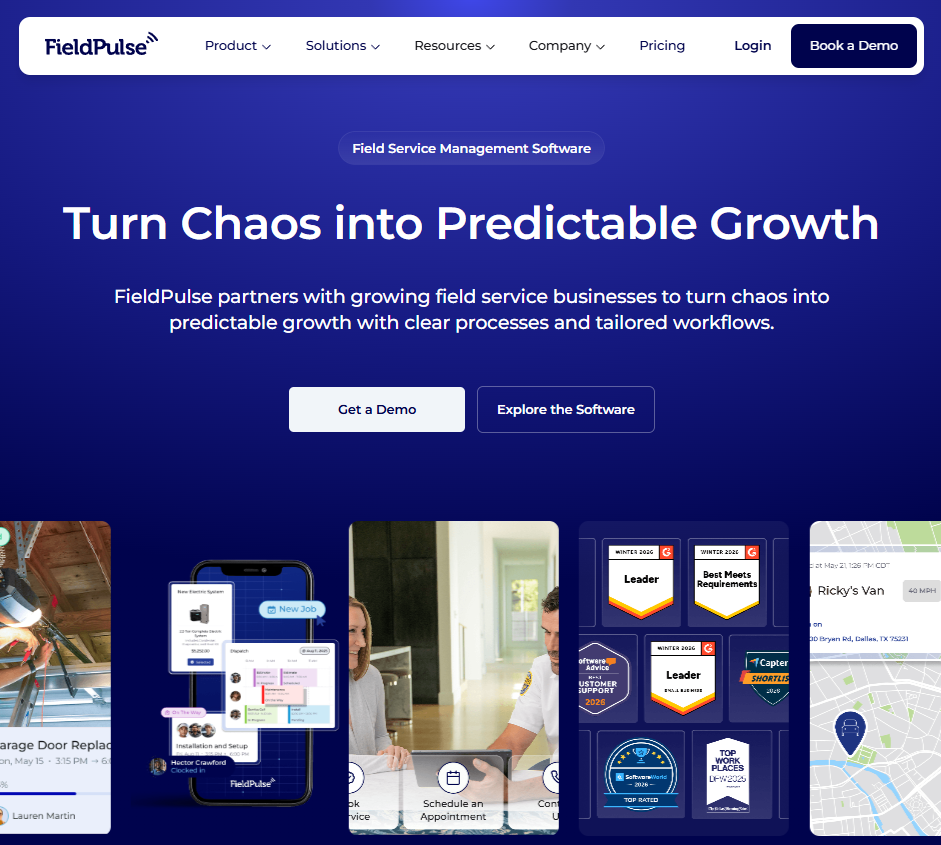
FieldPulse sits in the middle tier between Jobber's simplicity and ServiceTitan's complexity. It targets 5–20 tech shops that want structured workflows and process consistency without enterprise pricing.
The standout feature is ClearPath, which walks technicians through defined job stages, so office staff can enforce checklists without micromanaging. That's genuinely useful for service managers running multiple trucks who are tired of callbacks from missed steps.
Key features
- ClearPath workflows: Stage-based job guidance that keeps techs on process without office supervision.
- Operator AI: 24/7 AI voice receptionist that qualifies leads and books jobs (paid add-on).
- Prebuilt dashboards: 60+ reports on revenue, job performance, and technician productivity out of the box.
Pros
- ClearPath is a real differentiator for shops trying to build repeatable processes
- U.S.-based support team with hands-on onboarding
- QuickBooks sync included on all tiers
Cons
- No published pricing (quote-based and varies by team size)
- Limited automation and reporting depth once you scale past 25 techs
- AI features (Operator AI, Chat AI, fleet tracking) are paid add-ons, not included
- Multi-location management is enterprise-tier only
Best for
- Mid-size HVAC, plumbing, or electrical shops with 5–20 technicians
- Service managers who want consistent checklists across crews
- Teams upgrading from Jobber or Housecall Pro but not ready for ServiceTitan
Pricing
FieldPulse uses custom quote-based pricing. You’ll need to book a demo or start a free trial to get a quote tailored to your team size and feature needs.
4. OneCrew
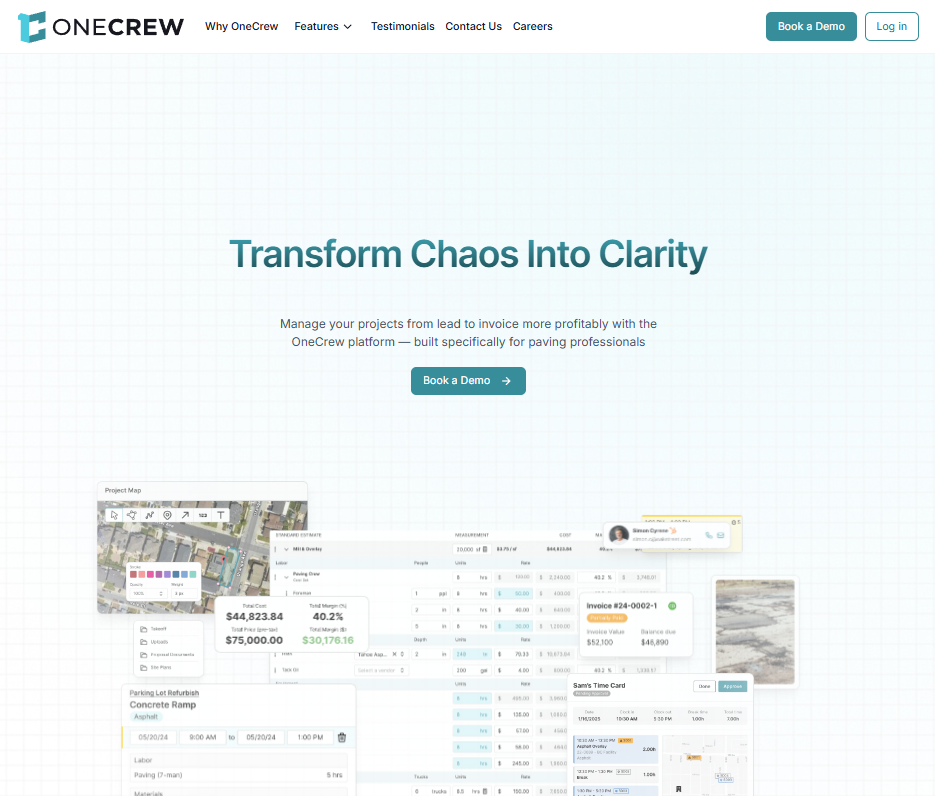
OneCrew is the Housecall Pro alternative for paving and concrete contractors who’ve outgrown home-service tools.
Housecall Pro is built around quick service calls. OneCrew is built around paving projects: estimating, proposals, crew scheduling, field updates, invoicing, and multi-day work that does not fit a same-day dispatch board.
Key features
- Project-based estimating: Build bids with labor, material, equipment, and subcontractor line items using built-in calculators.
- Site and plan mapping: Measure job sites from maps, plus PDF takeoff for working from blueprints.
- Lead and customer tracking: Keep inquiries, conversations, quotes, and project history in one place.
- Proposal builder and customer portal: Send branded proposals, collect signatures, share photos, and chat with clients.
- Scheduling and field management: Assign crews by phase and keep field teams connected to job details.
- Invoicing, payments, and QuickBooks Online: Generate invoices from completed work without rebuilding line items from scratch, and sync invoicing and payment information to keep your books cleaner.
Pros
- Built specifically for paving contractors, with workflows that match asphalt and concrete jobs
- Replaces the estimating apps, scheduling tools, spreadsheets, and invoicing workarounds many paving shops use
- Customer portal handles approvals, payments, document sharing, and client communication in one place
Cons
- Not a fit for quick HVAC, plumbing, cleaning, or other home-service visits
- Annual contracts only
- You’ll need to book a demo to see pricing
Best for
- Project-based asphalt and concrete contractors
- Paving contractors moving off pen and paper, spreadsheets, or patchwork tools
- Growth-oriented commercial paving businesses
Pricing
OneCrew uses seat-based pricing tailored to company size and feature needs. Book a demo to get accurate pricing for your team.
5. Workiz
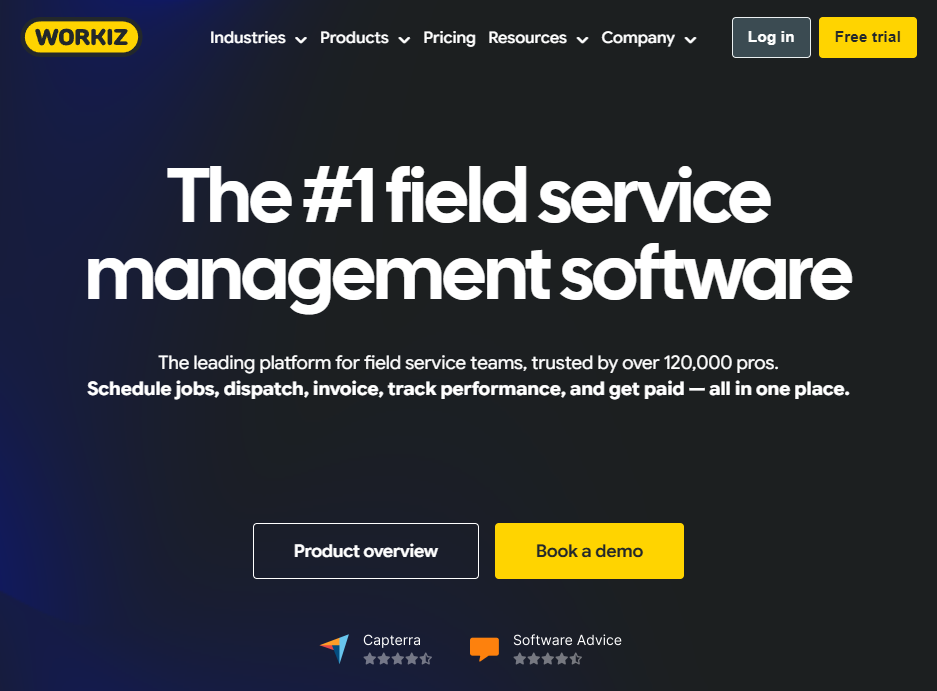
Workiz is the Housecall Pro alternative built around communication, and it's the only major field service platform with a fully integrated phone system at its core.
It’s a strong pick for high-volume, transactional service businesses like locksmiths, junk removal, garage door, and appliance repair.
The integrated VoIP, call masking, and Genius Answering (AI receptionist) handle inbound calls inside the platform instead of forcing you to bolt on another tool. For businesses where missed calls equal missed revenue, that integration is real value.
Key features
- Built-in phone system: Inbound and outbound calls, call recording, and call masking all native to the platform (sold as a separate add-on).
- Genius Answering: AI receptionist that books jobs from missed calls (add-on, requires phone plan).
- Drag-and-drop dispatch: Color-coded board with location tracking and service area zones on Standard and up.
- Online booking widget: Customers see service options, prices, and time slots and book themselves.
Pros
- The most complete integrated phone system in the category
- Strong for short-duration, high-urgency jobs under $500 average ticket
- 7-day free trial available
- Missed call rescue feature recovers leads that would otherwise go to competitors
Cons
- Phone system and AI answering are sold separately, pushing total cost higher
- Not built for long-term projects or complex installations
- Some users report performance issues with the mobile app
Best for
- Locksmiths, garage door, junk removal, appliance repair, and similar high-velocity trades
- Service businesses where call volume drives revenue
- Teams doing 5+ jobs per truck per day with under $500 average ticket
Pricing
According to Workiz's official pricing page, the company offers tiers, but you’ll need a direct quote.
6. Service Fusion
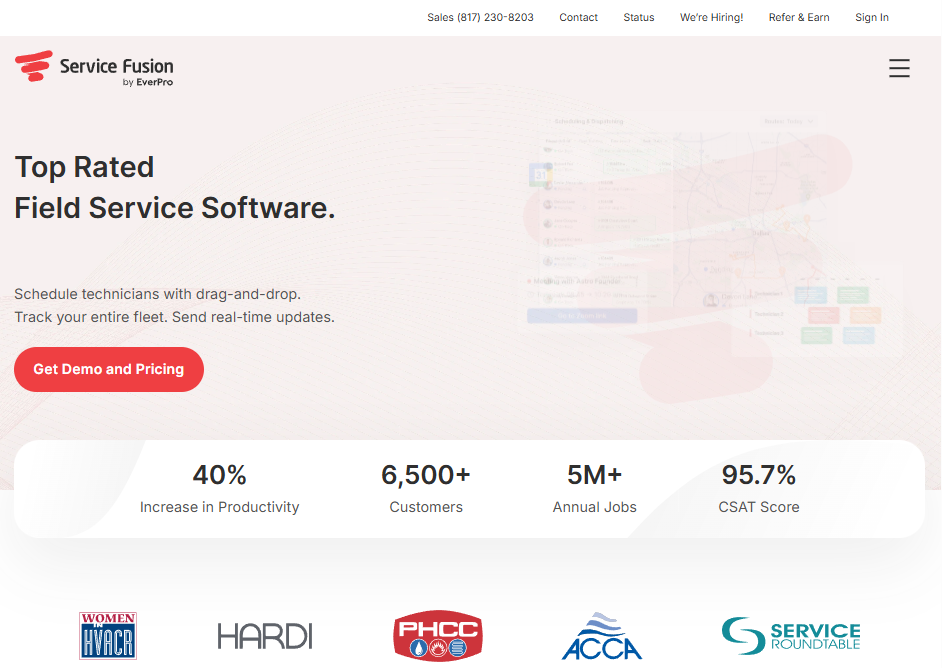
Service Fusion is the flat-rate Housecall Pro alternative for mid-size teams. Instead of charging per user, it charges per company. That becomes a real economic advantage once you're past 10 technicians and tired of watching your software bill scale with headcount.
It covers the core service workflow: scheduling, dispatch, estimates, invoicing, payments, QuickBooks sync. The dispatch board is one of the cleaner implementations in this price range, and QuickBooks support covers both Online and Desktop, which is rare in this category.
Key features
- Unlimited users on every plan: Same monthly price whether you have 2 technicians or 20.
- Drag-and-drop dispatch board: Color-coded by tech, status, or job type.
- QuickBooks Online and Desktop sync: Two-way sync covering both QB versions.
- ServiceCall.ai integration: Native VoIP with call data tied to customer records (add-on).
Pros
- Flat-rate pricing makes the economics work for growing teams
- QuickBooks Desktop support is increasingly rare and valuable
- Month-to-month plans available with no long contracts
- Strong dispatch features for the price point
Cons
- No offline access (field techs need internet to use the app)
- Reporting depth is limited compared to enterprise tools
- No free trial (demo required to evaluate)
Best for
- Mid-size HVAC, plumbing, and electrical companies (10–50 technicians)
- Teams wanting QuickBooks Desktop support
- Operations growing fast enough that per-user pricing would hurt
Pricing
According to Service Fusion's official pricing page, annual plans run Starter at $208/month, Plus at $325/month, and Pro at $533/month.
Monthly billing: Starter $245/month, Plus $382/month, and Pro $627/month. All plans include unlimited users. GPS fleet tracking and VoIP (ServiceCall.ai) are add-ons.
7. Bitumio
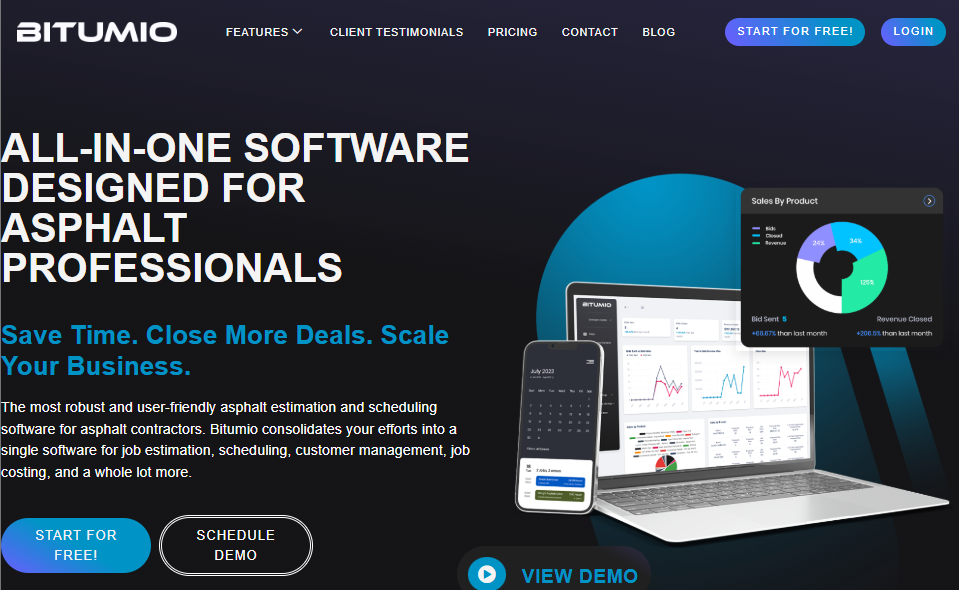
Bitumio is the niche Housecall Pro alternative for asphalt maintenance estimating. It's purpose-built for sealcoating, crack sealing, and asphalt repair work, with automated material calculations that take the guesswork out of pricing maintenance jobs.
The platform specializes in the bidding and estimating piece for asphalt maintenance, specifically. If that's the part of your business that needs help, Bitumio handles it well. If you need broader project management or you handle concrete work too, you'll outgrow it.
Key features
- Asphalt-specific estimating: Automated calculations for sealcoating, crack filling, and patching using actual material coverage rates.
- Integrated map measurements: Measure job sites from satellite imagery for accurate quantity takeoffs.
- QuickBooks integration: Syncs invoicing and customer data.
- Cost database: Tracks material and labor costs for consistent pricing across jobs.
Pros
- Specialized for asphalt maintenance contractors, with features that match the work
- Automated material calculations reduce estimating errors
- Cleaner UI than most legacy paving tools
- Reasonable single-tier pricing model
Cons
- Limited to asphalt maintenance (not built for new construction or full paving projects)
- No concrete-specific features
- Lacks broader project management (crew assignment by job phase, multi-day project tracking)
- Smaller user base and ecosystem than general-purpose alternatives
Best for
- Asphalt maintenance contractors focused on sealcoating, crack filling, and patching
- Small paving shops needing better estimating without a full platform
- Solo operators or 2–10 person teams in the asphalt maintenance niche
Pricing
Bitumio’s pricing starts at $149/user/month.
How to Evaluate Housecall Pro Alternatives
Here's the framework worth using when you're comparing tools. The right pick depends on your work type more than feature checklists:
- Match the workflow first: Housecall Pro, Jobber, FieldPulse, Workiz, Service Fusion, and ServiceTitan fit service-call businesses. OneCrew fits project-based paving work. Bitumio fits asphalt maintenance estimating.
- Price it at next year’s headcount: Per-user plans can look cheap now and hurt later. Compare total cost at your expected team size, with add-ons included.
- Check estimating and takeoff: If you bid from PDFs, blueprints, or aerial imagery, choose a platform with takeoff and site mapping. Most home-service tools do not cover that.
- Confirm accounting fit: Most tools support QuickBooks Online. QuickBooks Desktop support is rarer, with Service Fusion standing out.
- Test field conditions: Crews need the app to work where they actually work. Check mobile use, internet requirements, and offline limits before signing.
- Plan the rollout: Jobber and Housecall Pro can be set up fast. ServiceTitan takes longer. OneCrew includes structured onboarding, so avoid starting during your busiest paving weeks.
Stop Forcing Service-Business Tools to Do Paving Work
Housecall Pro can handle quick service calls. It was not built for paving jobs that move from estimate to proposal to schedule to field work to final invoice.
That gap is why paving teams end up using five systems for one job. One tool measures the site. Another builds the bid. A spreadsheet tracks crews. QuickBooks handles the invoice. Somewhere in the middle, details get missed.
OneCrew replaces that patchwork with one platform built for asphalt and concrete contractors. Here’s how:
- Your bid stays connected to the job: Scope, quantities, crew needs, and customer details do not get rebuilt at every handoff.
- Your office sees what changed in the field: Schedule updates, job notes, photos, and status changes stay tied to the project instead of getting buried in texts.
- Your crews know what they’re walking into: Each job carries the details they need before they reach the site, so the office does not have to answer the same questions all day.
- Your invoice starts from the work already sold: Billing does not require chasing paperwork, copying line items, or rebuilding the job after it is done.
Book a free demo to see how OneCrew handles project-based paving work.
FAQs
1. What is the best Housecall Pro alternative?
The best Housecall Pro alternative depends on your business type. Jobber is the closest direct alternative for solo and small residential service teams, ServiceTitan suits larger service-based contractors with 20+ techs, and OneCrew is the right pick for paving and concrete contractors doing project-based work.
2. Is Jobber cheaper than Housecall Pro?
Yes, Jobber is typically cheaper than Housecall Pro at the entry level. Jobber Core starts at $29/month (annual prepaid) for one user versus Housecall Pro Basic at $59/month (annual). However, the gap narrows once you add users and features, and Jobber's per-user fees on team plans ($29/user) can match or exceed Housecall Pro depending on team size.
3. Does Housecall Pro work for paving contractors?
No, Housecall Pro is not built for paving contractors. The platform is designed for home service businesses like HVAC, plumbing, and cleaning that run quick service calls. Paving work requires PDF takeoff, site mapping, multi-phase project tracking, and crew assignment by job phase, none of which Housecall Pro offers.
4. What is the cheapest Housecall Pro alternative?
The cheapest Housecall Pro alternative is Jobber Core at $29/month (annual prepaid) for one user. For larger teams, Service Fusion's flat-rate pricing at $208/month (annual) for unlimited users often delivers better value than per-user alternatives.
5. What is the best Housecall Pro alternative for large teams?
The best Housecall Pro alternative for large teams depends on your work type. ServiceTitan is the strongest pick for large service-based businesses in HVAC, plumbing, or electrical. Service Fusion fits mid-size service teams (10-50 people) wanting flat-rate pricing. OneCrew is the right choice for large project-based paving and concrete contractors regardless of team size.

