
6 Popular Construction Estimating and Bidding Software in 2026

After putting dozens of platforms through their paces across general contractors, heavy civil teams, and specialty trades, here are the 6 best construction estimating and bidding software options worth considering in 2026.
STACK, Procore, and HCSS HeavyBid lead the pack for most contractors, but the right pick depends heavily on what kind of work you do, so I’ve broken down where each platform actually wins.
6 Best Construction Estimating and Bidding Software: Quick Comparison
The construction estimating market hit $3.07 billion in 2026 and is growing at 12.66% annually, and the tooling has finally caught up with how contractors actually work.
Cloud-based takeoffs, AI-assisted measurements, integrated bid management, real cost databases. The table below pulls the highlights so you can scan it in under a minute:
Note: If your work involves calculating things like asphalt yield per ton or quoting parking lot jobs by the square foot, you'll want a tool with strong unit-price logic. That nuance shapes most of the picks below.
How I Researched and Tested These Construction Estimating Platforms
I spent time running these tools through real-world bid scenarios, including general construction takeoffs, heavy civil unit-price bids, residential remodel estimates, and specialty trade work like asphalt bidding software workflows.
I tested every platform on the same five criteria, so you're comparing apples to apples:
- Takeoff and measurement accuracy: How quickly and precisely each tool extracts quantities from PDFs, blueprints, or aerial imagery.
- Bid construction and pricing logic: Whether the cost database, assemblies, and markup tools actually save time on real bids.
- Integrations: How smoothly each platform connects to accounting tools like QuickBooks, project management, and CRM systems.
- Pricing transparency: What you actually pay, including hidden seat minimums, onboarding fees, and renewal increases.
- Trade fit: Whether the platform is built for your specific industry or forces you to bend its features to fit your workflow.
This hands-on testing surfaced patterns that no marketing site will show you. Some tools that look identical on paper feel radically different the moment you start a real estimate.
1. STACK: Best for Cloud-Based Takeoff and Estimating
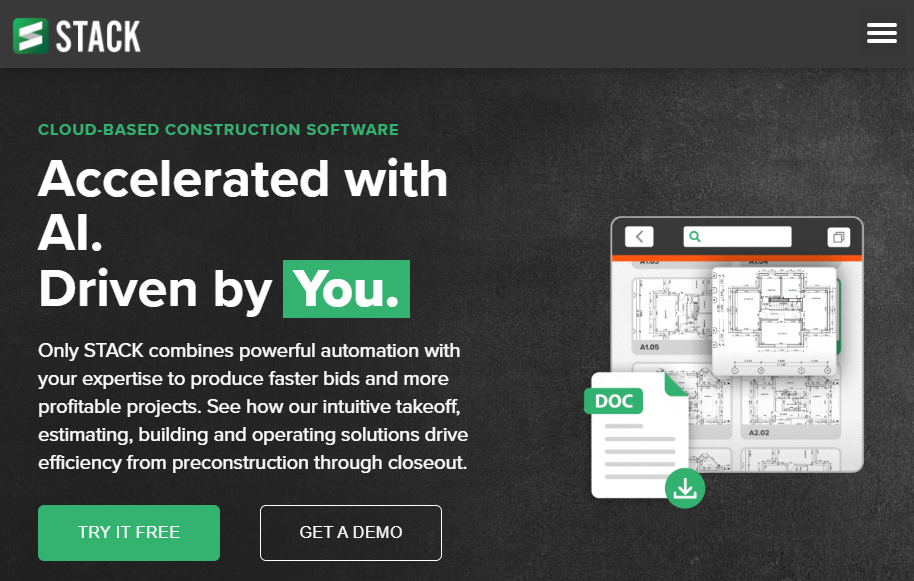
What it does: STACK is a cloud-based takeoff and estimating platform that lets you measure digital plans, build estimates with custom assemblies, and collaborate with your team in real time.
Best for: General contractors, specialty trades, and estimators who want browser-based access without installing desktop tools.
The platform genuinely earns the cloud-first label, because every change syncs across users and there's no file management drama. The estimating side is solid if you take the time to build out your assemblies, but you'll spend some setup hours getting cost data dialed in.
Key features
- AI-powered autocount: Identifies repeated symbols on a plan and counts them in seconds, saving hours on tedious manual work.
- Custom items and assemblies: Build your own labor, material, and equipment line items, then group them into reusable assemblies.
- Cloud collaboration: Multiple estimators can work on the same project from anywhere without version control headaches.
- Aerial imagery integration: Pull in satellite or aerial data for site takeoffs when you don't have a PDF plan.
- Bid management: Track invitations, send proposals, and manage subcontractor outreach inside the platform.
STACK pros
- Cloud access works across Mac, PC, and tablets, which matters for hybrid teams.
- Free trial lets you actually test the product before committing.
STACK cons
- Annual-only billing means a big upfront commitment.
- Cost database setup is manual and time-consuming if you're starting from scratch.
- Some users report frustrating renewal price jumps after the first year.
What users say
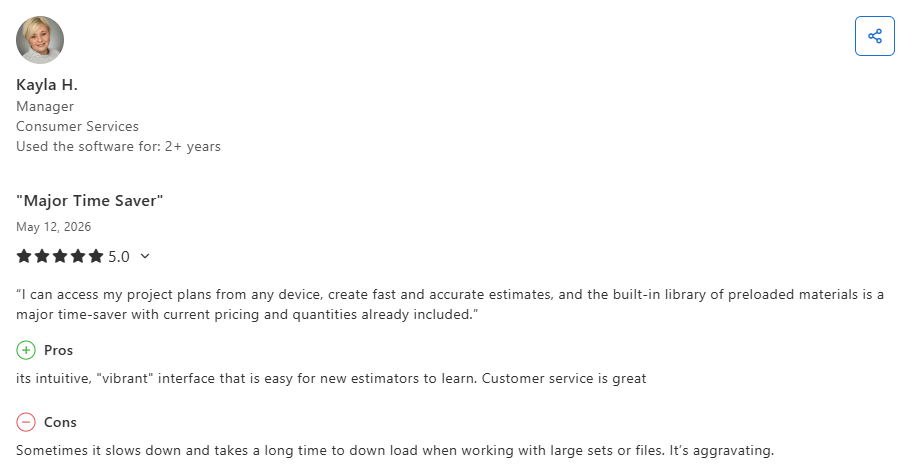
- Users praise STACK’s ease of use and technical support: One reviewer said STACK offered a user-friendly interface with useful estimating features, simple configuration, and responsive technical support that made the platform approachable for new users. (Dhaval S., Capterra; February 27, 2026)
- Some users report frustrations with manual pricing workflows: One construction estimator said STACK’s cloud-based setup and automatic updates were helpful, but criticized the platform’s material price importing process for being slow, repetitive, and overly manual when building estimates. (Gary L., Capterra; October 27, 2025)
Pricing
STACK's takeoff and estimating tool starts at $249/user/month, billed annually.
Bottom line
We'd recommend STACK to estimators who want a clean, cloud-based workflow without desktop dependencies. If you need a deep, preloaded cost database out of the box, you'll likely want to pair STACK with another tool or invest serious time in setup.
2. Procore Estimating: Best for End-to-End Project Management

What it does: Procore Estimating is the estimating module inside Procore's broader construction management platform, connecting bid data directly to project execution.
Best for: Mid-to-large general contractors already running Procore for project management who want one source of truth.
Procore's estimating module is less about being the fastest takeoff tool and more about being the best one if you live inside Procore. Budget lines transfer instantly, change orders track against original estimates, and everyone's working from the same data.
Key features
- Direct integration with Procore project management: Approved estimates flow into budget and schedule automatically.
- Digital takeoff tools: Built-in measurement and counting from uploaded plans.
- Cost database management: Maintain a library of historical costs that informs future bids.
- Bid management: Issue invitations, level subcontractor bids, and award contracts.
- Real-time collaboration: Multiple estimators work the same bid simultaneously.
Procore pros
- Solid for moving data from estimate to live project without manual re-entry.
- Strong reporting and analytics across the entire project lifecycle.
- Mobile access for field updates and on-site bidding adjustments.
Procore cons
- Expensive, especially since estimating typically requires the broader Procore subscription.
- Steep learning curve if your team is new to the platform.
- Pricing is opaque and requires a sales conversation.
What users say
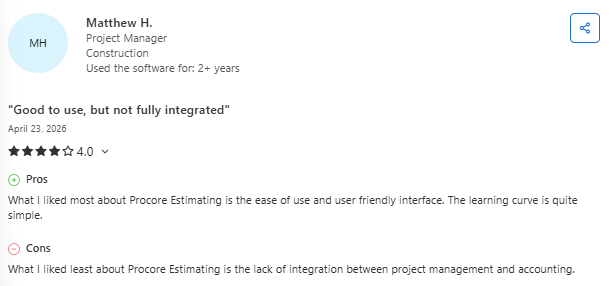
- Users value Procore Estimating’s real-time collaboration and project visibility: One reviewer said the platform helped keep field teams, estimators, and office staff aligned with current drawings, RFIs, project updates, and communication history in one central place. (Mark B., Capterra; January 20, 2026)
- Some users report usability and learning curve limitations: One project manager noted that the Procore Estimating interface was less intuitive than expected and took time to learn. However, it was useful for calculating project costs and connecting with project management workflows. (Desmond H., Capterra; December 2, 2025)
Pricing
Procore uses custom volume-based pricing tied to your annual construction revenue, and the estimating module is typically purchased as part of a broader Procore subscription.
Bottom line
Procore Estimating earns its place if you already run on Procore and need tight estimating-to-project handoff. For standalone estimating, the cost is hard to justify against more focused tools like STACK or PlanSwift.
3. HCSS HeavyBid: Best for Heavy Civil and DOT Contractors
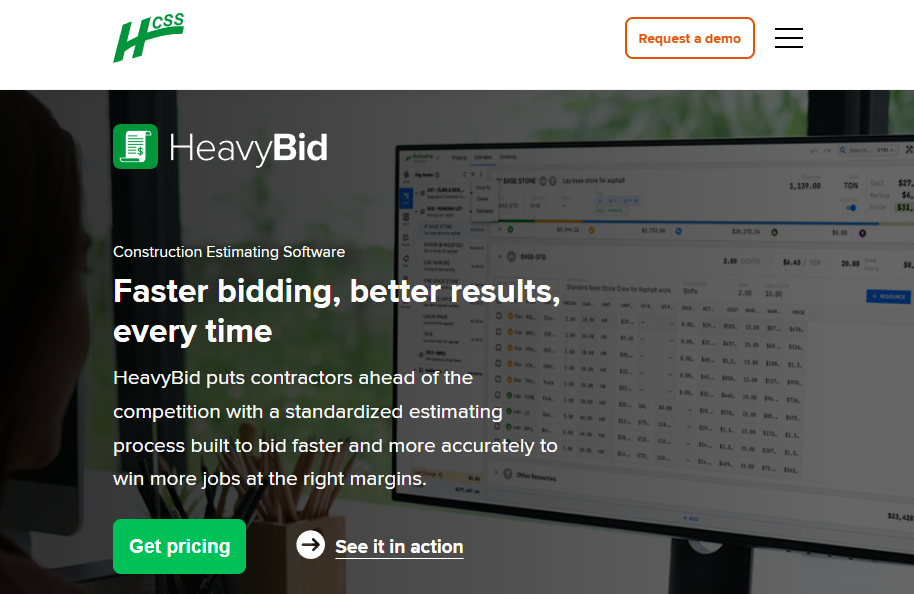
What it does: HCSS HeavyBid is a bidding platform built specifically for heavy civil contractors handling highway, bridge, utility, and infrastructure projects.
Best for: Mid-to-large heavy civil contractors who bid DOT work and need detailed unit-price bidding with crew-based estimating.
HeavyBid is the platform that 50,000+ heavy civil estimators rely on, and you can feel why within an hour of using it. The codebooks, master estimates, and crew-based logic make complex multi-phase bids feel manageable.
Key features
- DOT bid item import: Pull bid items directly from state DOT websites, eliminating manual entry.
- Crew-based estimating: Build estimates around actual crew compositions, equipment, and production rates.
- Codebooks and master estimates: Reusable templates that standardize how your team bids similar work.
- Estimate Insights analytics: Analyze wins and losses to refine pricing strategy.
- Integration with HCSS ecosystem: Connect with HeavyJob, Equipment360, and other HCSS tools.
HCSS HeavyBid pros
- Strong historical data analysis that informs future bid strategy.
- Customer service consistently rated as among the best in construction tech.
HCSS HeavyBid cons
- Steep learning curve. Plan on 1 to 3 months for full team proficiency.
- Older interface that feels dated compared to newer cloud-native tools.
What users say
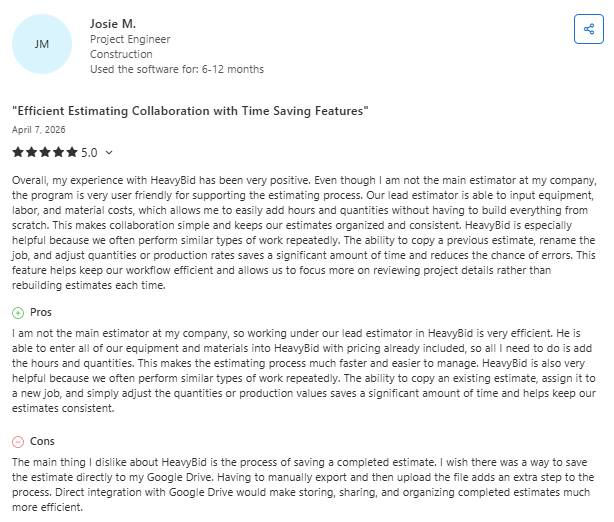
- Users value HeavyBid’s estimating efficiency and software integrations: One reviewer said the platform streamlined quote management, pricing, and proposal creation while integrating smoothly with payroll and other business systems to save time for their team. (Alicia P., Capterra; June 9, 2025)
- Some users report performance and accessibility frustrations: One reviewer said HeavyBid provided useful reporting features and accessible weekly reports for management, but noted that the software could become slow during report generation and required remote-session logins before access. (Kylinn H., Capterra; June 9, 2025)
Pricing
HCSS offers custom pricing through a demo and quote process.
Bottom line
HeavyBid is the right choice if you bid DOT work or run a heavy civil operation worth millions in annual volume. For commercial paving, parking lots, or residential driveways, it's significantly more platform than you need.
4. PlanSwift: Best for Fast Digital Takeoff
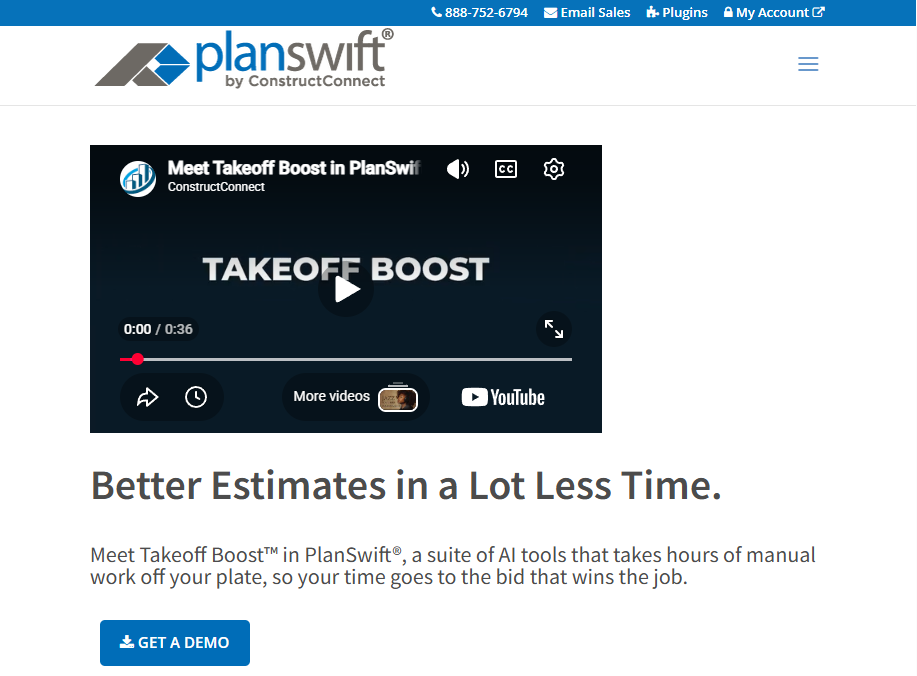
What it does: PlanSwift is a desktop digital takeoff tool that lets estimators measure quantities directly on PDF and CAD plans using point-and-click tools.
Best for: Specialty trades and estimators who want fast, flexible takeoff with custom formulas and Excel integration.
For paving contractors specifically, PlanSwift can handle some specialized measurements, including calculations like asphalt thickness for overlay jobs. Still, the workflow isn't purpose-built for paving the way industry-specific tools are.
Key features
- Point-and-click measurement: Linear, area, count, and volume takeoffs directly on digital plans.
- Drag-and-drop assemblies: Pre-built material and labor combinations that auto-populate based on takeoff quantities.
- Excel integration: Push takeoff data directly to Excel for custom reporting or estimating.
- Trade-specific plugins: Add-ons for concrete, electrical, HVAC, framing, and more.
- Custom formulas: Build your own pricing logic with formula-based calculations.
PlanSwift pros
- Genuinely fast for digital takeoffs once you learn the interface.
- One-time license option, which is rare in modern construction tech.
- Extensive trade plugin library covers most specialty needs.
PlanSwift cons
- Windows-only desktop application. No Mac or web version.
- Dated interface with a steeper-than-it-should-be learning curve for new estimators.
- Limited collaboration features compared to cloud-based competitors.
What users say
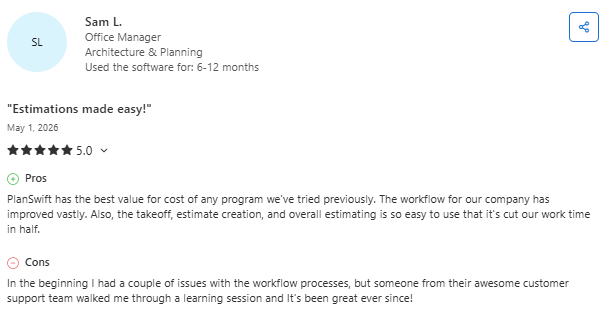
- Users value PlanSwift’s accurate digital takeoff and estimating tools: One verified reviewer said the platform made it easy to measure areas, build quantity-based estimates, and customize workflows for different project types, significantly reducing manual calculation time compared to traditional methods. (Adella G., Capterra; April 20, 2026)
- Some users report collaboration and accessibility limitations: One verified reviewer praised PlanSwift's point-and-click takeoff tools as easy to learn and significantly faster than manual methods. However, they noted the software is desktop-based with no real-time collaboration, requiring teams to pass files back and forth rather than work simultaneously. (Kareem A., Capterra; March 23, 2026)
Pricing
PlanSwift starts at $2,000 per license per year.
Bottom line
PlanSwift wins for trade-specific estimators on Windows who care more about takeoff speed than interface polish. If your team works across platforms or needs real-time collaboration, the desktop-only limitation will frustrate you fast.
5. OneCrew: Best for Paving Contractors
What it does: OneCrew is a purpose-built platform for paving contractors, covering everything from lead intake through estimating, proposals, scheduling, dispatch, and invoicing.
Best for: Project-based asphalt and concrete paving contractors who want one platform instead of stitching together five.
OneCrew sits in a different category from the generalist tools above. It's built specifically for how paving teams operate, where the same estimate needs to flow cleanly into scheduling, crew dispatch, job costing, and final invoicing without anyone retyping numbers.
Key features
- End-to-end paving workflow: Lead management, estimating, proposals, scheduling, dispatch, time tracking, and invoicing in one platform.
- Configurable estimating automations: Labor, material, equipment, and sub-line item calculators built around paving workflows, with margin-based pricing logic.
- Site mapping and PDF plan takeoff: Two separate features that handle aerial site measurement and detailed plan takeoff for jobs that need it.
- Customer portal: Clients can view and sign proposals, view and pay invoices, share photos and documents, and use chat-style messaging.
- QuickBooks Online and HubSpot integration: Invoicing and payment information syncs directly to QBO without double entry; plus 2-way CRM integration for paving teams running outbound sales motions.
OneCrew pros
- Purpose-built for paving, with workflows that match how the industry actually operates.
- Modern interface that field and office teams actually want to use.
- Independent ownership, so your data isn't being used by a competitor that owns your software.
OneCrew cons
- Not a fit for general construction or non-paving trades.
- Less established than legacy enterprise platforms.
- Best value comes from full platform adoption rather than picking individual modules.
What users say
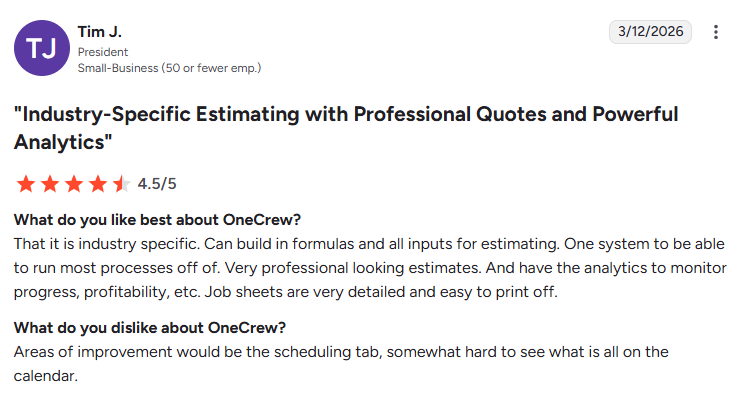
- Users value OneCrew’s flexible workflows and ease of use: One reviewer said OneCrew fit seamlessly into their existing processes without forcing major operational changes, helping their team stay organized through scheduling and job tracking tools. (Matt M., G2; February 10, 2026)
- Some users want additional customization options in mapping tools: One reviewer praised OneCrew’s all-in-one workflow management, estimating, and proposal features, but noted that map line colors could be difficult to distinguish against backgrounds, making outlined areas harder to view clearly. (Verified User in Construction, G2; February 2, 2026)
Pricing
OneCrew uses seat-based pricing tied to company size and feature needs, with full details available during a demo.
Bottom line
If you run a project-based paving operation and you've been duct-taping together QuickBooks, a CRM, scheduling software, and a takeoff tool, OneCrew replaces all of that with one platform built for your trade.
6. Buildertrend: Best for Residential Builders
What it does: Buildertrend is a construction management platform for residential builders and remodelers, with estimating built into a broader project management workflow.
Best for: Home builders, custom residential contractors, and remodelers who want estimating bundled with sales, scheduling, and client communication.
The platform isn't designed for project-based paving or heavy civil work. Buildertrend's documented workflows assume you're building or remodeling houses, and the cost structures, scheduling logic, and client portals reflect that.
Field teams working with crews on parking lot jobs or roller operator training protocols won't find Buildertrend's daily logs especially useful for that kind of operation.
Key features
- Estimates and proposals: Build branded estimates with line items, markups, and customizable templates.
- CRM and lead management: Track prospects from initial inquiry through signed contract.
- Scheduling and daily logs: Gantt charts, drag-and-drop scheduling, and field activity logs.
- Client portal: Homeowners can approve change orders, make selections, view photos, and message your team.
- QuickBooks integration: Sync invoicing, payments, and job costing to your accounting system.
Buildertrend pros
- Strong end-to-end workflow for residential builders, with unlimited users on all plans.
- Good client communication and selection tools for home build work.
- Active development with frequent feature releases.
Buildertrend cons
- Estimating tools are competent but not as deep as dedicated estimating platforms.
- Not designed for project-based paving, heavy civil, or commercial construction.
What users say
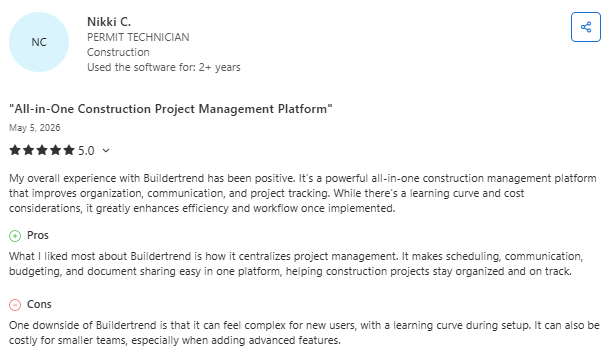
- Users value Buildertrend’s centralized project management and mobile accessibility: One reviewer said the platform streamlined scheduling, budgeting, communication, and document sharing in a single system, while the mobile app made it easier to track progress and manage projects on the go. (Verified Reviewer, Capterra; April 8, 2026)
- Some users report contract and customer support frustrations: One reviewer said Buildertrend marketed itself as a growth partner for contractors, but criticized the company’s handling of billing disputes, contract enforcement, and lack of flexibility during financially difficult situations. (Ricardo D., Capterra; May 1, 2026)
Pricing
Buildertrend uses custom pricing, which requires a direct quote.
Bottom line
Buildertrend is the right call for residential builders and remodelers who want estimating built into a complete management platform. For project-based commercial work, paving, or heavy civil, it's the wrong shape.
Which Construction Estimating and Bidding Software Should You Choose?
The right pick depends on your trade, project type, and team size. After testing all six, three platforms stood out for distinct contractor profiles.
Choose STACK if you ...
- Want a cloud-based platform that works across PC, Mac, and tablets without desktop installs.
- Need fast onboarding with a tool your team can actually learn in a week.
- Run a generalist contracting business that bids across multiple trades.
Choose HCSS HeavyBid if you ...
- Bid DOT, highway, or heavy civil infrastructure work where unit-price logic matters.
- Need to import bid items directly from state DOT websites.
- Have an estimating team of five or more and run an operation worth several million annually.
Choose OneCrew if you ...
- Run a project-based asphalt or concrete paving operation.
- Want one platform to handle estimating, scheduling, dispatch, and invoicing rather than five different tools.
- Care about giving your customers a portal where they can view, sign, pay, and message your team.
Final Verdict
OneCrew is the construction estimating and bidding software built specifically for project-based paving and concrete contractors. While generalist tools like STACK and PlanSwift handle takeoffs well, they stop at the estimate. OneCrew does much more.
- Estimate from PDFs or satellite maps with built-in calculators and configurable cost automations: Set up your labor rates, material costs, equipment charges, and sub-line items once, and the system applies them consistently across every bid.
- Track leads and customer relationships from first call through repeat business: Every inquiry, conversation, quote, and project history lives in one system.
- Build and send proposals through a customer portal where clients can review, approve, and sign: Turn your estimates into polished, branded proposals without jumping to a separate tool.
- Schedule crews and assign roles to specific job phases once the bid is won: Your estimate feeds directly into scheduling, so labor hours, tonnage, and equipment needs carry forward without anyone re-entering data.
- Keep field crews connected to job details, schedules, and real-time updates from the office: Field management tools put site information, material specs, and daily assignments on your crews' phones.
- Invoice and collect payment without double-entry, and sync it all to QuickBooks: Generate invoices from completed work orders with line items pulled directly from your original estimate.
You only need one platform to run your paving business, one that ties project management together from takeoff to final invoice. Book a free demo and learn how OneCrew helps you take control of your jobs from start to finish.
FAQs
1. What is construction estimating and bidding software?
Construction estimating and bidding software is a platform that calculates project costs, generates competitive bids, and manages the bidding process from takeoff through proposal submission. These tools replace spreadsheets and manual takeoffs with digital plan measurement, cost databases, and automated proposal generation, helping contractors bid faster and more accurately.
2. How much does construction estimating and bidding software cost?
Construction estimating and bidding tools like STACK and PlanSwift run between $2,000 and $3,000 per user annually. Most platforms require a demo and custom quote.
3. What is the difference between takeoff software and estimating software?
The main difference between takeoff software and estimating software is what each one measures. Takeoff software measures quantities from digital plans, including linear feet, square footage, and counts. Estimating software applies labor, material, and equipment costs to those quantities to build a complete bid. Some platforms like STACK combine both functions, while tools like PlanSwift primarily focus on takeoff.
4. What is the best construction estimating and bidding software for small contractors?
The best construction estimating and bidding software for small contractors is STACK for generalists and OneCrew for paving operations. STACK starts at $249/user/month (billed annually) with cloud access and a low learning curve. OneCrew offers seat-based pricing for project-based paving contractors who want an end-to-end platform rather than just an estimating tool.
5. Do I need separate software for estimating and project management?
No, you don't always need separate software for estimating and project management, but the answer depends on your trade. Generalist tools like STACK focus on estimating and require separate project management software. End-to-end platforms like OneCrew and Buildertrend combine estimating with scheduling, dispatch, and invoicing, eliminating the need for separate tools in trades where this kind of integration is built in.

.png)