
6 Best TSheets Alternatives (Now QuickBooks Time)

TSheets doesn't exist under that name anymore. Intuit bought it back in 2018 and rebranded it as QuickBooks Time in 2021, so the tool most still call TSheets now lives inside the QuickBooks suite.
I tested six TSheets alternatives to see how they handle field crews, GPS, job costing, and time tracking across multiple job sites.
Connecteam is the best all-around pick for deskless teams, BusyBusy wins for construction and equipment-heavy crews, and Clockify is hard to beat if you want something solid and free.
6 Best TSheets Alternatives: At a Glance
| Platform | Best For | Starting Price |
|---|---|---|
| 1. Connecteam | All-in-one deskless team management | Free up to 10 users; $29/month (30 users) |
| 2. BusyBusy | Construction and equipment tracking | Free; $9.99/user/month |
| 3. Clockify | Budget and freelance time tracking | Free; $3.99/user/month |
| 4. Hubstaff | Remote teams and productivity data | $4.99/seat/month (2-seat min) |
| 5. When I Work | Shift scheduling with time tracking | $2.50/user/month (time tracking & attendance included) |
| 6. OneCrew | Paving contractors who need more than time tracking | Seat-based (shared during a demo) |
Note: Pricing reflects the lowest paid tier on annual billing, correct at the time of writing. Always verify with each vendor before committing.
Why Look for TSheets Alternatives?
Most people look for TSheets alternatives because QuickBooks Time has become more expensive for small crews, keeps job costing on the higher tier, and works best if you already use QuickBooks Online.
QuickBooks Time still makes sense for companies already deep in QuickBooks. It tracks time, captures GPS data, and pushes hours into payroll. But a few issues make other tools worth comparing:
- Pricing climbed again in 2026: QuickBooks Time increased its per-employee rate from $8 to $10 per month on July 1. For a 25-person crew, that adds $600 per year before the monthly base fee.
- The base fee hurts small crews: Premium includes a $20 monthly base fee, and Elite includes a $40 monthly base fee, on top of per-user pricing. A five-person crew pays that flat fee before anyone clocks in.
- Job costing sits behind Elite: Contractors who want to track labor against jobs and phases usually need the higher-priced Elite plan. That matters because job costing is often the main reason field crews track time in the first place.
- QuickBooks works best inside its own ecosystem: If you already use QuickBooks Online, the sync is convenient. If not, a standalone time-tracking tool may cost less and fit better.
That cost visibility starts before the crew clocks in, which is why the right asphalt bidding software matters as much as the time clock you pair it with.
And if your work is asphalt-specific, field hours only tell the full story when they line up with production math, like how to calculate asphalt yield before a pour.
Which TSheets Alternative Should You Choose?
The best TSheets alternative is Connecteam for most deskless teams, BusyBusy for construction and paving crews, and Clockify if you want something free. Here's the quick call before the deep dives:
- Choose Connecteam if you manage a deskless or field team and want time tracking, scheduling, and team chat in one app. It’s not the right pick if all you need is a bare-bones timer, since you’re paying for a full workforce platform.
- Choose BusyBusy if you run construction or paving crews and care about equipment tracking, offline mode, and job costing built for the trades. It’s overkill for a small office team that never leaves a desk.
- Choose Clockify if you want a genuinely free, flexible time tracker for a small team or freelance work. It’s less suited to field crews that need strict GPS enforcement and geofencing.
- Choose Hubstaff if you manage remote or distributed teams and want productivity data alongside time tracking. It’s a weaker fit for crews that won’t respond well to screenshots, activity levels, and monitoring-heavy workflows.
- Choose When I Work if shift scheduling and time tracking matter more than job costing. It works well for retail, hospitality, and service teams.
- Choose OneCrew if you run a paving business and need estimating, scheduling, crew assignment, invoicing, and QuickBooks sync connected in one system. It’s not the best fit if you only want a standalone time clock.
- Stick with QuickBooks Time if your business already runs deep on QuickBooks Online and you want time data flowing straight into that setup without adding another vendor.
1. Connecteam: Best for all-in-one deskless team management

Connecteam is the best all-around TSheets alternative for deskless and field teams. It combines a GPS time clock, scheduling, and team communication in one mobile app, which works well for crews that rarely sit at a desk.
Key features
- GPS time clock: Employees clock in from their phones, and you get location stamps so hours match job sites.
- Job scheduling: Build and share shifts, including open shifts crews can claim, without a separate scheduling tool.
- Team chat and updates: Keep announcements, forms, and conversations inside the same app your crew already uses to clock in.
Connecteam pros
- Free for life for small businesses with up to 10 users, with full features
- Flat pricing for the first 30 users keeps costs predictable as you grow
- Combines time tracking, scheduling, and communication in one place
Connecteam cons
- Features spread across three "hubs," so field teams needing both time tracking and chat may pay for two
- Live GPS breadcrumbs and some advanced tools sit on higher tiers
Best for
- Deskless and frontline teams under 30 people
- Businesses that want scheduling and chat alongside time tracking
- Small shops that can genuinely run free on the 10-user plan
Pricing
Connecteam starts at $29/month for the Basic plan with 30 users included, then 80 cents per extra user; Advanced costs $49/month and Expert $99/month. The free Small Business Plan covers up to 10 users. These figures reflect the Operations Hub on annual billing.
2. BusyBusy: Best for construction and equipment tracking
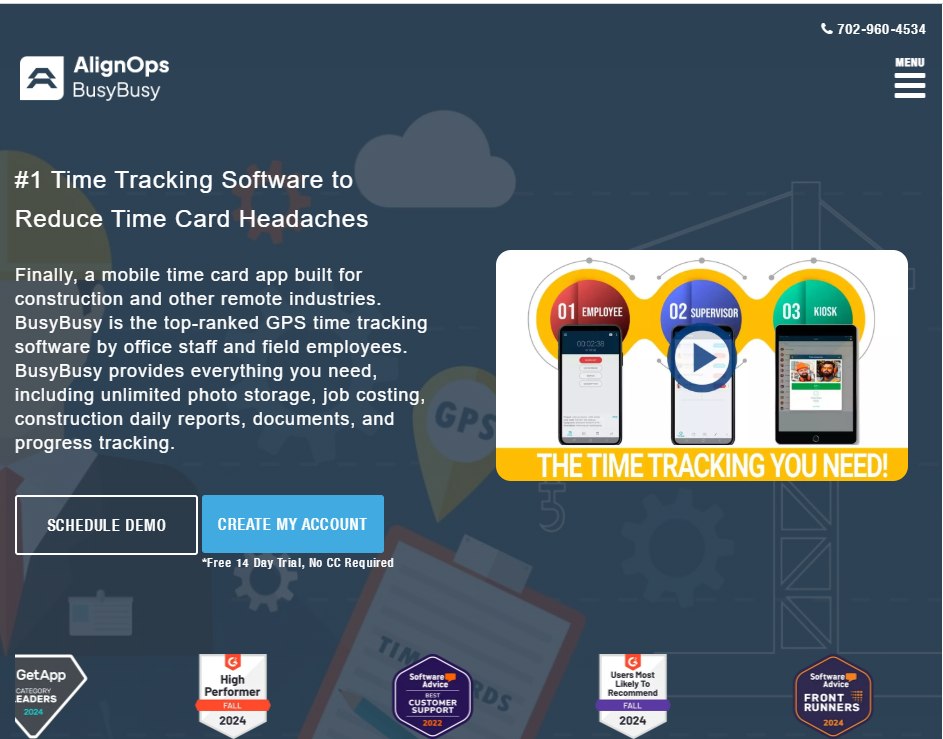
BusyBusy is the best TSheets alternative for construction and paving crews that track equipment as closely as labor. It's a GPS time clock built specifically for the trades, so job costing, equipment hours, and offline tracking come standard instead of feeling bolted on.
Its equipment tracking, daily reports, and photo documentation match the way many construction crews already work. Those daily reports also pair well with an asphalt safety routine, since the same field app can capture site conditions and hazards alongside hours.
Key features
- Equipment and job costing: Track machine hours and labor against specific projects and cost codes, so you see where jobs make or lose money.
- Offline GPS tracking: Crews clock in without a signal and sync later, which matters on remote sites.
- Daily reports and photos: Document progress and site conditions right from the field.
Accurate job costing depends on accurate quantities, so it helps when your field data lines up with the math behind each pour, like your asphalt thickness calculations feeding the same labor and material picture.
BusyBusy pros
- Free plan includes GPS time tracking, job costing, and unlimited users
- Built for construction, so equipment tracking and offline mode come standard
- Integrates with QuickBooks, Sage, and other construction accounting tools
BusyBusy cons
- The free plan strips out photo verification and GPS enforcement, so paid tiers are where it gets serious
- Some users report occasional glitches and a $40 admin license on top of per-user pricing
Best for
- Construction, excavation, and paving crews
- Teams that track heavy equipment alongside labor
- Field operations working in low-signal areas
Tracking hours by role also gets more useful when your crew's skills are dialed in, so pairing time data with something like roller operator training helps you connect labor cost to actual production quality.
Pricing
BusyBusy offers a free plan. Paid plans run $9.99 per user per month for Pro and $14.99 per user per month for Premium on annual billing, each with a $40 admin license (first user included) per the vendor's pricing page.
3. Clockify: Best for budget and freelance time tracking

Clockify is the best free TSheets alternative for small teams and budget-conscious shops. Its free plan supports up to 5 users with unlimited time tracking. Clockify works well as a tracker you can hand to a whole team without a per-seat bill.
You get timers, timesheets, and reporting, and the paid tiers layer on invoicing, approvals, and eventually GPS. For a paving crew that needs strict on-site verification, it’s lighter than BusyBusy or Connecteam. But if you mainly need to track hours, the free plan is hard to beat.
Key features
- Free for up to 5 users: Log unlimited hours and projects with no per-seat fee.
- Timesheets and reporting: Turn tracked time into clear reports for billing and payroll prep.
- Scales by tier: Add invoicing, approvals, scheduling, and GPS as you move up the plans.
Clockify pros
- Genuinely useful free plan capped at 5 users
- Low paid pricing, starting at $3.99 per user per month
- QuickBooks integration available on the Standard tier
Clockify cons
- GPS tracking doesn't support geofencing, a common ask for field crews
- The free plan can't lock timesheets, which is a problem for strict billing
Best for
- Freelancers and small teams
- Budget-conscious businesses that want free tracking
- Office or hybrid teams more than strict field enforcement
Pricing
Clockify's paid plans start at $3.99 per seat (Basic), $5.49 (Standard), $7.99 (Pro), and $11.99 (Enterprise), alongside a free plan, per the vendor's pricing page. These rates reflect annual billing.
4. Hubstaff: Best for remote teams and productivity data
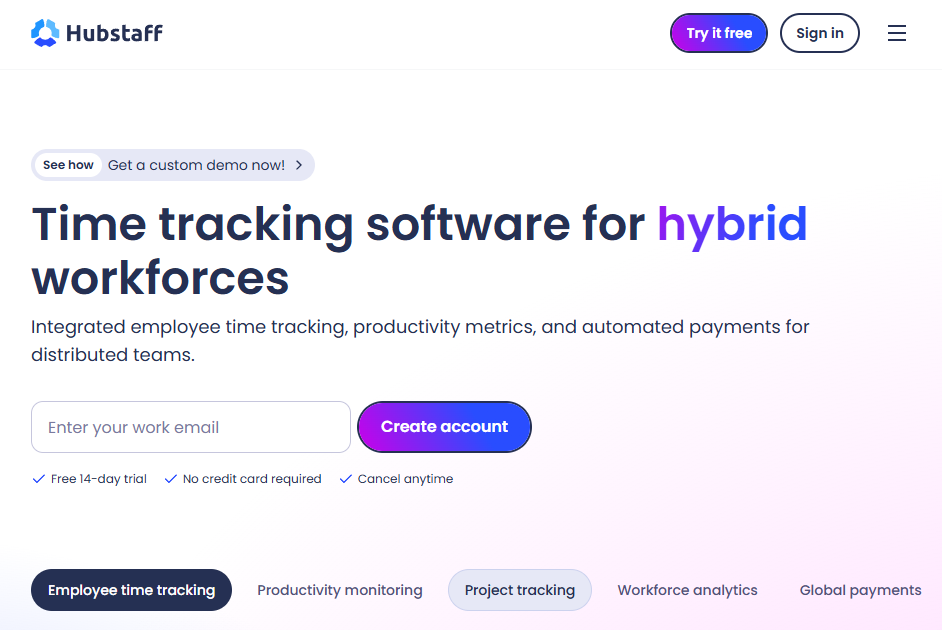
Hubstaff is the best TSheets alternative for teams that want productivity data alongside time tracking. It pairs time tracking with activity levels, app and URL tracking, and optional screenshots, which makes it popular with remote and distributed teams.
Hubstaff leans toward monitoring, so it's a strong fit if you want visibility into how remote time gets spent, and a weaker one if your crew would bristle at screenshots. For field teams specifically, note that GPS and geofencing live on the Team plan and above.
Key features
- Activity and productivity tracking: See activity levels, app usage, and optional screenshots for remote work.
- GPS and geofencing: Available on higher tiers for field and mobile teams.
- Payroll and invoicing: Turn tracked hours into automated payments and client invoices.
Hubstaff pros
- Strong productivity insights for remote teams
- Payroll automation and invoicing built in
- Transparent per-tier pricing
Hubstaff cons
- Monitoring-heavy approach won't suit every crew
- GPS requires the Team plan, and a 2-seat minimum applies to paid plans
Best for
- Remote and distributed teams
- Businesses that bill by the hour and want proof of work
- Managers who want activity data, not just hours
Pricing
Hubstaff's published pricing shows Starter at $4.99/seat/month, Grow at $7.50/seat/month, Team at $10/seat/month, and Enterprise at $25/seat/month when billed annually, with a 2-seat minimum on paid plans.
5. When I Work: Best for shift scheduling with time tracking
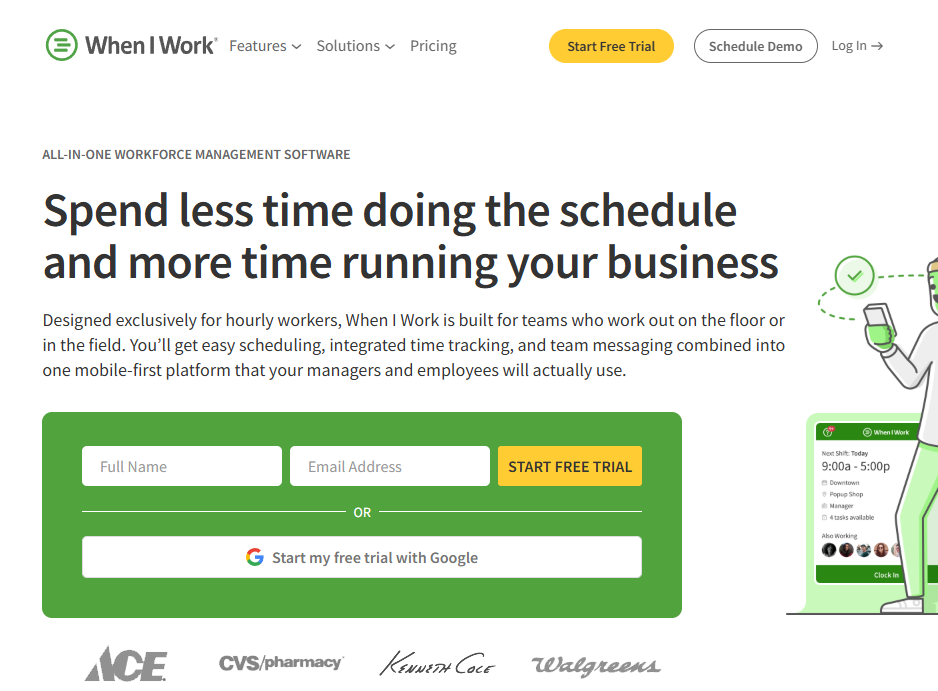
When I Work is the best TSheets alternative when scheduling comes first and time tracking second. It's built around shift scheduling, with time and attendance included in each plan, so it fits businesses where the weekly schedule is the main event.
If you build rotating shifts and let employees swap or claim open shifts, When I Work handles that well. If your priority is job-site GPS and job costing, you may still find purpose-built field tools go deeper on job costing.
Key features
- Shift scheduling: Build, share, and swap shifts with an interface crews pick up quickly.
- Team messaging: Keep schedule changes and announcements in one place.
- Time and attendance: Built-in clock-in, geofencing, and punch data layered onto the schedule.
When I Work pros
- Clean, easy scheduling that teams learn fast
- Low starting price for the scheduling base
- Integrates with major payroll providers, including QuickBooks Online
When I Work cons
- Field-depth features like job costing aren't the focus
- No permanent free plan, only a 14-day trial
Best for
- Shift-based businesses in retail, hospitality, and services
- Teams where scheduling matters more than job costing
- Managers who want simple shift swaps and coverage
Pricing
When I Work pricing starts at $2.50 per user per month for single-location teams and $5 per user per month for multi-location teams, with time and attendance tracking included.
6. OneCrew: Best for paving contractors who need more than time tracking

OneCrew is the best fit for paving contractors who realize a time clock alone won't fix the real problem. It's an all-in-one platform built for project-based asphalt and concrete contractors, covering estimating, scheduling, crew assignment, and invoicing in one connected system.
Key features
- Crew and phase assignment: Assign crews and roles to specific job phases, so labor maps to the actual work.
- Estimating tied to the field: Build estimates from PDFs or maps, then carry them through to scheduling and invoicing.
- QuickBooks Online sync: Invoicing and payment information syncs to keep financials organized without double-entry.
OneCrew pros
- Built specifically for project-based asphalt and concrete contractors
- Connects estimating, scheduling, and invoicing in one system
- Customer portal for proposals, payments, and document sharing
OneCrew cons
- Not a fit if you only want a standalone time clock
- Sold as a full platform, so it's more than solo operators typically need
Best for
- Project-based asphalt and concrete contractors of any size
- Paving teams tired of stitching together separate tools
- Contractors who want labor data connected to estimating and job costing
Pricing
OneCrew uses seat-based pricing based on company size and feature needs, shared during a demo. You can book a demo to see pricing and the platform in action.
How to Evaluate TSheets Alternatives
The right TSheets alternative depends on how your crew tracks time, schedules work, and uses job data. Here's what to weigh before you commit:
- Total cost, including base fees: Look past the per-user sticker price. A flat monthly base fee hits small teams hard, while flat-rate tools like Connecteam or free options like Clockify change the math entirely. Run the numbers for your real headcount.
- GPS and geofencing depth: If crews work across job sites, decide whether you need simple location stamps or strict geofencing that blocks off-site clock-ins. Not every tool enforces location the same way, and some lock it behind higher tiers.
- Job costing and phases: For contractors, tracking labor against jobs and phases is the whole point.
- Offline mode: Paving and construction crews often work where signal drops. If that's you, confirm the app tracks offline and syncs later, the way BusyBusy does.
- How it fits your other tools: If you run QuickBooks, check the sync. If you're stitching together five apps to run a paving business, ask whether a connected platform would replace several of them at once.
- Whether time tracking is the only problem: Missed timesheets are sometimes a symptom of a bigger workflow gap between estimating, scheduling, and field work. If that sounds familiar, a connected platform may help more than a standalone time clock
Stop Running Your Paving Business Across Five Apps
Choosing from the best TSheets alternatives really comes down to one question: is time tracking actually the problem, or is it a symptom of jobs falling apart somewhere between the estimate and the crew? A standalone clock fixes the first. A connected platform fixes both.
Here's what the best TSheets alternatives can't cover that OneCrew does:
- Connect labor hours to the estimate, not just a timesheet: OneCrew's estimating tools let you price jobs from PDFs or aerial maps with built-in calculators for labor, materials, equipment, and subs.
- Schedule crews to job phases, not just open shifts: OneCrew's scheduling feature assigns crews and roles to specific project phases so your office and field stay aligned across pre-construction, production, and billing.
- Give your field team everything they need on their phones: The field management tools push mobile work orders, schedules, and GPS directions to crew phones and pull time and job data back to the office as it happens.
- Send proposals clients can sign and pay before a competitor does: OneCrew's proposals feature generates professional, branded proposals directly from your estimate. Customers can review, approve, and pay through a built-in client portal.
- Track leads and repeat customers without a separate CRM: OneCrew's CRM keeps your leads, conversations, and project history in one place.
- Invoice and sync with QuickBooks without carrying two Intuit subscriptions: OneCrew's invoicing tools sync invoicing and payment data with QuickBooks Online so your books stay clean without double entry.
You need one platform that connects the work from the first estimate to the final invoice, so the hours your crews track actually feed the bigger picture. Book a free demo and see how it works for your operation.
FAQs
1. What happened to TSheets?
TSheets was rebranded by Intuit and is now called QuickBooks Time. Intuit acquired the platform in 2018 and officially changed the name in 2021, folding it into the QuickBooks suite. The tool many people still call TSheets is the same product under a new name.
2. What is the best free TSheets alternative?
Clockify is the best free TSheets alternative for most small teams, since its free plan supports up to 5 users and includes unlimited time tracking. BusyBusy also offers a free plan with GPS time tracking and job costing that suits construction crews, though it reserves photo verification and GPS enforcement for paid tiers.
3. Which TSheets alternative is best for construction and paving crews?
BusyBusy is the best TSheets alternative for construction and paving crews that track labor and equipment together, thanks to offline mode, equipment hours, and job costing built for the trades. Paving contractors who need more than time tracking, like connected estimating and scheduling, often look at OneCrew instead.
4. Do TSheets alternatives integrate with QuickBooks?
Yes, most TSheets alternatives integrate with QuickBooks in some form. Clockify, Connecteam, BusyBusy, When I Work, and Hubstaff all offer QuickBooks connections, and OneCrew syncs invoicing and payment information with QuickBooks Online.
Always confirm the exact sync details with each vendor, since coverage varies by plan.
5. How much do TSheets alternatives cost?
TSheets alternatives range from free to roughly $15 per user per month on entry tiers. Clockify and Connecteam both offer free plans, When I Work starts at $2.50 per user per month, and BusyBusy runs $9.99 per user per month for Pro on annual billing. OneCrew uses seat-based pricing shared during a demo.

