
6 Best Takeoff Software for Contractors in 2026 (Tested & Compared)

Takeoff software for contractors turns hours of manual blueprint measuring into minutes of accurate digital calculations. The right tool helps you bid faster, reduce errors, and win more jobs.
I spent weeks testing the most popular takeoff tools on the market. This guide breaks down what works, what doesn't, and which platform fits your specific workflow.
6 Best Takeoff Software for Contractors: Quick Comparison
If you estimate asphalt work, get your takeoff process dialed in before paving season starts. Takeoff tools work best when they plug into the rest of your asphalt paving software workflow. Here’s a quick summary table of the best options out there:
1. OneCrew: Best Takeoff Software for Paving Contractors
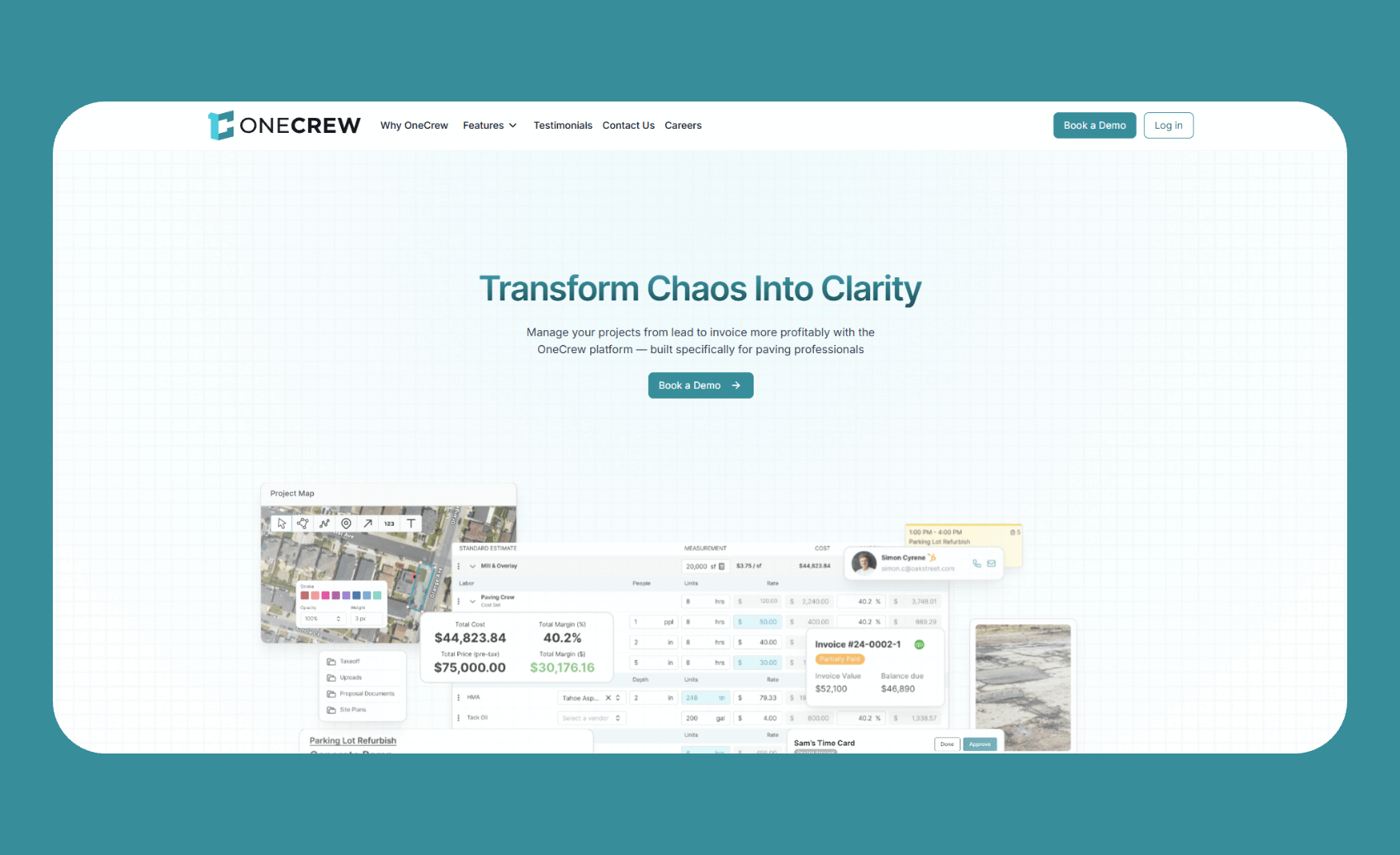
OneCrew connects takeoff and estimating directly to scheduling, crew assignments, and invoicing in one unified platform.
Who it's for: Asphalt and concrete contractors who want to stop juggling multiple tools and spreadsheets.
Most takeoff software for contractors stops at the estimate. OneCrew keeps going. The platform handles everything from the initial bid through final payment, which matters when you're running a paving or sealcoating business with multiple crews and tight margins.
What sets OneCrew apart from generic construction tools is its focus on project-based work. Paving jobs aren't like service calls. You're dealing with complex estimates, multi-phase schedules, and crews that need clear assignments. OneCrew was built specifically for this workflow.
Key features
- PDF plan takeoff: Upload blueprints and measure directly on screen with built-in calculators for labor, materials, equipment, and subcontractor costs.
- Aerial map measurement: Use satellite imagery to measure job sites when plans aren't available, so you can also monitor pavement condition.
- Configurable estimating automations: Build complicated calculations that match how you actually price jobs, not how generic software thinks you should.
- Customer portal: Let clients view proposals, approve work, make payments, and share documents without endless email chains.
- QuickBooks Online integration: Sync invoicing and payment data to keep your books clean.
Pros
- Purpose-built for paving: The platform speaks your language and fits your workflow without forcing you to adapt to generic construction processes.
- True end-to-end coverage: Takeoff flows into estimates, estimates connect to schedules, schedules link to crews, and everything ties back to billing.
- Independent ownership: Your data stays yours. OneCrew isn't owned by a competitor or private equity rollup that might use your information against you.
- Reduces estimator training time: New hires can produce accurate estimates in weeks instead of months because the system guides them through your pricing logic.
Cons
- Focused on paving vertical: If you're a general contractor working across multiple trades, you'll find the platform optimized for asphalt and concrete work specifically.
- Requires full platform adoption: You'll get the most value by using OneCrew for your entire workflow, not just takeoff.
Pricing
OneCrew uses seat-based pricing determined by company size and feature needs. Contact their team for a personalized quote during a demo.
Bottom line
OneCrew delivers the strongest value for paving contractors who want one platform instead of a patchwork of disconnected tools. The takeoff features alone are solid, but the real advantage comes from connecting those measurements directly to job costing, crew management, and client billing.
2. PlanSwift: Best for General Contractors and Multiple Trades
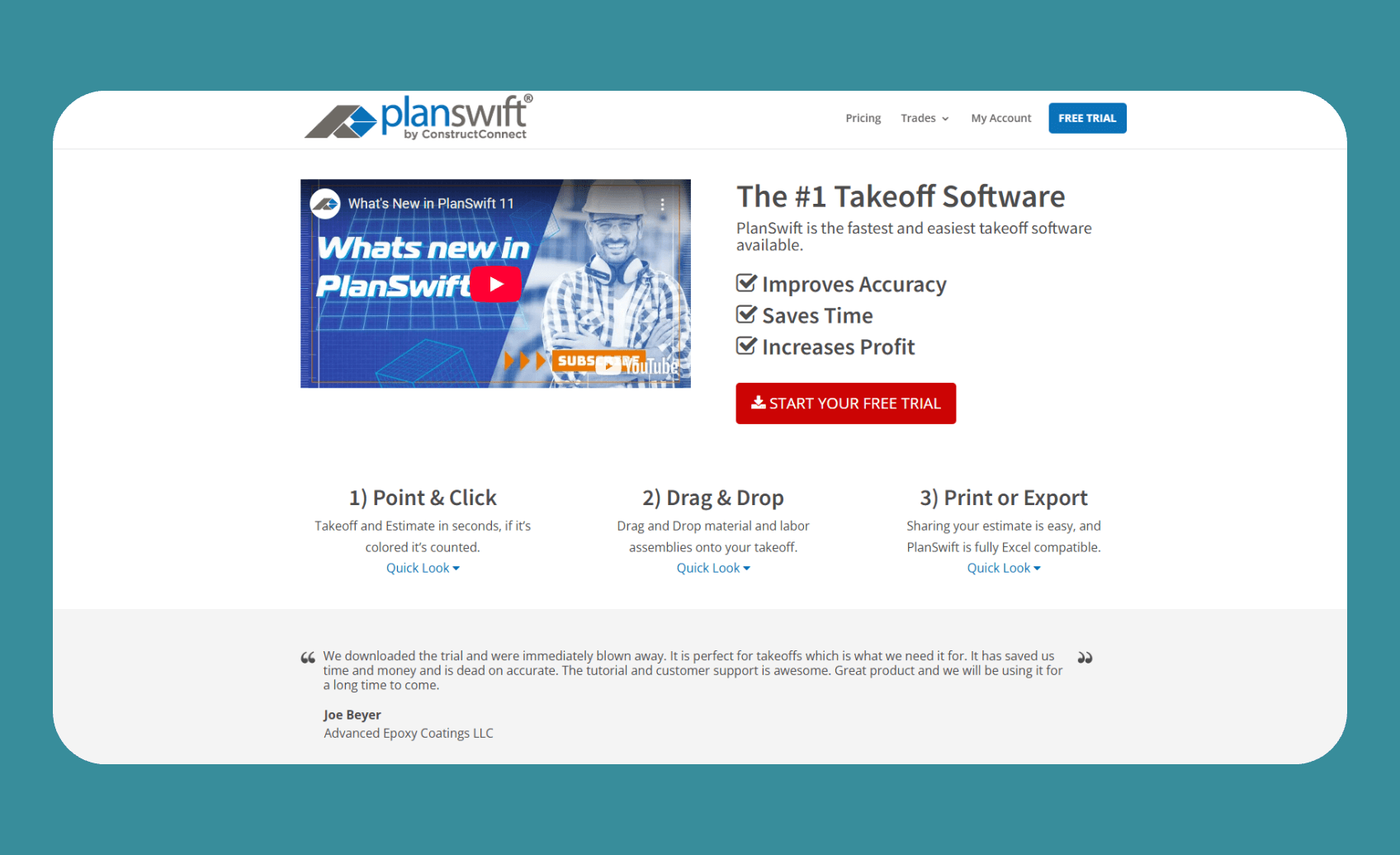
PlanSwift provides digital takeoff and estimating with deep customization options for virtually any construction trade.
Who it's for: General contractors, subcontractors, and estimators who need flexibility across different project types.
PlanSwift has been around for years, and there's a reason it remains popular. The point-and-click interface makes measuring blueprints straightforward, and the assembly system lets you build reusable templates for common materials and labor combinations.
The drag-and-drop functionality works well for repetitive tasks. Mark an area on your plans, drag your pre-built assembly onto it, and PlanSwift calculates materials, waste, and labor costs automatically.
Key features
- Point-and-click measurement: Calculate areas, lengths, volumes, and counts directly on digital plans.
- Custom assemblies: Create templates that combine materials, labor rates, and waste factors for one-click pricing.
- Trade-specific plugins: Add specialized tools for concrete, electrical, HVAC, roofing, and other trades.
- Excel integration: Export takeoffs directly to spreadsheets for further analysis or reporting.
- Google Maps integration: Measure roofs and land areas from satellite imagery.
Pros
- Handles any trade: Whether you're estimating drywall, electrical, or landscaping, PlanSwift adapts to your needs.
- Strong community and resources: Years of users mean plenty of tutorials, forums, and shared templates.
- One-time purchase option: Some versions offer perpetual licenses instead of forcing subscriptions.
Cons
- Windows only: Mac users need to run Windows through a virtual machine or dual-boot setup.
- Desktop-based: No native cloud collaboration, which limits remote teamwork.
- Learning curve for advanced features: Basic takeoff is easy, but mastering assemblies and formulas takes time.
- Additional costs for plugins: Trade-specific tools often require separate purchases.
Pricing
PlanSwift pricing starts at $2,000 per year for a single user.
Bottom line
PlanSwift remains a reliable choice for contractors who need versatility across different project types. The customization depth is impressive, though the desktop-only approach feels dated compared to cloud-based alternatives.
3. Bluebeam Revu: Best for Large Teams and Collaboration

Bluebeam Revu combines PDF markup, measurement, and real-time collaboration in one platform built for architecture, engineering, and construction professionals.
Who it's for: Teams that need multiple people working on the same documents simultaneously, especially those handling complex projects.
Bluebeam has become something of an industry standard for a reason. The PDF tools are powerful, the measurement capabilities are precise, and the collaboration features let distributed teams work together without version control nightmares.
The Studio Sessions feature stands out. Multiple team members can mark up and measure the same PDF in real time, seeing each other's work as it happens. For pre-construction teams spread across offices or job sites, this eliminates the back-and-forth of emailing files.
Key features
- Advanced measurement tools: Calculate length, area, volume, depth, radius, angles, and wall areas with customizable formulas.
- Quantity Link: Automatically sync measurements from PDFs to Excel worksheets for live bid calculations.
- Dynamic Fill: Quickly measure complex or irregular areas by sectioning off regions.
- Studio Sessions: Invite teammates to collaborate on documents in real time from any location.
- Viewports: Create multiple scaled views on detail sheets for accurate measurement.
Pros
- Industry-leading collaboration: Real-time markup and measurement with teammates is genuinely useful.
- Robust PDF handling: Handles large, complex documents without lagging.
- Cross-platform access: Desktop, web, and mobile apps keep you connected anywhere.
- Deep integration ecosystem: Connects with Procore, AutoCAD, Revit, and other major tools.
Cons
- Not construction-specific: The tool serves architects, engineers, and general AEC professionals, so features aren't tailored to specific trades.
- Subscription model: Bluebeam retired perpetual licenses, so ongoing costs add up.
- Learning curve: The feature depth can overwhelm new users.
Pricing
Bluebeam offers three subscription tiers. Basics starts at $260/year for light markup work. Core runs $330/year and adds measurement tools. Complete costs $440/year and includes automation features like Quantity Link.
Bottom line
Bluebeam excels when collaboration matters. If your pre-construction process involves multiple estimators, designers, or stakeholders reviewing the same documents, the real-time features justify the investment. For solo estimators, simpler tools might serve you better.
4. STACK: Best Cloud-Based Takeoff Software for Contractors
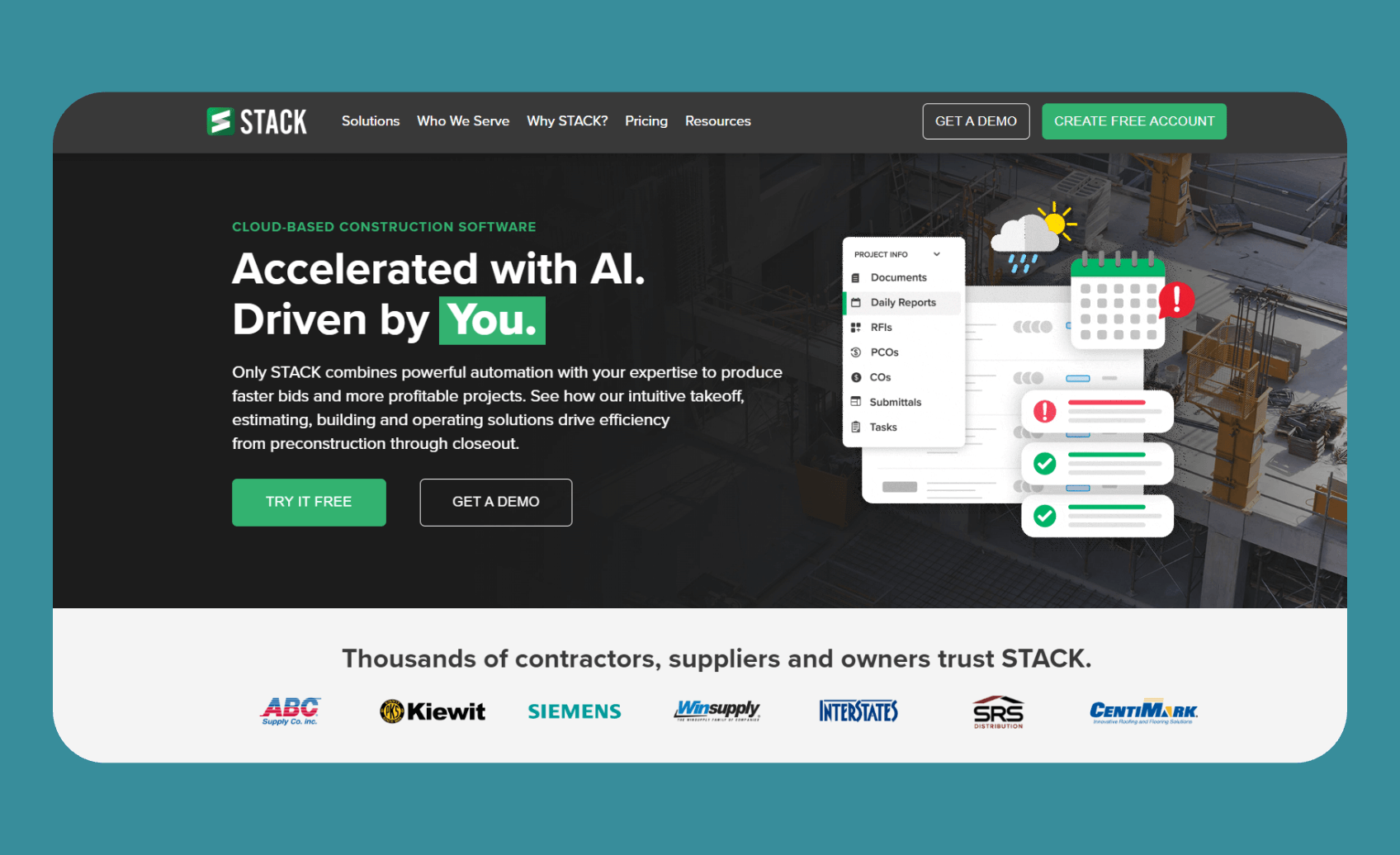
STACK provides cloud-based takeoff and estimating with AI-powered automation and regional pricing databases.
Who it's for: Contractors who want modern, browser-based tools with built-in cost data and team collaboration.
STACK started as one of the first web-based takeoff solutions and has evolved considerably. The cloud-first approach means you can access your projects from any device with a browser, which matters when you're reviewing bids from the job site or home office.
The AI features are worth noting. STACK uses optical character recognition to search plan titles and extract information automatically. Auto-count tools identify symbols and objects across drawings, speeding up repetitive measurement tasks.
Key features
- Browser-based access: Work from Mac, PC, or tablet without installing software.
- AI-powered automation: Auto-count symbols, search text within plans, and overlay versions for comparison.
- Regional cost data: Access pre-built pricing databases for materials, labor, and equipment.
- Custom assemblies: Build and reuse your own material and labor combinations.
- Real-time collaboration: Multiple team members can work on the same project simultaneously.
Pros
- Accessible anywhere: No software installation means fewer IT headaches and more flexibility.
- Integrated estimating: Takeoff measurements connect directly to pricing and proposals.
- Regular updates: Cloud delivery means you always have the latest features.
- Free tier available: Test the platform before committing to a paid subscription.
Cons
- Requires internet connection: No offline mode for remote job sites.
- Pricing can add up: Per-user costs get expensive for larger teams.
- Some feature limitations: Power users report missing tools compared to desktop alternatives.
Pricing
STACK's Takeoff and Estimate tool starts at $2,599/year for each user.
Bottom line
STACK delivers a solid cloud-based alternative for contractors ready to move away from desktop software. The AI automation features save time, and the regional cost data helps newer estimators produce accurate bids faster.
5. Square Takeoff: Best Budget-Friendly Option
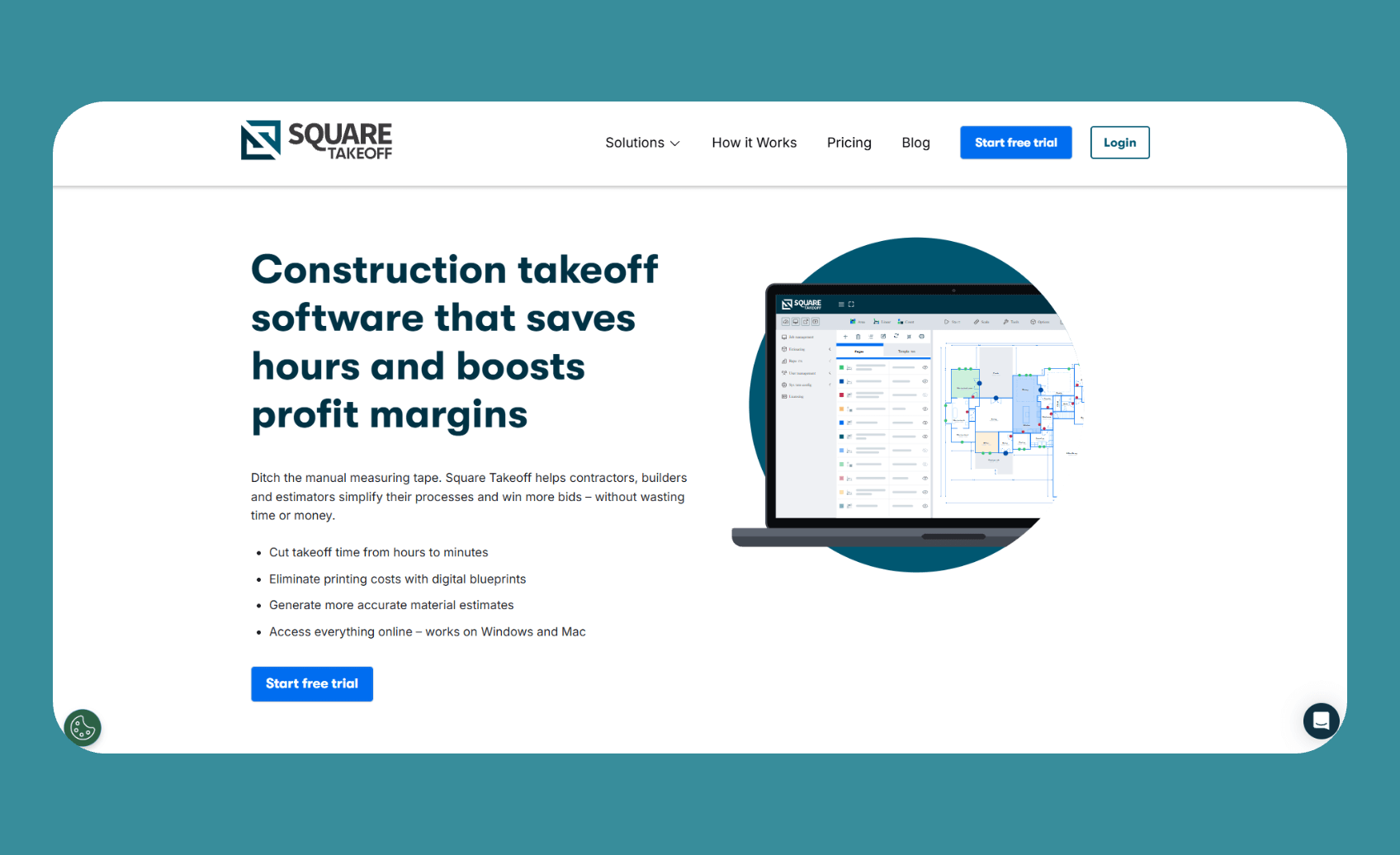
Square Takeoff provides straightforward digital measurement and bid management at a lower price point than most competitors.
Who it's for: Residential contractors, small commercial outfits, and estimators who need basic functionality without enterprise complexity.
Square Takeoff keeps things simple. Upload your blueprints, set the scale, and start measuring. The interface won't overwhelm you with options, which is either a benefit or a limitation, depending on your needs.
The cloud-based approach works across devices, including iPads, which many field estimators appreciate. You can measure a site from your truck without hauling a laptop.
Key features
- Simple measurement tools: Calculate areas, linear feet, and item counts with point-and-click ease.
- Template library: Access thousands of pre-built material templates or customize your own.
- Bid management: Track due dates, project status, and proposals in one place.
- Google Maps integration: Use satellite imagery when digital plans aren't available.
- Multi-device access: Work from desktop, tablet, or phone.
Pros
- Affordable entry point: Lower cost makes it accessible for smaller contractors.
- Easy to learn: Minimal learning curve for basic takeoff tasks.
- Cloud-based flexibility: Access projects from any device.
- Unlimited projects and storage: No caps on how much work you can track.
Cons
- Limited advanced features: Lacks some tools found in more expensive platforms.
- Basic project management: Not designed for complex workflows beyond estimating.
- Mixed customer support reviews: Some users report slow response times.
Pricing
Square Takeoff costs $249/month on a month-to-month basis or $1,699/year for annual billing. First-year packages may cost $997 with discounted renewals.
Bottom line
Square Takeoff hits a sweet spot for contractors who need capable takeoff tools without paying for features they won't use. It won't replace a full estimating system, but it handles the basics well.
6. Procore: Best for Enterprise Construction Firms
Procore offers comprehensive construction management with integrated takeoff and estimating capabilities.
Who it's for: Large contractors who need project management, field coordination, and preconstruction tools in one ecosystem.
Procore isn't primarily takeoff software. It's a full construction management platform that happens to include estimating features. For enterprise contractors already using Procore for project management, adding preconstruction tools keeps everything connected.
The integration advantage matters at scale. Takeoff data flows into project budgets, change orders, and financial reporting without manual data entry between systems. That connection helps when you track changes and billing against an asphalt paving contract.
Key features
- Integrated ecosystem: Takeoff connects to project management, financials, and field tools.
- 3D model support: Work with BIM files alongside traditional 2D plans.
- Cost catalogs: Maintain company-wide pricing databases for consistent estimating.
- Collaboration tools: Team members across departments can access and contribute to estimates.
- Enterprise reporting: Track bidding performance, win rates, and estimating accuracy.
Pros
- All-in-one platform: Reduces the number of tools your team needs to manage.
- Scalable for large organizations: Handles complex projects with multiple stakeholders.
- Strong industry adoption: Many owners and GCs already use Procore, simplifying collaboration.
Cons
- Expensive: Pricing targets mid-size to enterprise contractors, not small businesses.
- Overkill for simple needs: Solo estimators don't need this much platform.
- Learning curve: The feature depth requires training investment.
Pricing
Procore uses custom pricing based on company size and the modules selected. Expect significant annual commitments for full platform access.
Bottom line
Procore makes sense when your organization needs unified construction management, not just takeoff. For pure estimating needs, simpler tools deliver better value.
How I Evaluated Takeoff Software for Contractors
Criteria I prioritized:
- Measurement accuracy: Digital plans must translate to reliable quantities in the field
- Ease of use: Complex tools that slow down estimators defeat the purpose
- Value for price: Features should justify the cost for your business size
- Integration capabilities: Takeoff data needs to flow into other systems, including your paving project management tools
- Safety planning: Asphalt bids should reflect crew requirements tied to OSHA requirements
My testing process: I uploaded actual project plans to each platform, performed common takeoff tasks, evaluated the output quality, and assessed how long it took to become productive with each tool.
Additional factors considered:
- Deployment model: Cloud vs. desktop affects accessibility and collaboration
- Trade-specific features: Generic tools vs. industry-focused platforms
- Company size fit: Solo estimators have different needs than enterprise teams
Which Takeoff Software Should You Choose?
The right choice depends on your specific workflow and business type:
Choose OneCrew if you …
- Run an asphalt or concrete contracting business
- Want takeoff connected to scheduling, crews, and billing in one platform
- Need to train estimators quickly on consistent pricing methods
- Value independence from competitor-owned software
Choose PlanSwift if you …
- Work across multiple trades as a general contractor
- Prefer desktop software with deep customization
- Want extensive assembly libraries and plugin options
Choose Bluebeam Revu if you …
- Need real-time collaboration with distributed teams
- Handle complex PDF documents and markups regularly
- Already use other AEC industry standard tools
My Final Verdict
Most takeoff software for contractors handles the basics competently. The differences show up in workflow integration, trade-specific features, and long-term usability.
For paving contractors, OneCrew delivers the most value because it connects takeoff to everything else you need to run jobs profitably. You're not just measuring plans. You're building estimates that flow into real project management.
For general contractors working across trades, PlanSwift's customization depth remains hard to beat, though STACK's cloud approach appeals to teams ready to move past desktop software.
For large teams needing collaboration, Bluebeam's real-time features justify the investment.
The best takeoff software is ultimately the one your team will actually use consistently. A simpler tool that gets adopted beats a powerful platform that collects dust.
Run Jobs, Crews, and Quotes in One Place
When comparing takeoff software for contractors, most tools stop at the estimate. OneCrew was built for paving contractors who need everything connected, from the first measurement to the final payment.
Here's what you can do with OneCrew:
- Build estimates directly from your takeoffs using PDF blueprints or aerial maps. Add labor, materials, equipment, and subs with built-in calculators that match how you actually price jobs.
- Track every lead and customer interaction in one place. Stop losing $50K to $300K paving jobs because a follow-up got buried in email or a bid slipped through the cracks when it moved from estimating to production.
- Send professional proposals that win work and look better than the QuickBooks templates your competitors are using.
- Schedule crews to jobs with clear assignments by phase. Your takeoff becomes an estimate, your estimate becomes a schedule, and your crews know exactly where to be, what equipment to bring, and what the scope looks like before they leave the yard.
- Manage field operations with real-time visibility into job progress, crew locations, and time tracking.
- Invoice faster and collect payments sooner with QuickBooks sync that eliminates double-entry.
You don't need five different apps to run your paving business. You need one platform that ties everything together from takeoff to final invoice.
Book a free demo and see how OneCrew helps paving contractors take control of their jobs from start to finish.
FAQs
1. What is the best takeoff software for contractors?
The best takeoff software for contractors depends on your trade and workflow. OneCrew works best for paving contractors who need end-to-end project management. PlanSwift offers the most flexibility for general contractors across multiple trades. Bluebeam excels at team collaboration on complex documents.
2. How much does takeoff software cost?
Takeoff software costs range from $249/month for basic tools like Square Takeoff to $2,599/year or more for comprehensive platforms like STACK. Enterprise solutions like Procore use custom pricing. Many platforms offer free trials to test before committing.
3. Can takeoff software work on Mac computers?
Cloud-based takeoff software like STACK, Square Takeoff, and Bluebeam works on Mac through web browsers. Desktop software like PlanSwift requires Windows, though Mac users can run it through virtual machines or dual-boot setups.
4. What's the difference between takeoff and estimating software?
Takeoff software measures quantities from blueprints. Estimating software applies pricing to those quantities. Many platforms combine both functions, letting you measure materials and calculate costs in the same workflow.
5. How accurate is digital takeoff compared to manual methods?
Digital takeoff typically improves accuracy over manual methods by eliminating math errors and providing consistent measurement tools. Most construction professionals report reducing estimation time by 50–80% while improving accuracy.

