
5 Best Crew Scheduling Software Tools I Tested for Field Teams in 2026

I tested five crew scheduling software tools in real dispatch, time-tracking, and job-assignment scenarios. Connecteam, Workyard, and ClockShark fit deskless field crews managing shifts, GPS hours, and job-site movement.
OneCrew fits project-based asphalt and concrete contractors scheduling by estimate and phase. Procore fits large GCs managing many projects.
5 Best Crew Scheduling Software Tools: Quick Comparison
A quick note before the breakdowns: The right amount of crew time on a job depends on getting your quantities right first. If your numbers are off at the estimate stage, no scheduling tool saves you.
Brushing up on how to calculate asphalt yield makes your crew schedules far more realistic, because you're staffing against accurate tonnage instead of a guess.
How I Researched and Tested These Crew Scheduling Software Tools
I signed up for every free trial I could access, then ran each platform through the scheduling tasks a contractor faces weekly: building a crew calendar, reassigning a job when someone calls out, and checking whether field hours actually made it back to the office.
For tools without a free plan, I leaned on live demos plus verified reviews from G2, Capterra, and contractor forums. Here's what I weighed:
- Scheduling: How fast you can build, edit, and reassign a crew calendar when plans change.
- Field usability: Whether crews who aren't tech-savvy will actually open the app and use it.
- Job costing: How well scheduled time connects to labor costs by job and phase.
- Integrations: How cleanly it syncs with payroll and accounting tools you already run.
- Fit: Whether the platform suits field-service work, project-based work, or both.
This hands-on approach showed me which crew scheduling software holds up on a busy Monday, not just in a polished sales demo.
One thing testing made obvious: Scheduling is only as good as the people running the work, so pairing the right tool with solid roller operator training does more for on-time jobs than any feature toggle.
The same goes for getting the technical details right, like calculating asphalt thickness before a crew rolls out and keeping crews current on asphalt safety practices once they're on site.
1. Connecteam: Best for Large Deskless Crews
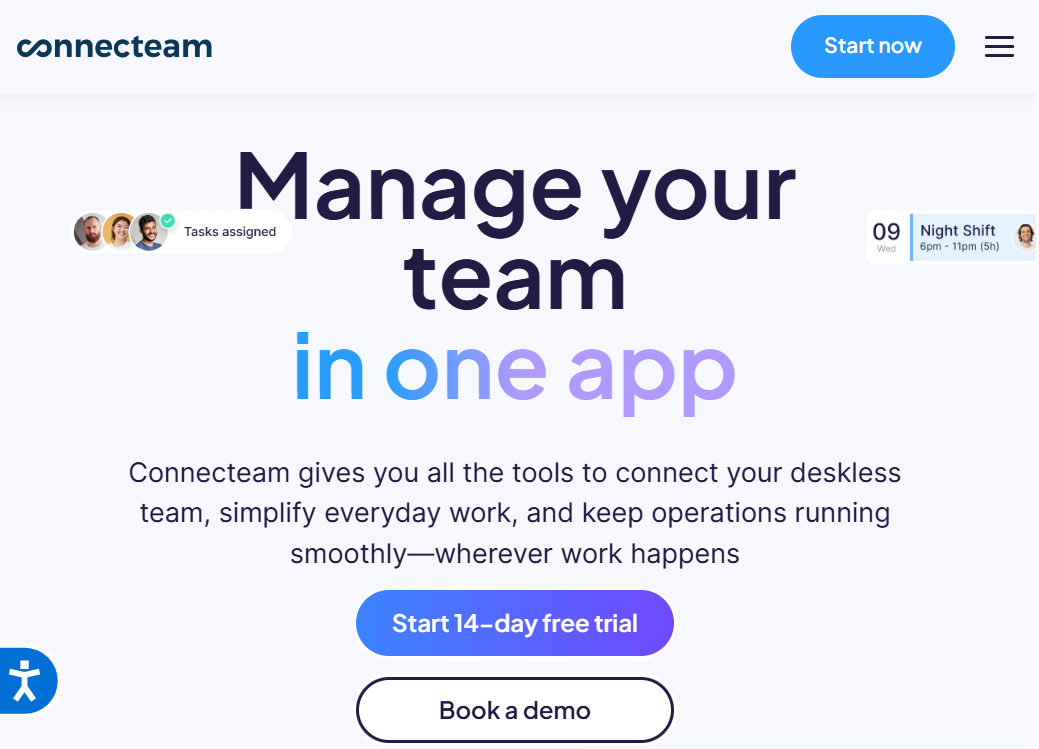
What it does: Connecteam is a mobile-first workforce platform that combines crew scheduling, time tracking, and team communication in one app.
Best for: Larger field teams (think 30+ deskless workers) who need scheduling, a time clock, and group messaging without paying for three separate tools.
I set up a week of shifts in about ten minutes, and the drag-and-drop calendar felt closer to a consumer app than enterprise software.
What stood out was the mobile experience. Field workers get push notifications for new shifts, and the chat feature kept everyone on the same page without a flood of texts. For crews that live on their phones, that adoption curve is short.
Key features
- Drag-and-drop scheduling: Build crew calendars fast and push updates straight to workers' phones.
- GPS-enabled time clock: Workers clock in from the job site, so hours line up with where the work happened.
- Built-in team chat: Cut down on scattered group texts by keeping job updates inside the app.
Connecteam pros
- Free plan covers up to 10 users, so small crews can start at no cost
- Fixed pricing for the first 30 users keeps mid-size teams affordable
- Strong mobile experience that field workers actually use
Connecteam cons
- Pricing gets complicated once you spread features across multiple "hubs"
- Built for deskless workforces broadly, not for the estimating-to-invoice flow paving contractors run
What users say
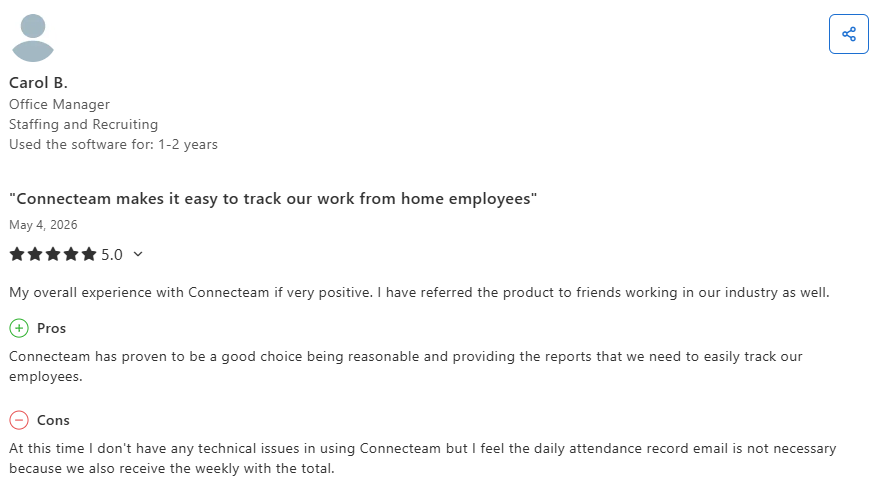
- Brings scheduling, communication, and time tracking into one place: Connecteam helps teams manage schedules, track employee time, and stay connected through a single platform. Users frequently highlight its ease of use, mobile accessibility, and ability to keep day-to-day operations organized. (Ryan F., Capterra; April 2, 2026)
- Feature-heavy interface can be difficult to navigate: Some users feel the platform offers more features than they need, making the interface feel busy and certain tasks, such as editing schedules or approving timesheets, harder to complete efficiently. (Nicole F., Capterra; April 6, 2026)
Pricing
Connecteam offers a free Small Business plan for teams up to 10 users. Paid Operations plans start at $29/month (billed annually) and $35/month (billed monthly) for the Basic tier.
Higher tiers cost $49/month for Advanced and $99/month for Expert, with each tier covering the first 30 users. Beyond 30 users, you pay a per-user monthly rate.
Bottom line
I'd recommend Connecteam to larger field crews who want scheduling, time tracking, and messaging in one affordable app. If you run project-based work that flows from estimate to invoice, it'll feel like a partial fit.
2. Workyard: Best for Field Crews on the Move
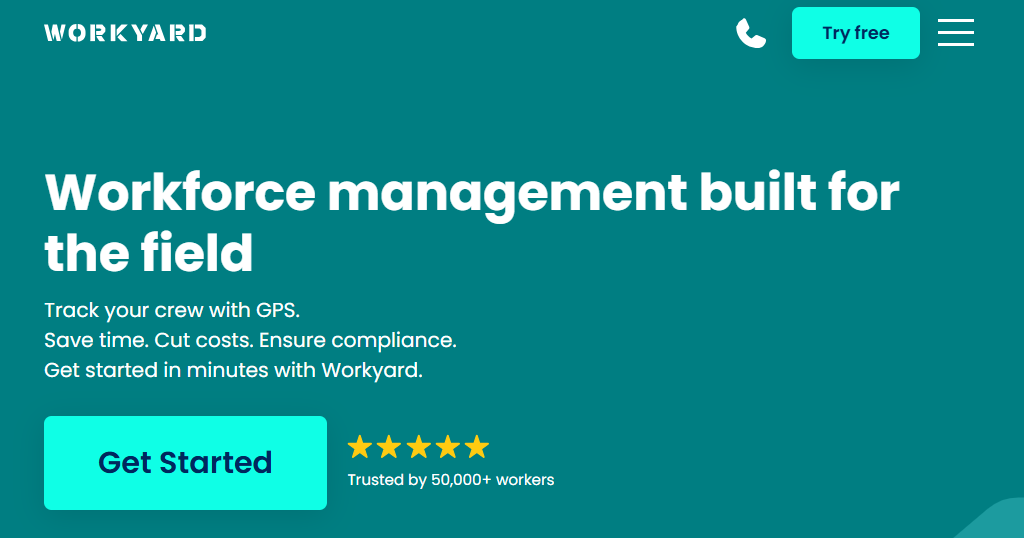
What it does: Workyard is a GPS-powered crew scheduling and time-tracking platform built for construction and trades crews who move between job sites.
Best for: Contractors who need to know exactly when and where crews worked, and want that time tied directly to labor costs by job.
The GPS tracking is the headline here, and it's accurate. During testing, clock-ins logged the right job site automatically, and the geofence reminders nudged a "crew member" to clock in on arrival.
The scheduling side replaces whiteboards with a drag-and-drop calendar where you can attach job details, checklists, and instructions to each shift. Labor cost data showed up at the job level quickly, which is where Workyard earns its keep.
Key features
- GPS-verified time tracking: Continuous location logging throughout the day shows who worked where, not just at clock-in.
- Drag-and-drop crew scheduling: Assign shifts to individuals or teams with job site details and checklists attached.
- Labor cost tracking: Field hours feed job-level cost views so you catch overruns before they grow.
Workyard pros
- Accurate GPS that holds up across multiple job sites, even offline
- Scheduled time connects directly to job costing and payroll
- Clean, mobile-first design that's quick to learn
Workyard cons
- Useful, advanced features locked behind higher tiers
- It centers on time and labor tracking, so it's lighter on full project management
What users say
- Makes it easier to track crews, locations, and labor hours: Workyard helps contractors monitor employee locations, verify hours worked, and manage crews across multiple jobsites. Users frequently praise its ease of use, GPS tracking capabilities, and visibility into daily field operations. (Ricky B., Capterra; April 29, 2026)
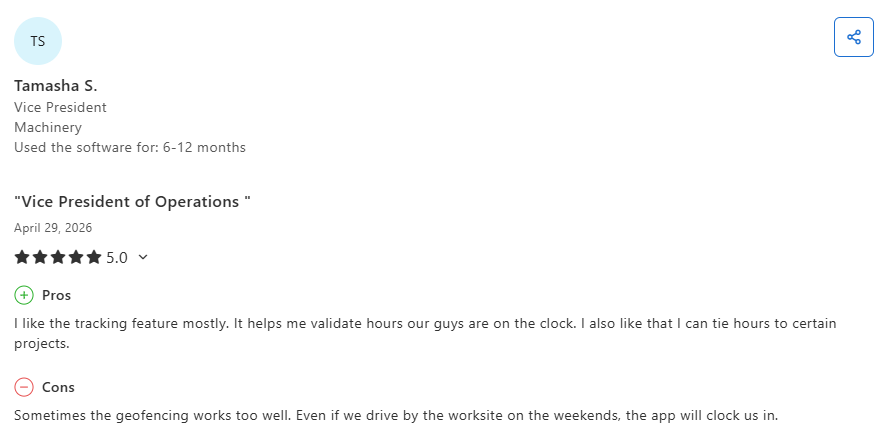
- Geofencing can occasionally be overly sensitive: Some users report that Workyard's automatic geofencing feature may clock employees in when they pass near a jobsite outside of working hours, requiring additional review of time records. (Tamasha S., Capterra; April 29, 2026)
Pricing
Workyard's pricing starts at $6/user/month (billed annually). Plans include Starter, Pro, and Enterprise. A 14-day free trial is available.
Bottom line
I'd recommend Workyard to field crews who need airtight GPS time tracking tied to labor costs. If you mostly need project planning and client-facing tools, look further down this list.
3. ClockShark: Best for Scheduling Tied to Accurate Hours
What it does: ClockShark pairs drag-and-drop crew scheduling with GPS time tracking and job costing for field service and construction businesses.
Best for: Crews that want scheduling and accurate field hours in one place, with job costing detailed enough to see where labor dollars go.
ClockShark splits the difference between a pure time clock and a scheduling tool, and it does both reasonably well. I built a schedule, dropped shifts onto specific crew members, and the time tracking flagged when someone clocked in outside the job's geofence.
The job costing on the Pro plan goes deeper than most time apps, with cost-code-level detail that paving and trades crews can actually use.
Key features
- Drag-and-drop scheduling: Assign jobs and shifts to crews, then push them to mobile devices.
- GPS and geofencing: Confirm crews clock in at the right site and cut down on buddy punching.
- Job costing controls: Track labor against jobs and cost codes, with deeper controls on the Pro tier.
ClockShark pros
- Scheduling and time tracking live in the same tool, so hours match assignments
- You're billed only for active users, which helps with seasonal crews
- Native QuickBooks and ADP connections simplify payroll
ClockShark cons
- The base fee plus per-user model adds up as crews grow
- It's built around hours and scheduling, not estimating or proposals
What users say
- Simple time tracking and scheduling for field teams: ClockShark helps businesses track employee time, manage schedules, and monitor field activity through an easy-to-use mobile app. Users frequently praise its straightforward interface, GPS tracking capabilities, and reliability for crews working across multiple locations. (Samantha H., Capterra; March 6, 2026)
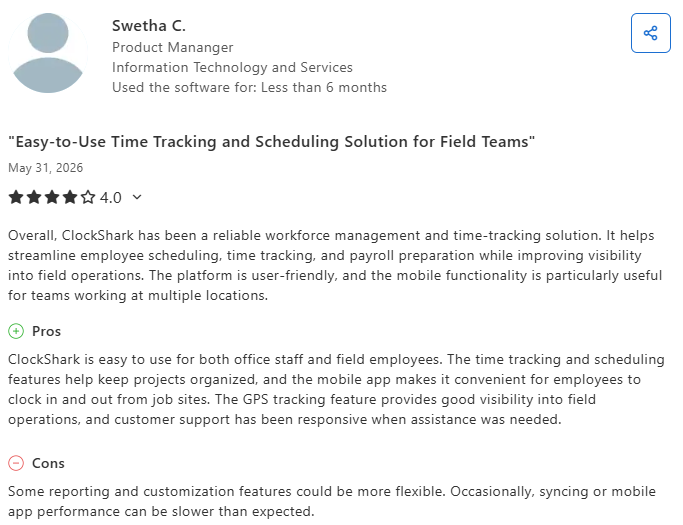
- Reporting and mobile performance could be more flexible: Some users would like more advanced reporting and customization options, while others note occasional syncing delays or mobile app performance issues that can affect GPS tracking and day-to-day use. (Swetha C., Capterra; May 31, 2026)
Pricing
ClockShark's pricing includes the Standard plan at $40 per month plus $9 per active user per month, and the Pro plan at $60 per month plus $11 per active user per month. Both include one free admin and a 14-day free trial.
Note: All ClockShark plans require a 3-year contract commitment.
Bottom line
I'd recommend ClockShark to crews who want scheduling welded to accurate hours and real job costing. If your work starts with takeoffs and detailed bids, a project-based platform fits better.
4. OneCrew: Best for Project-Based Asphalt and Concrete Contractors
What it does: OneCrew is an all-in-one platform for paving contractors that ties crew assignments to estimates, project phases, and invoicing in one place.
Best for: Project-based asphalt and concrete contractors of any size who plan work from takeoffs and run it phase by phase, from lead to final invoice.
OneCrew works differently from the field-service tools above it, and that's the point.
The customer portal is a genuine differentiator. It works much like Jobber's, letting clients view and sign proposals, view and pay invoices, share photos and documents, and message your team chat-style in one spot.
One thing I appreciated from a business standpoint is that OneCrew is built to push contractors toward a healthy margin rather than blanket markup, which is the more reliable way to protect profit on project work.
Key features
- Field tools in crew hands: Crews get their schedules, work orders, and GPS directions on their phones, then log time and job data from the site through OneCrew's field management tools.
- Same-day proposals: Turn a finished estimate into a branded proposal customers can review, approve, and pay in the portal, all from OneCrew's proposals feature.
- Repeat customers without a separate CRM: Keep leads, conversations, and project history in one place with the built-in CRM, so paving crews skip paying for a standalone tool they don't need.
OneCrew pros
- Crew scheduling connects to estimates and job phases, not just a time clock
- Purpose-built for asphalt and concrete paving work, not retrofitted from another trade
- Independent ownership means your data stays yours, with no competitor roll-up behind the curtain
OneCrew cons
- Focused on project-based paving contractors, so service-only businesses won't be the right fit
- Doesn't include accounting, so you'll keep QuickBooks or an ERP for the books
What users say
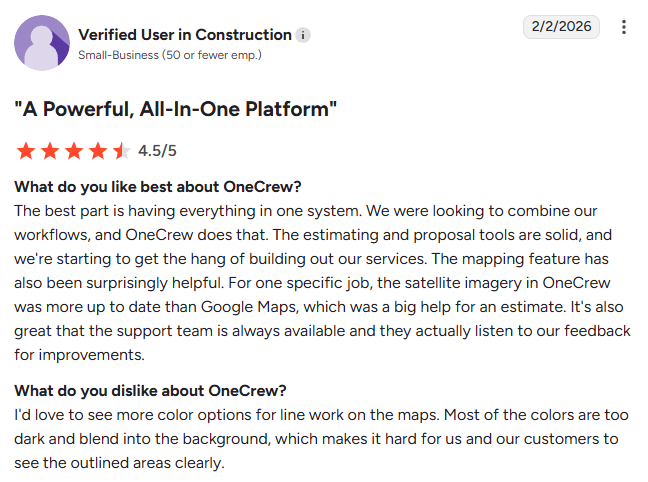
- Easy to adopt without disrupting existing workflows: OneCrew helps contractors keep estimating, scheduling, and job management in a single system while maintaining the processes they already use. Users also highlight the platform's ease of use and responsive customer support. (Matt M., G2; February 10, 2026)
- Scheduling visibility could be improved: Some users report that the scheduling calendar can be difficult to scan, making it harder to quickly understand everything assigned across upcoming jobs and crews. (Tim J., G2; March 12, 2026)
Pricing
OneCrew uses seat-based pricing scaled to your company size and the features you need. Exact pricing is shared during a demo, which you can book on OneCrew’s site.
Bottom line
I'd recommend OneCrew to asphalt and concrete contractors who run project-based work and want crew scheduling that's connected to estimating and invoicing. If you run pure service calls with no bidding, a field-service tool will suit you better.
5. Procore: Best for Large General Contractors

What it does: Procore is a full construction management platform covering the project lifecycle, with crew and resource scheduling built for large general contractors.
Best for: Large GCs and enterprise teams managing many projects at once who need deep project controls and unlimited users.
Procore is the heavyweight here, and it shows in both directions. The scheduling and resource tools sit inside a much larger system that handles documents, financials, quality, and safety across big project portfolios.
During the demo, the depth was obvious, and so was the learning curve. This is a platform you commit to, not one you spin up over a weekend. For a small paving crew it's overkill; for a large GC running dozens of jobs, that depth is the whole point.
Key features
- Full project lifecycle management: Coordinate scheduling, documents, financials, and field work in one system.
- Unlimited users: Bring your whole team, subs, and stakeholders on without per-seat charges.
- Deep integrations: Connect to hundreds of construction and accounting tools.
Procore pros
- Handles large, complex project portfolios that lighter tools can't
- Unlimited users make sense for big teams with many stakeholders
- Extensive integration library
Procore cons
- Steep learning curve and a heavy implementation lift
- Built for large-volume general contractors, so smaller paving crews pay for capacity they won't use
What users say
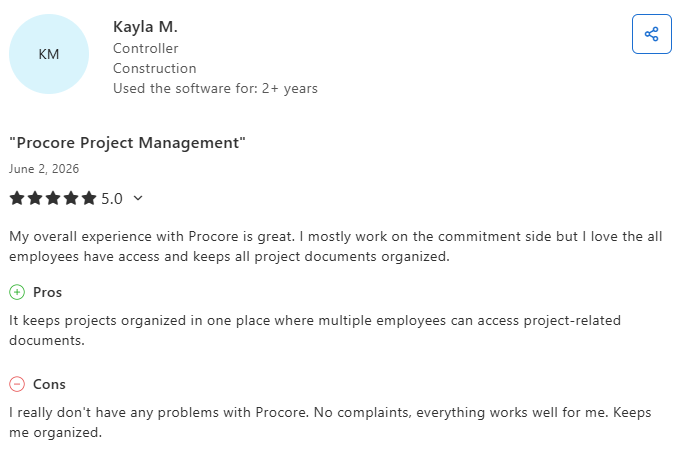
- Keeps teams aligned with centralized project information: Procore helps contractors organize documents, drawings, and project communications in one place, reducing back-and-forth communication and making it easier for office and field teams to stay on the same page. (Patrick K., Capterra; May 12, 2026)
- Some workflows can be difficult to navigate: While users value Procore's broad feature set, some report that certain tools and actions can be difficult to find within menus, creating a learning curve when completing specific project management tasks. (Joe W., Capterra; June 1, 2026)
Pricing
Procore doesn't publish standard pricing. It quotes each company based on annual construction volume and the modules selected, and you'll need to request a demo for a quote.
Bottom line
I'd recommend Procore to large general contractors who need enterprise-grade project controls and have the team to implement them. If you're a paving crew that wants scheduling tied to estimating without the enterprise weight, it's more than you need.
Which Crew Scheduling Software Should You Choose?
The best crew scheduling software comes down to how your work gets booked and billed: field-service crews, project-based contractors, and large GCs each have a different best fit.
Choose Connecteam if you ...
- Run a large deskless crew that needs scheduling, time tracking, and messaging in one app.
- Want a free starting point for a small team and predictable fixed pricing as you grow.
Choose Workyard if you ...
- Need GPS-verified hours tied to labor costs across multiple job sites.
- Care more about accurate field time than client-facing or estimating tools.
Choose OneCrew if you ...
- Run project-based asphalt or concrete work and want crew scheduling connected to estimates and job phases.
- Want a customer portal and QuickBooks invoicing sync built for paving, not borrowed from another trade.
Final Verdict: Run Crews, Estimates, and Jobs in One Place
OneCrew is a platform built specifically for project-based paving and concrete contractors. It's not a generic crew scheduling software tool adapted for paving: it was designed around the way asphalt and concrete businesses actually operate, from the first takeoff to payment.
Here's what it covers:
- Build accurate estimates before you assign a single crew member: OneCrew's estimating tools let you price jobs from PDFs or aerial maps with built-in calculators for labor, materials, equipment, and subs.
- Schedule crews to job phases, not just time slots: OneCrew's scheduling feature assigns crews and roles to specific project phases so your office and field stay aligned across pre-construction, production, and billing.
- Keep your field team informed and accountable on-site: Crews get their schedules, work orders, and GPS directions on their phones and log time and job data as the work happens.
- Send proposals the same day you close an estimate: Generate professional, branded proposals straight from your estimate, and let customers review, approve, and pay through the client portal with no back-and-forth.
- Manage leads and repeat customers without a separate CRM: Keep your leads, conversations, and project history in one place instead of scattered across inboxes and spreadsheets.
- Invoice faster and get paid sooner: OneCrew's invoicing tools sync with QuickBooks so you can bill customers and collect payment without double entry or chasing down paperwork. The faster you invoice after a job closes, the faster cash comes in.
You only need one platform that ties crew scheduling, estimating, and invoicing together from the first bid to the final payment. Book a free demo and see how it works for your operation.
FAQs
1. What is the best crew scheduling software for contractors?
The best crew scheduling software depends on your type of work. Connecteam fits large deskless crews that need scheduling plus communication, Workyard suits field crews needing GPS-verified hours, and OneCrew works best for project-based asphalt and concrete contractors who want scheduling tied to estimating and invoicing.
2. How much does crew scheduling software cost?
Crew scheduling software ranges from free to quote-based enterprise pricing. Connecteam offers a free plan up to 10 users and paid plans from $29/month. Workyard starts at $6 per user per month, and ClockShark starts at $40/month plus $9 per user. Procore and OneCrew use quote- and seat-based pricing shared directly.
3. What's the difference between field-service and project-based crew scheduling software?
The main difference is where the work starts. Field-service scheduling tools build around a time clock and dispatching for repeat service calls, while project-based platforms like OneCrew start from an estimate and assign crews to job phases that run from bid to invoice.
4. Does crew scheduling software work for paving contractors?
Yes, crew scheduling software works for paving contractors, but fit varies. General field-service tools handle hours and shifts, while a paving-specific platform like OneCrew connects crew assignments to takeoffs, estimates, and project phases, which matches how asphalt and concrete jobs actually run.
5. Can crew scheduling software help with safety and compliance?
Yes, many crew scheduling tools support safety by attaching checklists and instructions to each shift and confirming crews reach the right site. Pairing those features with strong on-site field practices does more to prevent incidents than scheduling alone.

