
8 Best Buildertrend Alternatives I Tested in 2026

After months of testing construction management platforms and talking with contractors who have made the switch, trends emerged: OneCrew is best for paving projects, JobTread is best for residential builders, and Procore is best for large commercial work.
This guide walks you through the 8 best Buildertrend alternatives worth your time in 2026.
8 Best Buildertrend Alternatives: At a Glance
How I Tested These Buildertrend Alternatives
I signed up for demos, tested core workflows, and collected feedback from contractors who've used these platforms on real projects. I also reviewed user ratings on Software Advice, Capterra, and G2 to validate my findings.
What I looked for:
- Ease of setup: How long does it take to get from signup to managing a real project?
- Industry fit: Does the platform match how contractors in that trade actually work?
- Mobile experience: Can field crews realistically use the app every day?
- Financial tracking: Does job costing connect estimates to actual costs?
- Pricing transparency, customer support, integration depth, and scalability over time
Why Contractors Look for Buildertrend Alternatives
Buildertrend works well for residential home builders with large budgets and dedicated admin teams. But it's not the right fit for everyone. Here’s why:
- Setup takes too long: Some users spend weeks uploading data before managing a real project, which hurts when you need asphalt paving scheduling software to plan crews fast.
- It’s built for residential construction: Commercial contractors and specialty trades often find the features don't match their workflows. It won't handle asphalt project management and estimating the same way.
- No free trial available: You can't test the platform with real projects before committing.
- The learning curve is steep: Field crews resist adoption when the app feels clunky, which becomes a bigger problem when they need to follow OSHA requirements and maintain clean daily logs.
1. OneCrew: Best Buildertrend Alternative for Paving
What it does: OneCrew manages everything from bid creation to final invoice for project-based paving work.
Best for: Asphalt and concrete paving contractors of any size running project-based jobs.
OneCrew is the only platform built specifically for paving contractors. Unlike Buildertrend (which focuses on residential construction), OneCrew speaks the language of asphalt and concrete work: takeoffs from plans, multi-phase job tracking, and financials built around project-based billing.
Clear scope and terms still matter, so I also look for support around the asphalt paving contract.
Key features
- PDF plan takeoff: Measure directly from blueprints with labor, material, equipment, and subcontractor line items, or use Instant Takeoffs
- Site mapping: Create estimates from aerial imagery for outdoor projects
- Customer portal: Clients can view and sign proposals, pay invoices, share documents, and message your team
- Configurable bid builders: Margin-based calculations (not markup) with built-in cost calculators
- Crew assignments: Assign teams and roles to specific job phases across pre-construction, production, and billing
- QuickBooks Online integration: Syncs invoicing and payment data without double-entry
Pros
- Purpose-built for how paving contractors actually estimate and manage jobs
- Replaces the patchwork of spreadsheets, whiteboards, and disconnected tools
- Independent ownership means your data stays yours (not owned by competitors or private equity)
- Customer portal rivals or beats what you'd find in residential-focused platforms
Cons
- Focuses on the full platform experience, so it's not ideal if you only want standalone estimating or CRM
- Best suited for project-based work rather than quick service calls
What real users are saying
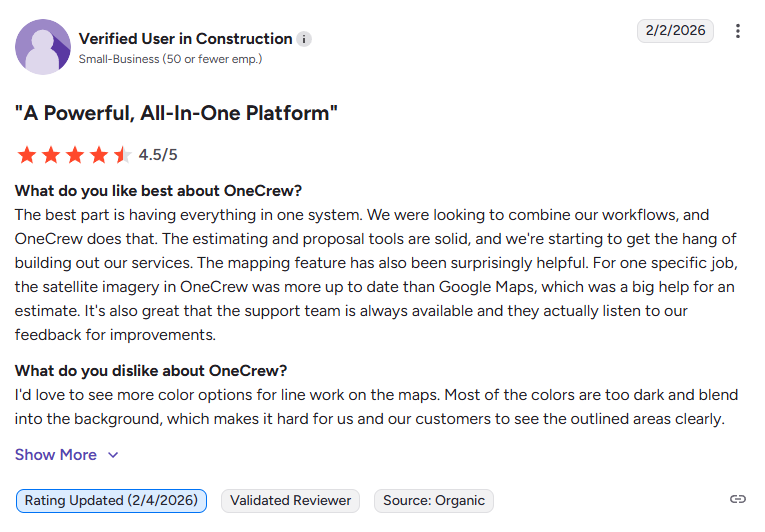
- All-in-one workflow fit: Easy to use and integrates smoothly into existing processes without forcing teams to change how they operate, while improving organization across projects (G2, February 2026)
- Strong estimating and analytics: Industry-specific estimating with built-in formulas, professional proposals, and detailed job tracking supported by useful analytics for monitoring profitability (G2, March 2026)
Pricing
OneCrew uses seat-based subscription pricing based on company size and feature needs. Book a demo to get specific rates.
Bottom line
If you're a paving contractor frustrated with platforms built for plumbers or home builders, OneCrew is the answer. It handles your actual workflow from takeoff to final invoice without forcing you into features designed for other trades.
Tip: If your scope includes striping, make sure the tool supports the workflow behind your line striping equipment.
2. JobTread: Best for Residential Builders Who Want Simplicity
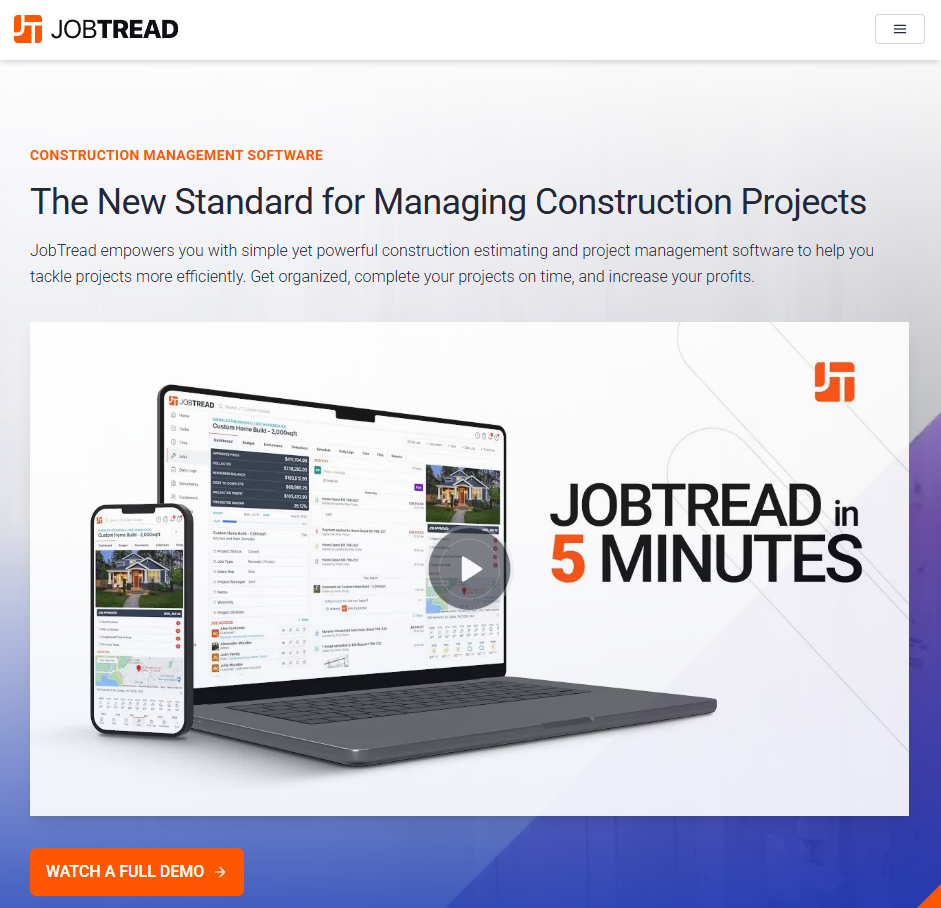
What it does: JobTread handles estimating, scheduling, job costing, and client communication for residential construction.
Best for: Small to mid-sized home builders and remodelers who want an intuitive platform.
JobTread earns consistently high ratings for customer support and ease of use. It manages the core functions residential builders need without overwhelming users with features they'll never touch.
Key features
- Built-in takeoff tools: Connect directly to estimates and budgets
- Customer portals: Selections, allowances, and payment collection in one place
- Clear financial tracking: From estimate to invoice with job costing visibility
- QuickBooks integration: Supports both Online and Desktop versions
Pros
- Clean interface that teams actually adopt
- Straightforward pricing with no hidden fees
Cons
- Best suited for residential construction, so commercial and specialty contractors may find limitations
- Fewer enterprise features compared to platforms like Procore
What real users are saying
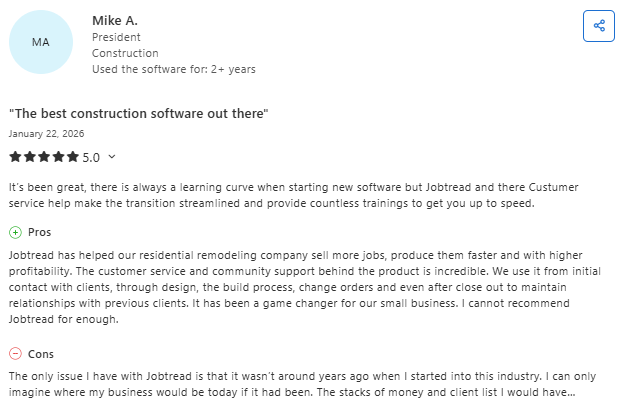
- High impact on business growth: Helps contractors sell more jobs, complete them faster, and improve profitability with strong support and an active user community (Capterra, January 2026)
- End-to-end project management: Covers the full workflow from client communication and design to change orders and closeout, making it easier to manage both new and repeat business (Capterra, January 2026)
Pricing
$159/month (annual) or $199/month (monthly) for one user. Additional users start at $20/month. All features included.
Bottom line
JobTread is the go-to choice for residential builders who want excellent support and a platform their team will actually use. If you're running large commercial projects or specialty trades like paving, you'll likely need something more industry-specific.
3. Procore: Best for Large Commercial Operations
What it does: Procore provides enterprise-grade construction management with deep functionality for complex, multi-party projects.
Best for: Large construction firms managing commercial projects with multiple stakeholders.
Procore is the enterprise standard for commercial construction. It offers deeper functionality than Buildertrend, including Building Information Modeling (BIM), quality management, safety tracking, and advanced document control.
Key features
- 3D model coordination: BIM tools with clash detection and quantity takeoffs
- Quality and safety modules: Built-in compliance tracking and reporting
- RFI and submittal workflows: Robust document management for complex projects
- Extensive integrations: Connects with 400+ third-party tools
Pros
- Industry-leading feature depth for commercial construction
- Strong collaboration tools for multi-party projects
- Dedicated implementation support and training
Cons
- Costs significantly more than Buildertrend (custom enterprise pricing)
- Overkill for small teams or residential projects
- Requires dedicated implementation time and resources
What real users are saying
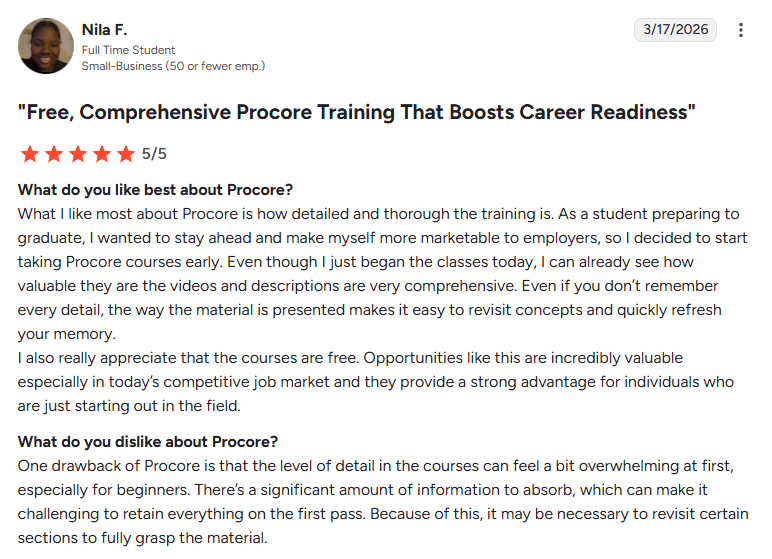
- Flexible and easy to adopt: Centralizes project management across devices with strong mobile usability, making it easier to coordinate teams and tasks on job sites (G2, March 2026)
- Intuitive interface with strong connectivity: Offers a user-friendly experience that works seamlessly between desktop and mobile, helping users manage schedules and daily tasks efficiently (G2, March 2026)
Pricing
Custom pricing based on project volume and company needs. Contact Procore for a quote.
Bottom line
Procore makes sense for large commercial operations that need enterprise-grade features and can justify the investment. Smaller contractors or those doing residential/specialty work should look elsewhere.
4. Contractor Foreman: Best Budget-friendly Option
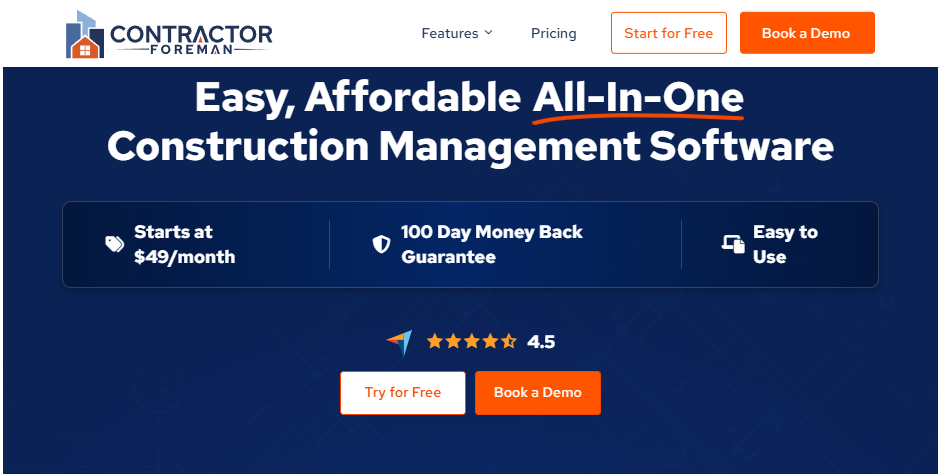
What it does: Contractor Foreman covers project management essentials at a fraction of Buildertrend's cost.
Best for: Small contractors who need basic functionality without breaking the bank.
Contractor Foreman delivers estimating, scheduling, time tracking, and basic job costing at prices that won't eat into your profit margin. It's a solid choice for contractors who don't need all the bells and whistles.
Key features
- Affordable tiers: Multiple pricing options to match your needs
- Time tracking and daily logs: Keep field crews accountable
- QuickBooks and Gusto integrations: Connect your existing accounting and payroll
- GPS tracking: Optional add-on for crew location visibility
Pros
- Starting price of $49/month makes it accessible to small operations
- Covers the core functionality most small contractors need
- Mobile app for field team access
Cons
- User reviews mention occasional glitches and slower customer support
- Fewer advanced features compared to higher-priced platforms
What real users are saying

- Reliable field tracking tools: Time tracking and geolocation features help teams manage multiple job sites more effectively and keep accurate records (Capterra, March 2026)
- Customizable but needs refinement: Offers flexibility in templates and workflows, though users report limitations in customization and data input options (Capterra, March 2026)
Pricing
Starting at $49/month (billed annually). Access to features increases with higher tiers.
Bottom line
Contractor Foreman is the budget pick. It won't wow you with advanced features, but it handles the basics well enough for small contractors watching their expenses. Just don't expect the polish or support of pricier platforms.
5. Buildern: Best for Custom Home Builders
What it does: Buildern manages the entire project lifecycle for residential construction with strong estimation and client selection tools.
Best for: Custom home builders who need detailed selections, allowances, and bid management.
Buildern positions itself as a more affordable, easier-to-use Buildertrend alternative. It handles everything from estimation to project closeout with a focus on the client communication that custom builders rely on.
Key features
- Selections and allowances: Detailed tracking of client choices and budget impacts
- Bid leveling: Compare subcontractor quotes side by side
- Gantt charts: Multiple dependency types (finish-to-start, start-to-finish, etc.)
- Location-based tax calculations: Automatic adjustments based on the job site
Pros
- Lower learning curve than Buildertrend
- Strong client-facing features for custom home building
- Comprehensive estimating with overhead tracking
Cons
- Focuses on residential and custom home building, limiting fit for commercial or specialty trades
- Smaller market presence means fewer integration options
What real users are saying

- Fast setup and strong feature set: Quick implementation with comprehensive tools for project management, estimating, and financial tracking that improve efficiency (Capterra, October 2025)
- Powerful but slightly complex UI: Feature-rich platform with strong integrations and usability, though the interface can feel overwhelming at first (Capterra, October 2025)
Pricing
Starting at $225/month (billed annually). Pricing calculator available on their website.
Bottom line
Buildern works well for custom home builders who find Buildertrend too expensive or complex. If you're in a different trade (like paving or commercial work), the residential focus won't serve you well.
6. ConstructionOnline: Best for Growing Builders
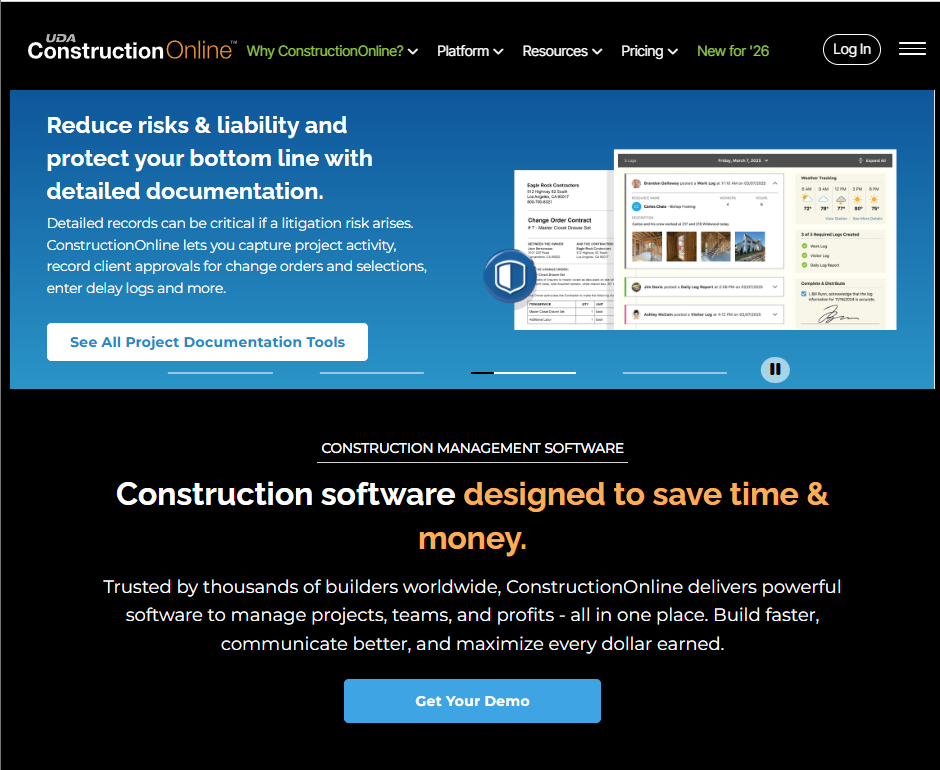
What it does: ConstructionOnline provides comprehensive project management for builders scaling their operations.
Best for: Mid-sized builders managing multiple projects who need room to grow.
ConstructionOnline offers a broad feature set for builders ready to move beyond basic tools. It handles scheduling, client selections, financial tracking, and reporting in one platform.
Key features
- Advanced scheduling: Gantt views with dependencies and resource tracking
- Client selections portal: Visual presentations for homeowner decisions
- Detailed budgeting: Financial tracking with reporting dashboards
- Mobile access: Field team functionality on iOS and Android
Pros
- Comprehensive feature set that scales with your business
- Strong scheduling and financial tools
- Established platform with years of development
Cons
- Interface can feel dated compared to newer platforms
- Setup requires significant configuration time
- Higher starting price than some alternatives
What real users are saying
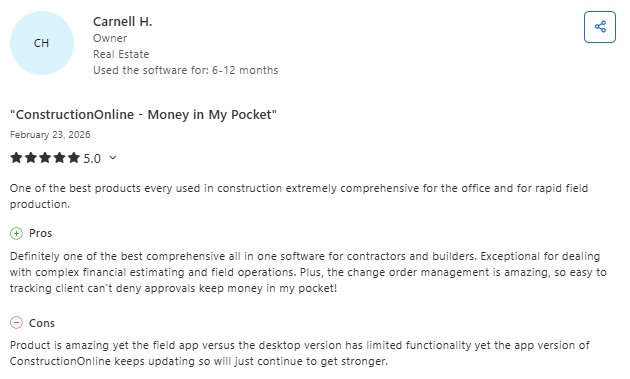
- Centralized document and project management: Helps organize templates, estimates, and schedules while improving communication with clients and subcontractors (Capterra, February 2026)
- Useful but limited scheduling flexibility: Strong overall functionality, but users report that scheduling tools lack flexibility for defining workdays and resource planning (Capterra, February 2026)
Pricing
Starting at $396/month (annual) for basic project management tools.
Bottom line
ConstructionOnline fits mid-sized builders who've outgrown basic tools and need a platform that can scale. The dated interface and setup time may frustrate teams used to modern apps.
7. Houzz Pro: Best for Design-Build Firms

What it does: Houzz Pro combines project management with marketing tools through the Houzz marketplace.
Best for: Remodelers and design-build contractors who want lead generation bundled with project management.
Houzz Pro offers something unique: access to the Houzz marketplace for lead generation alongside standard project management features. Design-focused remodelers get 3D floor plans, mood boards, and client management in one subscription.
Key features
- Lead generation: Access to the Houzz marketplace for finding new clients
- 3D floor planning: Create visual presentations and mood boards
- Online invoicing: Payment collection through the platform
- Client communication portal: Keep homeowners updated on progress
Pros
- Unique lead generation through Houzz network
- Design tools that other platforms lack
- Good fit for residential remodeling and design-build
Cons
- Project management features aren't as deep as dedicated construction platforms
- Value depends heavily on whether you benefit from Houzz leads
- Higher starting price for the combined feature set
What real users are saying
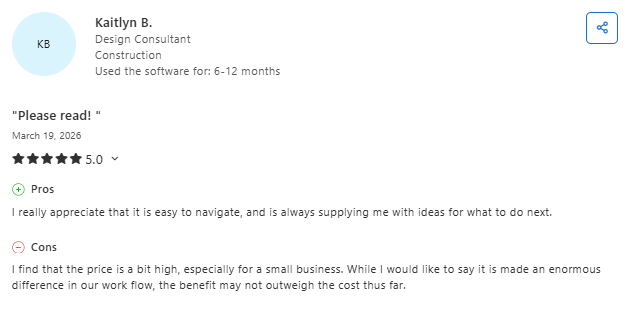
- All-in-one design and project tool: Combines 3D rendering, invoicing, and project organization in one place, helping contractors manage work more efficiently without juggling multiple tools (G2, March 2026)
- Strong estimating and document tracking: Makes it easy to create estimates, convert them into invoices, and track financials and project documents in a centralized system, though reporting capabilities are limited (G2, March 2026)
Pricing
Custom pricing – disclosed when you book a demo.
Bottom line
Houzz Pro makes sense if you're a design-build contractor who values the Houzz lead network. If you don't need the marketing features, you can find deeper project management elsewhere for less money.
8. ClickUp: Best General-Purpose Option

What it does: ClickUp provides highly customizable project management that can adapt to construction workflows.
Best for: Teams that want maximum flexibility without paying for construction-specific features.
ClickUp isn't built for construction, but its customizable workspace can adapt to contractor workflows. Teams that want project tracking without industry-specific tools may find it useful.
Key features
- Customizable views: Lists, boards, Gantt charts, and calendars
- Time tracking: Built-in hours logging for team members
- Free tier: Basic functionality at no cost for small teams
- Zapier integrations: Connect to thousands of other apps
Pros
- Free plan available for getting started
- Highly flexible to match your specific workflow
- Modern interface that teams enjoy using
Cons
- No construction-specific features like estimating, job costing, or client portals
- Requires significant setup to build construction workflows
- You'll need to integrate other tools for industry functionality
What real users are saying
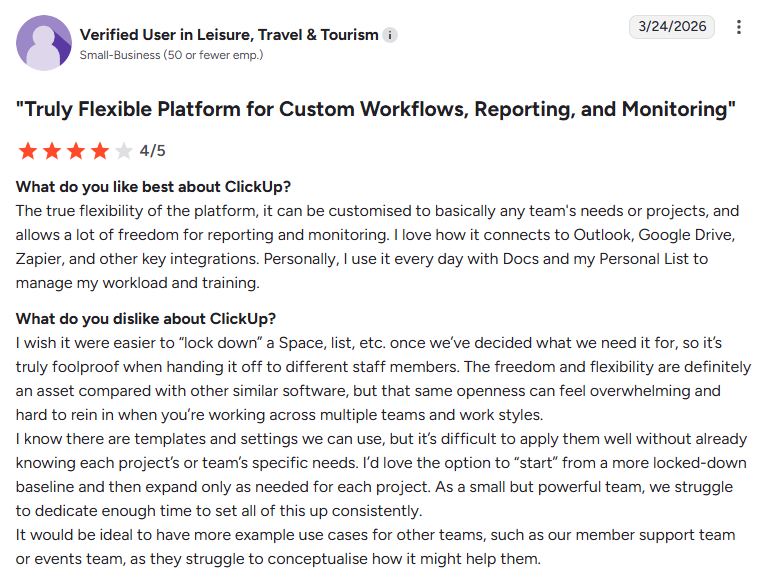
- Flexible workflows and multiple views: Offers intuitive UI with list, board, and Gantt views that help teams track tasks, dependencies, and progress across projects (G2, March 2026)
- Highly customizable but complex setup: Allows teams to build tailored workflows with automations and custom fields, though setup and navigation can feel overwhelming at first (G2, March 2026)
Pricing
Free plan available. Paid plans start at $7/user/month (annual plan).
Bottom line
ClickUp works for contractors who want basic project tracking and prefer to build their own systems. If you need estimating, job costing, or construction-specific features, you'll end up cobbling together multiple tools.
Which Buildertrend Alternative Should You Choose?
The right choice depends on your trade, company size, and what's causing friction with your current setup.
Choose OneCrew if you …
- Run an asphalt or concrete paving business
- Need to estimate from PDFs and site maps
- Want project-phase tracking built for how you actually work
- Value a customer portal for approvals and payments
Choose JobTread if you …
- Build or remodel residential homes
- Want top-rated customer support
- Prefer a clean, simple interface your team will adopt
Choose Procore if you …
- Manage large commercial projects with multiple parties
- Need enterprise features like BIM and safety tracking
- Have budget for dedicated implementation
Choose Contractor Foreman if you …
- Need basic project management on a tight budget
- Run a small operation with limited admin staff
Avoid these platforms if you …
- Run service-based work (quick calls, not projects) and need dispatch-focused tools
- Need heavy inventory management or accounting built into your PM platform
My Final Verdict
For paving contractors, OneCrew is the clear winner. It's the only platform that handles asphalt and concrete work the way you actually do it, from PDF takeoffs and site mapping to project-phase tracking and customer portals.
For residential builders, JobTread offers the best balance of features, support, and pricing. Buildern works well for custom home builders who need detailed selections management. For large commercial operations, Procore remains the enterprise standard.
Run Estimates, Crews, and Projects in One Place
When comparing Buildertrend alternatives, the question isn't which has the most features. It's which one fits how you actually run your work. That's where OneCrew comes in.
OneCrew was built for project-based asphalt and concrete contractors. It replaces the patchwork of spreadsheets, whiteboards, and disconnected tools that slow you down and make it impossible to see what's actually happening across your jobs.
Here's what you can do with OneCrew:
- Estimate from PDFs or aerial maps using labor, material, equipment, and sub-line items: Built-in calculators help you price paving jobs accurately with margin-based calculations (not markup).
- Schedule jobs and assign crews to specific phases with full visibility: Allocate teams and equipment across multiple job sites with drag-and-drop simplicity.
- Manage field operations in real time with updates from every job site: Crews can log materials used, track time, capture photos of completed work, and flag issues the moment they happen.
- Track customer relationships and job history from first contact to repeat business: Keep every conversation, quote, and project in one place.
- Send professional proposals that win more work and get approved faster: Create polished, branded proposals that stand out from competitors sending generic QuickBooks quotes.
- Invoice clients and collect payments without chasing paperwork: Sync financials with QuickBooks to keep billing organized without double-entry.
You don't need five different apps to run your paving business. You need one platform that ties everything together from takeoff to final invoice. Book a free demo and learn how OneCrew helps you take control of your jobs from start to finish.
FAQs
1. What is the best Buildertrend alternative for small contractors?
The best Buildertrend alternative for small contractors is Contractor Foreman or JobTread. Contractor Foreman starts at $49/month and covers project management basics. JobTread offers stronger job costing and customer portals at $159/month.
2. Is there a free Buildertrend alternative available?
ClickUp offers a free plan with project management features, though it lacks construction-specific tools like estimating and job costing. Most construction management platforms with real functionality charge monthly fees, but many offer lower pricing than Buildertrend's starting rate.
3. What's the best Buildertrend alternative for paving contractors?
OneCrew is the best Buildertrend alternative for asphalt and concrete paving contractors. It handles PDF takeoffs, site mapping, project-phase tracking, and customer portals specifically for project-based paving work. Buildertrend focuses on residential home building, which doesn't match how paving companies estimate and manage jobs.
4. Why do contractors leave Buildertrend?
Contractors leave Buildertrend for three main reasons: pricing that increases significantly after the promotional period, lengthy setup time that delays getting value from the platform, and features designed for residential construction that don't fit other trades. Many also cite the steep learning curve and mobile app issues for field teams.
5. Does OneCrew integrate with QuickBooks?
Yes, OneCrew integrates with QuickBooks Online. The integration syncs invoicing and payment information between platforms, eliminating double data entry. Job costing data stays in OneCrew, where you track actual labor, material, and equipment costs against your estimates.

