
7 ServiceTitan Alternatives Ranked by Trade Fit in 2026

Contractors shop for ServiceTitan alternatives for one of two reasons: the quote exceeds budget, or the demo shows a platform built for service calls, not phased work spanning weeks.
OneCrew works for project-based paving contractors, while Jobber and Housecall Pro fit smaller service shops. Contractors bidding off plan sets, staging crews, and billing as work progresses need something else.
We pulled published pricing where available, plan limits, feature gates for seven platforms, and sorted them by trade fit. Below, we review what each handles well, where it runs out, and which fits when you measure jobs in tons and square yards, not service tickets.
7 Best ServiceTitan Alternatives: TL;DR
- OneCrew: Best for project-based asphalt and concrete paving contractors of any size
- Jobber: Best for small residential service teams that want quoting and scheduling live within a week
- Housecall Pro: Best for home service businesses that book a high volume of inbound calls
- Service Fusion: Best for growing service teams that want every seat included at a flat monthly rate
- BuildOps: Best for commercial mechanical, electrical, and plumbing subcontractors
- Simpro: Best for contractors running steady service work and larger projects side by side
- Workiz: Best for dispatch-heavy shops that live on the phone all day
Why Look for ServiceTitan Alternatives?
ServiceTitan earned its reputation honestly. It's deep, it's polished, and for a mid-sized or large technician-based business in HVAC, plumbing, or electrical, it does plenty that cheaper platforms can't touch.
Its pricing page lists three packages, Starter, Essentials, and The Works, all priced per technician, and more than 100,000 contractors run on it. The dispatch board and call booking tools are excellent. The trouble starts when your work stops looking like a service call:
- A service ticket and a paving project are different animals: ServiceTitan organizes work around a technician showing up, diagnosing something, and closing out.
Paving jobs open with a takeoff, move through mobilization, milling, paving, and striping, then often sit half-finished for a week waiting on weather. Force that into a system built around work orders and completed visits, and your foremen quietly go back to tracking real progress on a legal pad.
- Per-technician pricing punishes you for growing: ServiceTitan doesn't publish rates, and cost tracks technician count, so a paving contractor with 60 field workers lands on a different number entirely than a plumbing shop with eight vans.
Stack the implementation work on top and the first-year total climbs fast. Seasonal hires make it worse, because every spring you're deciding who deserves a login.
- Estimating from plans takes a different skill than pricing a repair: Service platforms lean on flat-rate pricebooks, which work beautifully when the job is a capacitor swap.
They do nothing for you during a construction takeoff, when you're measuring off a PDF plan set, calculating tonnage, and pricing labor, material, equipment, and sub line items against a margin you can't afford to miss.
- You end up paying for capability nobody in your office will ever open: Marketing attribution, membership plans, and call center tooling earn their keep at a residential service brand with a big ad budget.
For a commercial paving contractor whose next 20 jobs come from property managers who already have your cell number, that same spend does more good pointed at automation that protects margins on the work you already won.
- Generic platforms don't speak your trade: When a platform has no concept of sealcoating cycles, tack coat, or yield, somebody in your office spends 3 months bending fields and dropdowns into shape, and the result still feels borrowed.
Contractors who work in paving terminology all day tend to spot the mismatch inside the first hour of a demo.
Which ServiceTitan Alternative Should You Choose?
Start with the shape of your work, then worry about price:
- Choose OneCrew if you bid paving work off plans and maps, then need that estimate to carry through crew scheduling, field costing, and billing without anyone retyping it. It follows the same arc as a paving project checklist, from pre-construction through final invoice. A residential shop running one-visit service calls will find it heavier than they need.
- Choose Jobber if you run a small residential crew and want quoting, scheduling, and invoicing working this month. It gets thin once you're managing multi-phase jobs or more than 15 users.
- Choose Housecall Pro if your revenue comes from inbound calls and repeat service visits. Skip it for project-based work, because the whole platform revolves around service jobs.
- Choose Service Fusion if you have 10 or more people who need logins and per-seat pricing has become the deciding factor. There's no free trial, so you commit after a demo.
- Choose BuildOps if you're a commercial mechanical or electrical subcontractor juggling service agreements alongside project work.
- Choose Simpro if you split your year between recurring service and larger builds, and you want customer-facing tools like a client portal handled in the same system. Budget for a setup fee.
- Choose Workiz if phones drive your schedule and you want call tracking wired straight into dispatch.
- Stick with ServiceTitan if you're a mid-sized to large technician-based service business in HVAC, plumbing, electrical, or refrigeration, with the volume to use the reporting and marketing tools. Nothing here matches its depth for that specific shape of business.
7 Best ServiceTitan Alternatives: At a Glance
The 7 Best ServiceTitan Alternatives
Every platform below gets the same treatment: what it does, what it costs, and who it suits. Pay close attention to how each one handles field documentation, because that's usually where adoption lives or dies.
A crew that won't fill out a jobsite checklist on their phone will hand you a paper mess on Friday no matter what you bought.
1. OneCrew
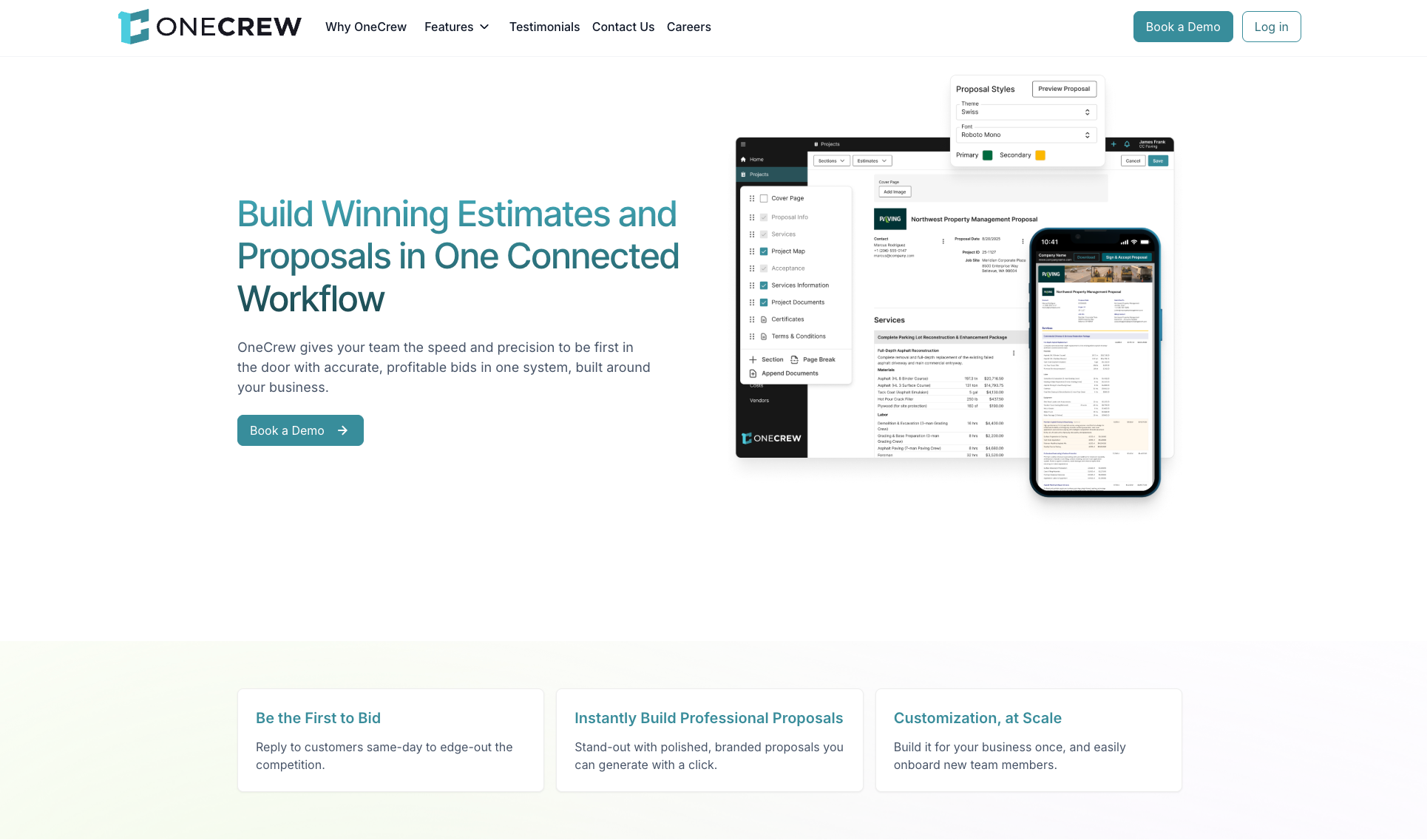
OneCrew is the one platform here purpose-built for project-based asphalt and concrete paving contractors, and it starts from the way a paving job runs: takeoff, estimate, proposal, schedule, field costing, invoice.
Key features
- PDF plan takeoff and site mapping: Two separate tools, one for marking up and measuring plan sets, one for measuring from satellite imagery.
- Configurable estimating: Build bids from labor, material, equipment, and sub line items using calculators and automations you set up once, so a newer estimator prices work the same way your best one does.
- Proposals and customer portal: Customers view and sign proposals, view and pay invoices, share photos and documents, and message your team in one place.
- Scheduling and crew assignment: Assign crews and roles to specific job phases so accountability stays clear.
- QuickBooks Online integration: Invoicing and payment information sync both ways, and accounting stays in QuickBooks.
OneCrew pros
- Estimating, scheduling, field data, and billing share one record, so nobody retypes a number
- Job costing built around paving line items, which makes margin erosion visible while the job is still open
- Independently owned, so your bid data never lands with a competitor that owns paving companies
OneCrew cons
- No accounting module, so QuickBooks or an ERP stays in the stack
- No published price list, which means a demo before you can budget
- Sold as the full platform on annual contracts, so you can't buy one module at a time
- Wrong fit for a residential service shop running short one-visit calls
Best for
- Commercial paving contractors bidding parking lots, roads, and site work
- Asphalt and concrete paving contractors of any size, from a two-truck outfit to a multi-region operation
- Estimators who price work from plan sets and aerial imagery
Pricing
OneCrew uses seat-based pricing on annual contracts, and it doesn't publish figures. You'll get a number scoped to your office and field headcount during a demo, which you can book here.
2. Jobber
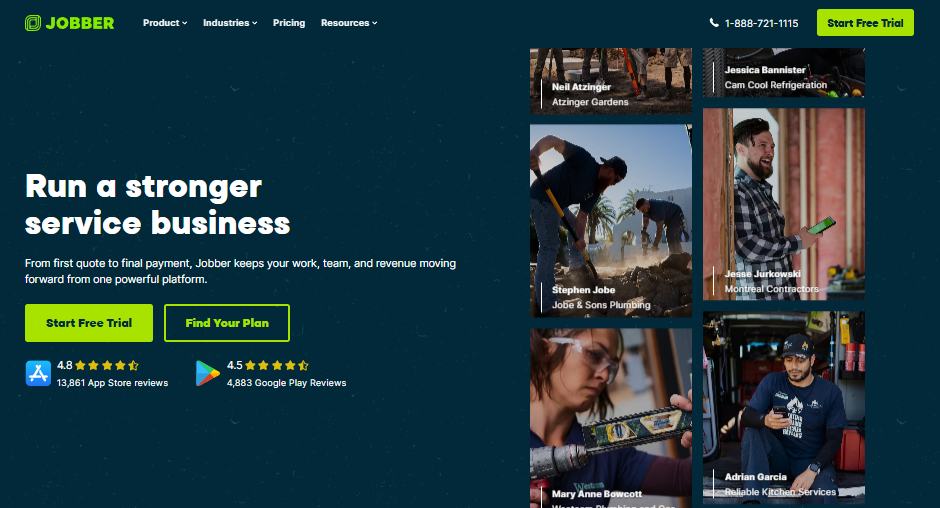
Jobber is the easiest landing spot for a small service crew leaving pen and paper behind. Quoting, scheduling, invoicing, and card payments work out of the box, and setup takes days.
Key features
- Quoting and client hub: Send quotes with images and optional add-ons, then let customers approve and pay through a self-serve portal.
- Scheduling and routing: Drag-and-drop calendar with route optimization and travel-time suggestions.
- Job costing: Track materials, labor, and expenses against a job to see profitability, available from the Grow plan up.
- QuickBooks Online and Xero sync: Push invoices and payments into accounting without double entry.
- Progress invoicing: Bill in stages on longer jobs so cash keeps moving.
Jobber pros
- Fastest onboarding of anything on this list
- Published pricing, so you can budget before you talk to sales
- 14-day free trial with full Grow features and no credit card
Jobber cons
- Plans cap included users, and extra seats run $29 per month each
- Marketing Suite, Pipeline, and the AI Receptionist are paid add-ons
- Built around service visits, so multi-phase project work needs workarounds
Best for
- Residential driveway and walkway crews
- Owner-operators moving off paper and spreadsheets
- Teams under 15 users who want one bill and no implementation project
Pricing
Jobber's pricing page lists monthly no-commitment rates from $49 for a single user on Core up to $699 for 15 users on Plus. Annual billing brings Core down to $29 per month, and the cheapest multi-user option is Connect at $199 per month for 5 users.
Add-ons carry their own price tags: Marketing Suite at $99/month, Pipeline at $49/month, and Receptionist at $29/month.
3. Housecall Pro
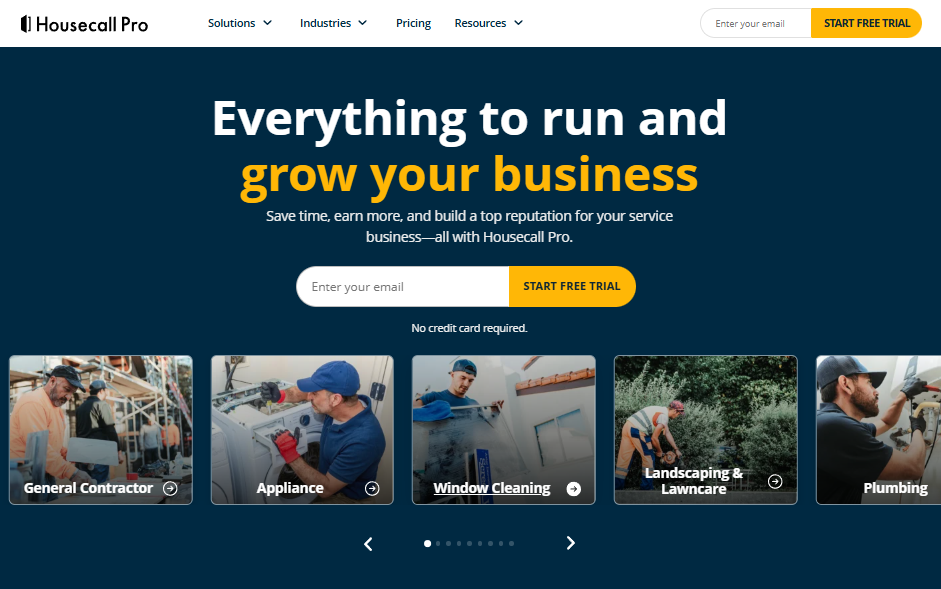
Housecall Pro is built for home service businesses that win work over the phone and online. Online booking, automated reminders, review requests, and consumer financing are all part of the core product.
Key features
- Online booking: Customers book and pay 24/7 from Google or your website.
- Price book and flat-rate pricing: Standardize service pricing with margin built in.
- Photo reports and annotations: Mark up job photos and turn them into a clean customer-facing report.
- Employee GPS tracking: Locates techs on a map using phone GPS with no extra hardware, from Essentials up.
- Sales proposal tool: Build visual proposals with side-by-side options, included on the Max plan.
Housecall Pro pros
- Strongest customer communication tools in this price range
- No long-term contracts, and canceling stays simple
- 14-day free trial with full Max features and no credit card
Housecall Pro cons
- Basic covers one user and leaves out QuickBooks sync and GPS tracking
- The proposal tool and open API sit behind the Max tier
- Built end to end around service businesses, which makes project-based paving work an awkward fit
Best for
- HVAC, plumbing, and electrical shops with heavy call volume
- Residential contractors who compete on customer experience
- Service businesses that want booking, reminders, and reviews in one place
Pricing
Housecall Pro publishes rates on its pricing page:
- Basic runs $59 per month billed annually or $79/month billed monthly
- Essentials is $149/month billed annually or $189/month billed monthly
- Max is $299/month billed annually or $329/month billed monthly
Card processing starts at 2.59%, and bank payments carry a 1% fee.
4. Service Fusion
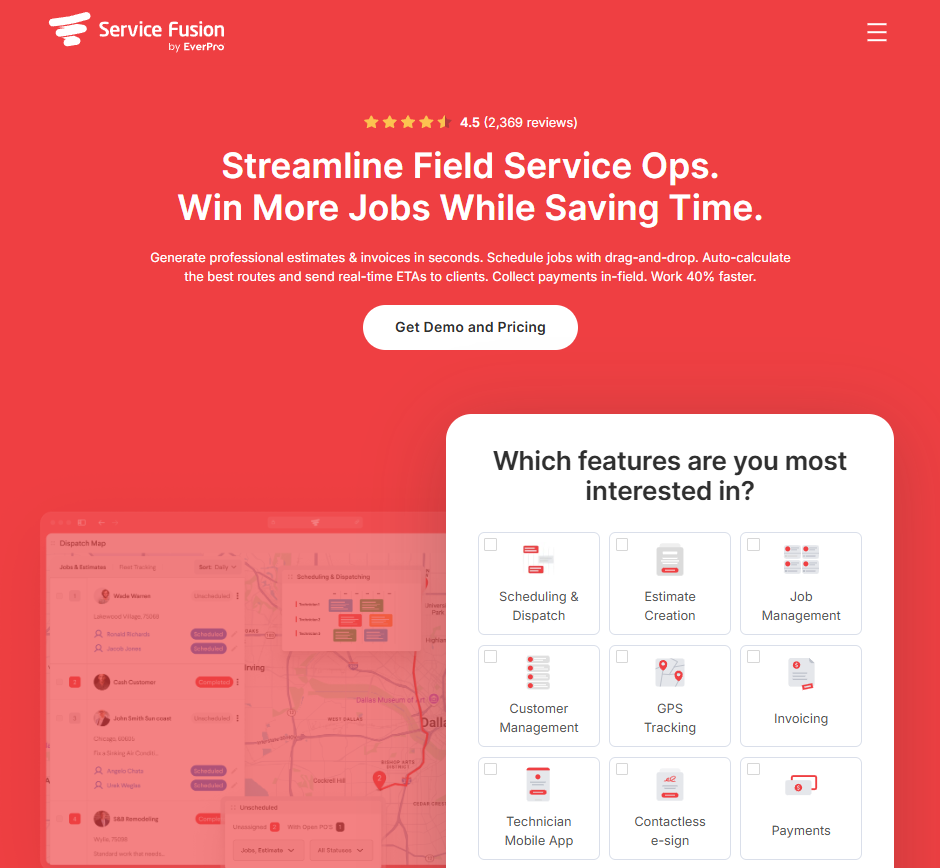
Service Fusion takes a different swing at pricing by including unlimited users on every plan. When the owner, dispatcher, bookkeeper, service manager, and 20 field workers all need access, that changes the math considerably.
Key features
- Unlimited users: Every plan covers your whole team, so headcount never moves the subscription.
- Scheduling and dispatch: Drag-and-drop board with customer history attached to every job.
- Job costing and inventory: Both arrive on the Plus and Pro tiers.
- Offline mode: Crews view schedules, add notes and photos, then sync when signal returns.
- QuickBooks Online and Desktop sync: Desktop support is rare, and plenty of contractor back offices still run on it.
Service Fusion pros
- Flat-rate pricing rewards you for putting everyone in the system
- Offline mode holds up in the dead zones crews genuinely work in
- Personalized onboarding plus unlimited phone, email, and chat support on every plan
Service Fusion cons
- No free trial, so you commit to a paid plan after a demo
- GPS fleet tracking carries its own price as an add-on
- The platform skips native AI technician assignment and predictive routing
Best for
- Service contractors running roughly 5 to 50 technicians
- Teams where per-seat pricing has become the deciding factor
- Back offices tied to QuickBooks Desktop
Pricing
Service Fusion sells 3 flat-rate tiers, Starter, Plus, and Pro, all with unlimited users, but its pricing page no longer lists rates. Every plan sits behind a Get Demo and Pricing button, so you get a number after a demo.
Inventory and job costing are included on Plus and Pro, while GPS fleet tracking and ServiceCall.ai cost extra, so raise those questions up front.
Note: Third-party sources put Service Fusion’s annual starting price at around $208/month.
5. BuildOps
BuildOps went after ServiceTitan's commercial customers directly, and it shows in the product. It handles service agreements and project work in one system for mechanical, electrical, plumbing, refrigeration, and fire and life safety trades.
Key features
- Service and project management together: Recurring maintenance and multi-phase construction work run side by side.
- Dispatching and scheduling: Core platform on every plan, with jobs, projects, and recurring services on one board.
- Quoting and invoicing: Quote from the field, then invoice without opening a second system.
- Asset and customer management: Track equipment history across multi-location commercial clients.
- Subcontractor workflows: Your PMs and accounting team run sub workflows from their existing seats.
BuildOps pros
- Built for commercial complexity from day one
- Subcontractors don't need their own licenses, so managing subs adds no seat cost
- Every plan includes the core platform, with no separate platform fee
BuildOps cons
- No published pricing and no free trial, so budgeting takes a demo and a written proposal
- Aimed at MEP and fire trades, so paving-specific estimating falls outside its scope
- Generally suits operations with 10 or more technicians
Best for
- Commercial HVAC, mechanical, electrical, and plumbing subcontractors
- Contractors with recurring service contracts plus project work
- Multi-location commercial clients with asset tracking requirements
Pricing
BuildOps builds pricing around your field and office user count plus the modules you need, and its pricing page points you toward a demo. An account executive scopes a plan after walking through your workflows and your ERP.
6. Simpro
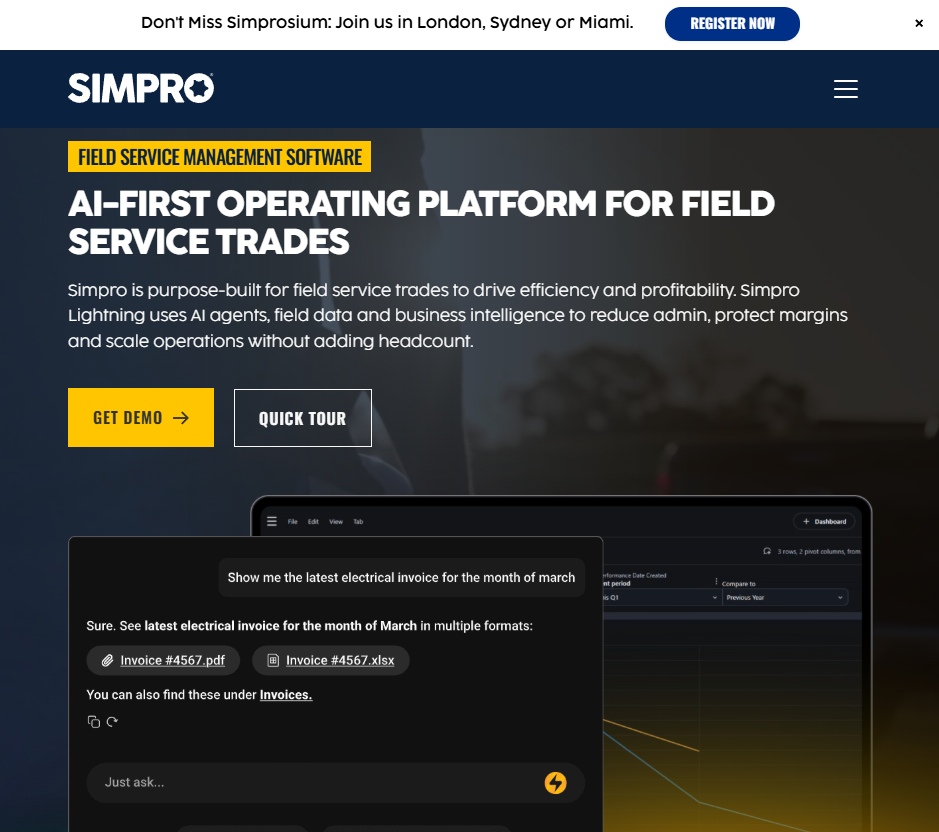
Simpro is the closest thing here to a full contractor ERP that still handles day-to-day service work. Estimating, project management, job costing, and inventory all live in one platform, which suits contractors whose year splits between maintenance and bigger builds.
Key features
- Estimating with takeoff templates: Build quotes from catalog items, pre-builds, and takeoff templates against current labor and material pricing.
- Project and service modules: Run a costed multi-stage project and a same-day service call in the same system.
- Job costing: Visibility into cost and profitability across the life of a project.
- Inventory management: Tie materials to jobs without manual entry.
- Digital forms add-on: Build mobile forms with conditional logic for crews in the field.
Simpro pros
- Genuine project costing depth, which most service platforms skip
- Scales from about 5 staff members to 200 on the same platform
- Support teams across North America, the UK and Ireland, and Australia and New Zealand, 24 hours a day, six days a week
Simpro cons
- Simpro charges an upfront setup fee for onboarding, training, and data migration on top of the subscription
- Pricing is custom, so you're quoting before you can compare
- The configuration depth that makes it powerful also slows the rollout
Best for
- Contractors splitting revenue between recurring service and larger projects
- Teams that need inventory and job costing in the same platform as dispatch
- Businesses willing to invest in a longer implementation for more control
Pricing
Simpro's pricing page explains that pricing follows your office and field team size plus whichever add-ons you choose, with monthly or annual billing. Setup fees sit outside that and scale with how much customization and hands-on help you want.
7. Workiz

Workiz wraps a phone system around job management, which is why call-driven trades gravitate to it. Locksmiths, garage door companies, junk removal outfits, and HVAC shops make up much of its base of 120,000 pros.
Key features
- Integrated phone system: Call insights, smart messaging, call masking, two-way texting, call flows, and ad tracking, sold separately as the Genius Phone add-on.
- AI answering: The Genius Answering add-on answers calls, texts, and emails 24/7 and can transfer live to your team, so you never miss an opportunity.
- Scheduling, estimates, and invoicing: Unlimited jobs, invoices, estimates, and clients on every paid tier.
- Automations: Capped at 5, 10, or 30 depending on your tier.
- QuickBooks Online sync: Invoices, customers, and payments flow automatically.
Workiz pros
- Nothing else ties inbound calls to jobs and revenue this tightly
- Unlimited jobs and estimates on every paid plan
- QuickBooks sync, subcontractor management, and online payments are included even on the entry Standard plan
Workiz cons
- Plan pricing takes a request, and the phone system plus AI answering cost extra
- Automation limits follow your tier, so the useful workflows sit on Ultimate
- Multi-day jobs and purchase orders appear only on Ultimate, which bites on project work
Best for
- Trades where the phone is the primary lead source
- Small to mid-sized service teams running high daily job counts
- Shops that want dispatch and call tracking under one login
Pricing
Workiz's pricing page lists 3 plans: Standard, Pro, and Ultimate. Every plan sits behind a Request Pricing button with no published rates. Workiz offers a 7-day free trial with no credit card and an annual discount for paying yearly, but you'll need to request a quote to see plan and per-seat costs.
How to Evaluate ServiceTitan Alternatives
Every one of these platforms looks great in a demo. These five questions separate a tool your team adopts from one that quietly dies in month four:
Does the platform treat work as a visit or a project?
This is the first fork in the road, and it decides most of what follows. Visit-based platforms assume a tech arrives, works, and closes the ticket.
Project-based platforms assume a job opens with an estimate, moves through phases, and bills in stages. Ask the rep to walk you through a job spanning 4 weeks and 3 crews, then watch how hard they work to make it look natural.
How does the price move when you add people?
Per-technician, per-seat, tiered-with-caps, and flat-rate models produce wildly different bills at 40 field workers. Run the math on the headcount you expect two years from now.
Count everyone who needs a login too, because a platform your foremen can't open stops being a source of truth in about a week.
Can you build a bid the way you bid today?
A flat-rate pricebook won't get you there when you price work from plan sets, aerial measurements, and tonnage calculations.
Look for line-item structure covering labor, material, equipment, and subs, plus saved assemblies you reuse on every bid. Consistent estimating is also what lets a newer estimator hit the same margins as your best one.
Will the field crew use it on a Tuesday afternoon?
Adoption dies in the field long before it dies in the office. Hand a phone to your least tech-friendly foreman during the demo and ask him to clock in, log a delivery, and photograph a defect.
What happens to the numbers after the job closes?
Job costing only helps when actuals land against the original estimate on their own. Ask exactly what syncs to accounting, because plenty of platforms move invoices and payments while leaving cost data stranded in a report nobody opens.
Knowing which paving jobs protected margin and which ones quietly bled it is the whole reason you're doing this.
Stop Forcing Paving Work into a Service Platform
OneCrew is a platform built specifically for project-based asphalt and concrete paving contractors, and it replaces the patchwork of disconnected tools most paving operations end up running. Here's what it covers:
- Build bids from PDF plan takeoffs or aerial site maps with paving-specific math built in: OneCrew's estimating tools let you price jobs from plans or aerial imagery with configurable calculators for labor, materials, equipment, and subs.
- Schedule crews to the project phases your estimate actually accounts for: OneCrew's scheduling feature assigns crews and roles to specific job phases so your office and field stay aligned across pre-construction, production, and billing.
- Capture time, quantities, and photos from the jobsite as work happens: The field management tools push mobile work orders and job details to crew phones and pull time and production data back to the office in real time.
- Send proposals clients can sign and pay before a competitor follows up: OneCrew's proposals feature generates professional, branded proposals directly from your estimate.
- Keep every property manager, bid, and repeat account in one place: OneCrew's CRM tracks every lead, conversation, and project history so nothing slips between sales and operations.
- Invoice in progress draws and sync to QuickBooks without double entry: OneCrew's invoicing tools generate invoices from the line items already in the platform and sync invoicing and payment data with QuickBooks Online.
You need one platform that carries a job from takeoff to final invoice with nobody retyping a number along the way. Book a free demo and see how it works for your operation.
FAQs
1. What is the best ServiceTitan alternative in 2026?
The best ServiceTitan alternative depends on whether you run service calls or projects.
Jobber suits small residential service teams, Service Fusion fits growing teams that need unlimited users, and OneCrew serves project-based asphalt and concrete paving contractors. Match the platform to the shape of your work before you compare prices.
2. Is there a cheaper alternative to ServiceTitan?
Yes, several ServiceTitan alternatives cost less and publish their rates.
Jobber starts at $49 per month for one user, Housecall Pro at $59 per month billed annually, and third-party reports place starting costs for Service Fusion at roughly $208 per month with unlimited users. Compare total cost at your real headcount, since seat caps and add-ons change the number quickly.
3. Does ServiceTitan work for asphalt and concrete paving contractors?
ServiceTitan works better for technician-based service businesses than for paving contractors. Its workflows center on dispatching techs to service calls, and paving jobs run through takeoff, phased production, and progress billing.
4. How much does ServiceTitan cost per month?
ServiceTitan doesn't publish monthly pricing. Its pricing page lists 3 packages, Starter, Essentials, and The Works, all priced per technician, with a Request Pricing button where the rates would be.
Your cost depends on technician count, package, and add-on products, so a demo is the only way to get a figure.
5. Can you switch from ServiceTitan without losing your job history?
You can usually switch from ServiceTitan without losing job history, though the migration takes planning.
Most platforms here import customers, jobs, and invoice records, and vendors like Simpro charge a setup fee that covers data migration. Ask exactly which records transfer and which stay behind before you sign anything.

