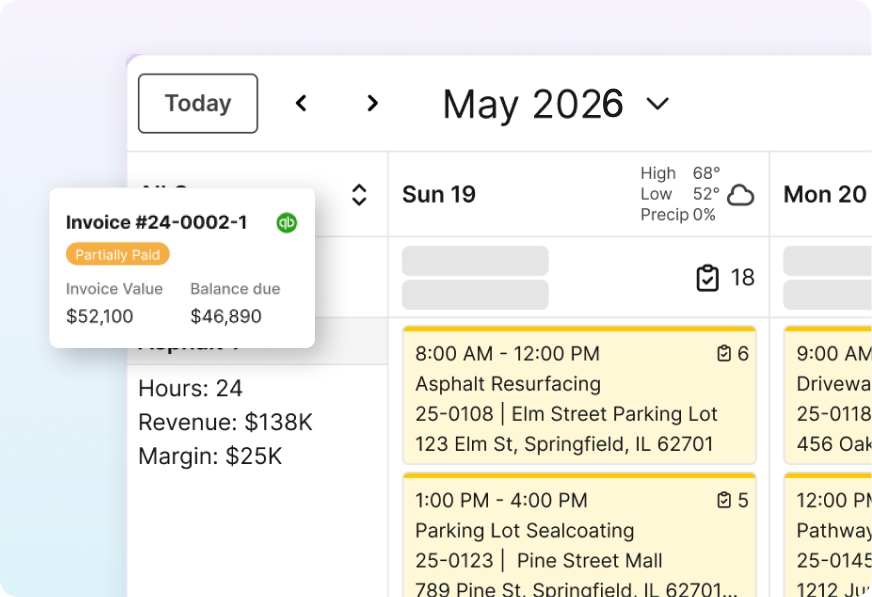
7 Best Field Reporting Software for Contractors in 2026

A field reporting platform turns what your crew did today into something the office can bill, cost, and defend tomorrow. Most contractors still handle that with a group text, three photos, and a foreman's memory.
This guide compares seven field reporting tools built for construction crews. Every price comes from official pricing pages, and each tool is judged on what it does with field data after it leaves the phone. Recent user reviews fill in the complaints vendors leave off their websites.
Here's which tool fits which contractor, and where each one runs out of road.
7 Best Field Reporting Software: TL;DR
- OneCrew: Best for commercial asphalt and concrete paving contractors
- Raken: Best for photo documentation and daily logs
- Procore: Best for large general contractors who need one system of record
- Fieldwire by Hilti: Best for plan-based field reporting and punch lists
- HCSS HeavyJob: Best for heavy civil crews tracking production quantities
- Mitti (formerly SafetyCulture): Best for safety and quality inspections
- Fluix: Best for turning existing paper forms into mobile reports
What to Look for in Field Reporting Software
Every tool here is weighed against one paving scenario, a two-crew mill-and-overlay job: a foreman logging hours and tonnage, a photo of a soft spot in the base, and a change order that has to reach the office before anyone bills.
Each tool's documentation, official pricing, and recent reviews are checked against what good construction project reporting should tell an owner. Five things separate the tools:
- Field data capture: How fast a foreman gets hours, quantities, photos, and issues off a phone at the end of a shift, and whether the app keeps working when the job site has no signal at all.
- Office handoff: Whether that report feeds job costs and invoices, or lands in a PDF someone retypes. This is where most tools quietly stop, and where document management either saves you or buries you.
- Crew usability: Whether a 20-year foreman with gloves on can finish a report before leaving the site. A tool your crews stop opening is worse than the notebook it replaced, because you're still paying for it.
- Inspection depth: How well each tool handles quality control forms, safety sign-offs, and the construction checklists your crews run on every job.
- Pricing model: Whether the vendor publishes per-user rates or quotes pricing to fit your company size. Four of these seven quote through a demo or sales form, so plan for that call.
7 Best Field Reporting Software: Quick Comparison
| Tool | Strengths | Starting Price | Best For |
|---|---|---|---|
| OneCrew | Field actuals tied to estimates | Seat-based, shared at demo | Commercial paving contractors |
| Raken | Daily reports, photos, time cards | Custom quote | Subcontractors and GCs |
| Procore | One system of record, unlimited users | Custom quote | Large general contractors |
| Fieldwire | Plans, tasks, punch lists | Free, then $39/user/mo | Plan-driven build work |
| HCSS HeavyJob | Time cards, production quantities | Custom quote | Heavy civil crews |
| Mitti | Inspections, audits, training | Free, then $24/seat/mo | Safety and quality teams |
| Fluix | Custom forms, approvals, e-signature | $29/user/mo | Form-heavy operations |
1. OneCrew: Best for Commercial Asphalt and Concrete Paving Contractors
What it does: OneCrew serves commercial paving companies. It carries a job from site mapping and estimating through scheduling, field reporting, invoicing, and job costing.
Best for: Commercial asphalt and concrete paving contractors running project-based work at any company size, including sealcoating, striping, crack filling, and snow work.
OneCrew treats the daily report as the start of the billing cycle, and on unit-price contracts, crew actuals can fill in the billed units.
Key features
- Daily actuals from the foreman's phone: A guided flow built around the original estimate, so reported hours and quantities line up with the bid instead of free-text notes.
- Work order details in the crew's hands: Services, quantities, site maps, vendor contacts, and equipment assignments pull from the signed proposal, so nobody calls the office asking what's on today.
- Photos, issues, and change order requests: Foremen post photos and flag problems from the site, the office answers in the same thread, and everything stays attached to the project.
- Native job costing: Approved time and quantities feed cost tracking against the estimate, so you see where the margin went as hours come in. For a baseline before you bid, OneCrew's free asphalt labor calculator estimates crew hours from job size and productivity rate.
- Two-way QuickBooks sync: Invoices and payment information move both directions between OneCrew and QuickBooks, which kills double entry on billing.
Pros
- Invoices draw on the same estimate line items your foreman reports against, so one record runs from bid to invoice.
- Purpose-built for paving work, including tonnage, trucking, and multi-crew phases that generic tools handle awkwardly. Check job quantities with the free asphalt tonnage calculator and plan hauls with the asphalt trucking calculator.
- Crews get live schedules on their phones and see office changes as they happen.
- Owners use the customer portal to view and sign proposals and pay invoices. The same portal holds shared photos, documents, and messages with your team.
- Independent ownership, so your data stays yours rather than sitting with a private-equity roll-up that also acquires paving companies.
Cons
- No accounting. OneCrew syncs invoicing and payment data with QuickBooks and does not replace your books or an ERP.
- No live crew location tracking, so you won't watch trucks move across a map.
- OneCrew sells the full platform, so contractors who want only a daily-report app will find more here than they need.
- Contracts run annually, and pricing comes out during a demo, which makes quick comparison shopping harder.
- Built for project-based paving and site work, so technician-based HVAC, plumbing, and electrical businesses should look at service-oriented tools instead.
What users say
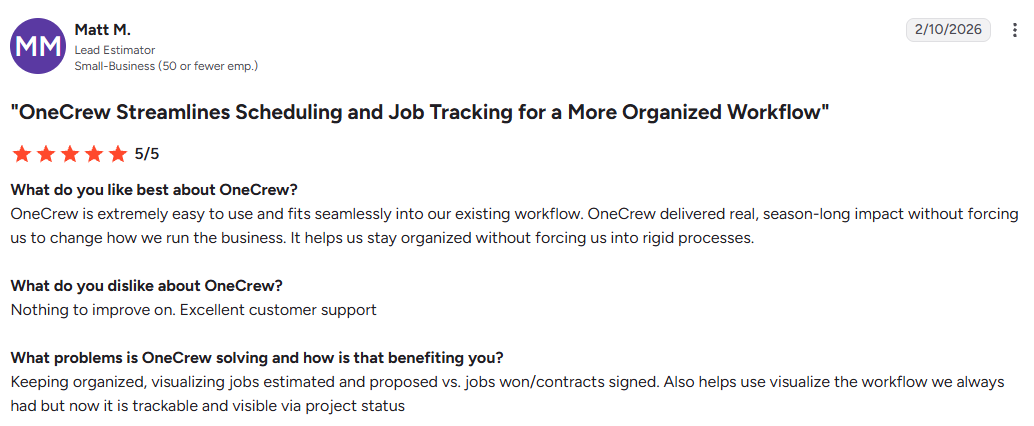
- Fits how the team already works: One reviewer said OneCrew fit their existing workflow without making them rework their operations, and kept making a difference all season. (Matt M., G2, February 10, 2026)
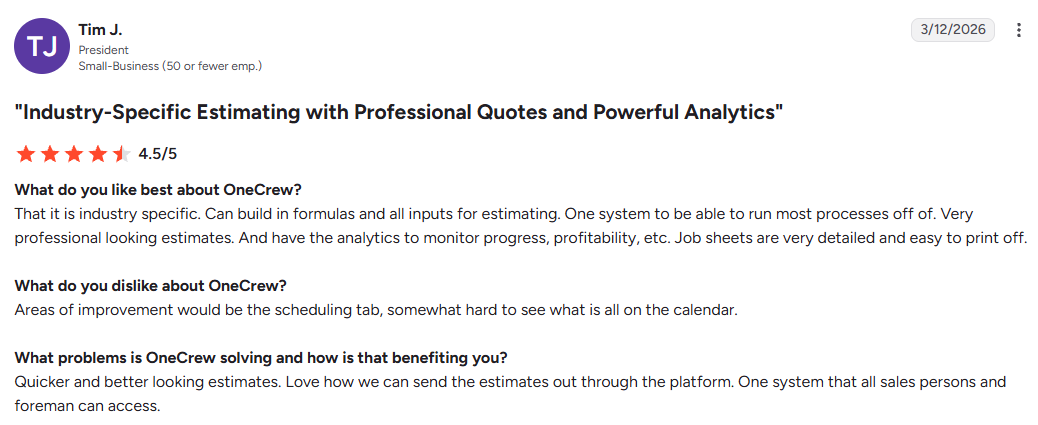
- Industry-specific estimating produces professional quotes: One reviewer said OneCrew is built for their trade, lets them build their own formulas into estimates and send out sharp-looking ones, and gives them analytics to watch job progress and profit. (Tim J., G2, March 12, 2026)
Pricing
OneCrew uses seat-based pricing tailored to company size and feature needs. Figures are available during a demo, and subscriptions run annually.
Book a demo to get a number for your office and field headcount, and ask how the seat count breaks down between office staff and crew members, since that split drives the total.
Bottom line
OneCrew is the strongest fit for commercial paving contractors whose field reports keep dying in a PDF. Field actuals land against the original estimate and feed job costing. If you only want documentation and you already like your estimating setup, Raken is the lighter lift.
2. Raken: Best for Photo Documentation and Daily Logs
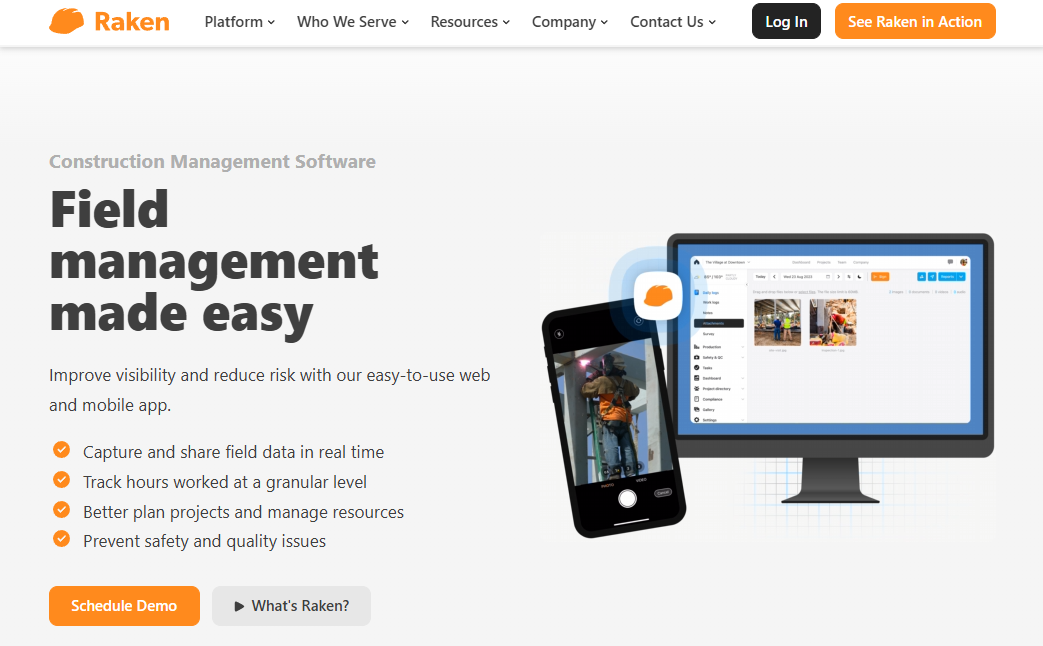
What it does: Raken collects site notes, photos, time cards, and safety forms from the field and turns them into shareable PDF daily reports for the office.
Best for: Subcontractors and general contractors who need better site documentation and already have billing handled somewhere else.
When you optimize field operations, the app that matters is the one crews keep opening in week six.
Raken is built for that. Weather fills in automatically, and photos attach with a tap, so the daily report asks very little of the foreman.
Key features
- Segmented daily reports: Split one report by zone, shift, or supervisor, so two crews working the same site stay separate in the record.
- Production and material tracking: Log installed quantities and material use against cost codes, which shows daily production against your estimate.
- Managed checklists and toolbox talks: Pre-built safety and quality forms, including jobsite checklists, that your foreman signs on the phone, which helps when those forms currently live on a clipboard in somebody's truck.
- Free collaborator seats: Subs and other outside partners submit reports without a paid license, which is a real factor in the ROI on construction tech once you count everyone who needs access.
Pros
- Raken pitches its daily reports as needing no training, so new foremen can start on day one.
- Photo documentation sorts by date, project, and tag, so you can find the picture that settles a dispute a year later without digging through anyone's camera roll.
- Integrations push time cards into payroll and accounting, which cuts double entry. Raken also sells a project management module for RFIs, submittals, and change orders, so more of project management for contractors can stay in one app.
- Raken markets trade-specific versions for concrete, excavating, and heavy civil contractors.
Cons
- No estimating or invoicing. Raken documents the job and handles RFIs and change orders, then hands billing and job costing to your accounting system.
- Pricing stays behind a form, so you can't compare it against a published number.
- Even the trial runs through sales, which adds a call before crews can try it.
What users say
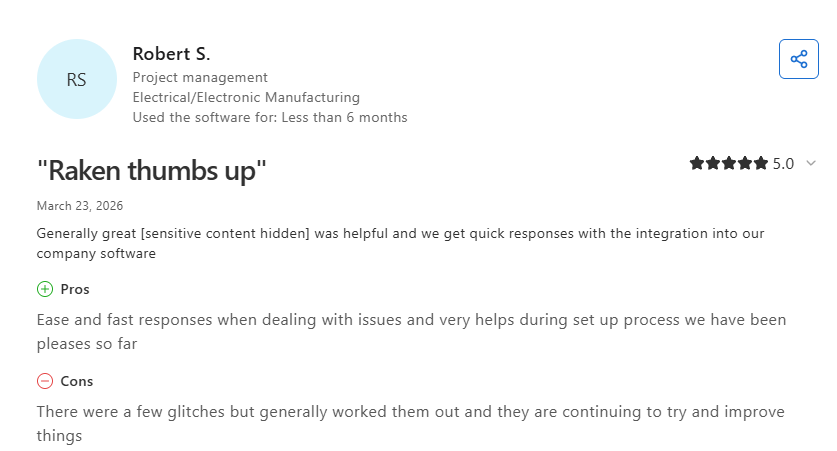
- Responsive support during setup: One reviewer said Raken's team answers fast when problems come up and was very helpful through setup, including connecting it to the tools their company already runs. (Robert S., Capterra, March 23, 2026)
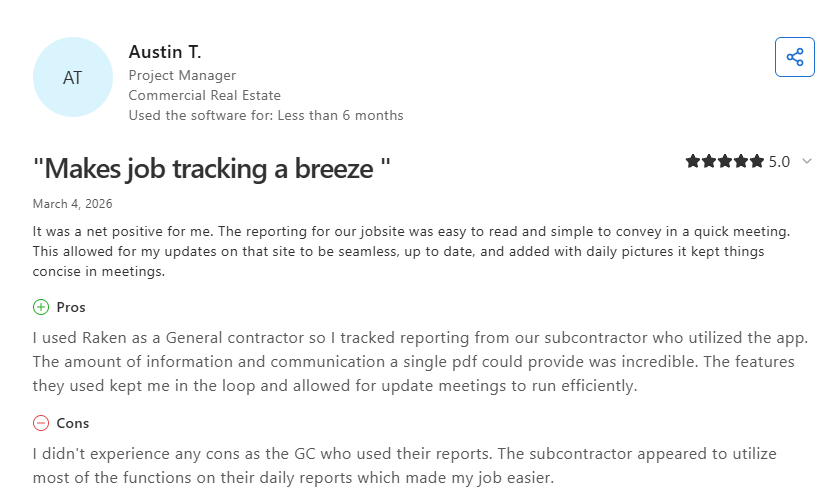
- Daily reports simplify subcontractor tracking: One reviewer said Raken's reporting made it easy to track a subcontractor's work and kept meeting updates concise with a single PDF covering daily progress. (Austin T., Capterra, March 4, 2026)
Pricing
Raken does not publish per-user prices. The official pricing page offers a custom quote and describes one flat price with unlimited projects and reports, free collaborators, and included onboarding.
Raken also offers a free 15-day trial of its Performance plan, set up with the sales team, covering daily reports, photos, surveys, safety, and production tracking.
Bottom line
If your crews keep losing arguments about what happened on site three weeks ago, Raken gives you a dated photo and daily-log record to point to. Look elsewhere if you need the report to end in an invoice.
3. Procore: Best for Large General Contractors Who Need One System of Record
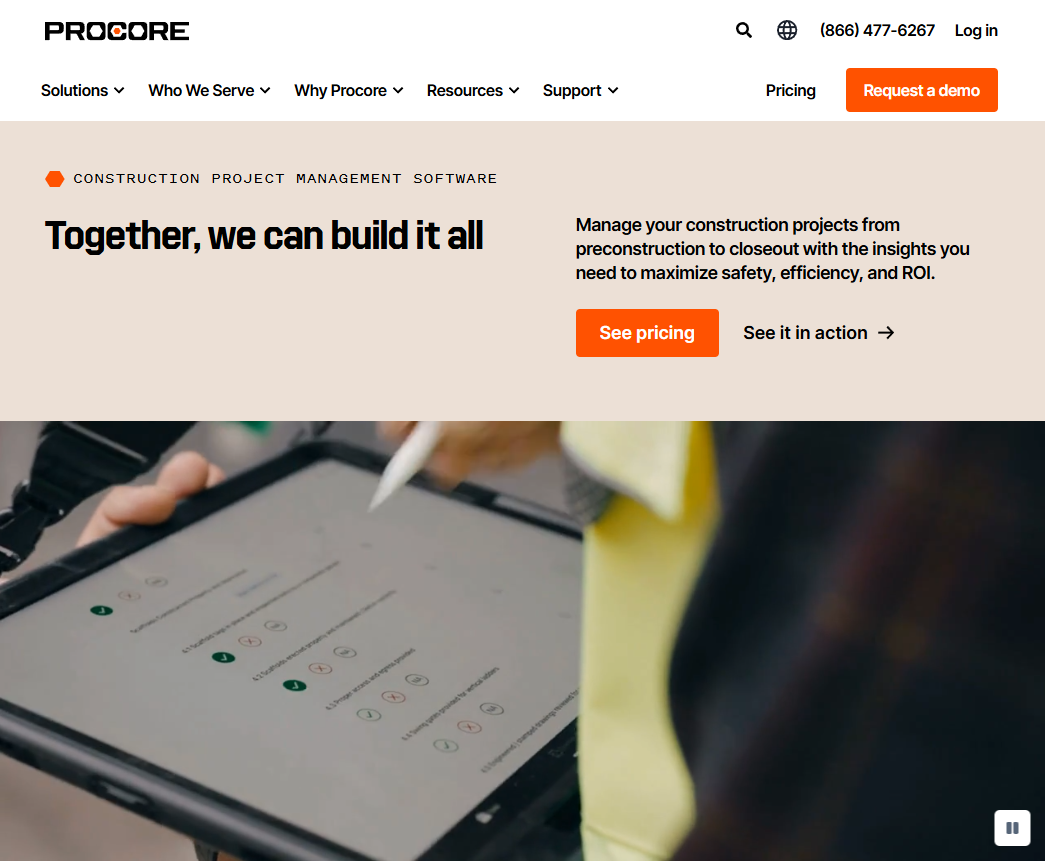
What it does: Procore runs the entire project lifecycle for large contractors, with daily logs, drawings, RFIs, submittals, and financials sitting on one platform.
Best for: General contractors managing high construction volume across many projects and stakeholders.
Procore is the deepest tool on this list and the least appropriate for most paving contractors. Field reporting is one module inside a system built for coordinating dozens of trades on a single building.
Key features
- Daily logs: Structured entries for manpower, weather, deliveries, delays, and visitors, so project stakeholders can follow progress without visiting the site.
- Unlimited users: Every contract includes unlimited users and data storage, so you can add subs and owners without adding seats.
- Drawings and RFIs in the field: Crews view current drawings on a phone and open an RFI against a specific sheet.
- Financial tools: Budgets, commitments, and change orders connect to field data, with QuickBooks and Sage integrations available.
Pros
- Daily logs, RFIs, and change orders share one audit trail, which suits owners who expect formal records on large projects.
- Free on-demand training comes with every contract, including 18 role-based certifications.
- The integration marketplace is large, so your existing accounting and takeoff tools likely connect.
- Support and implementation resources are extensive.
Cons
- Pricing is quote-only and scales with your annual construction volume, so more volume raises your price at renewal.
- Implementation is a project of its own, with paid implementation packages on top of the subscription.
- The feature depth becomes overhead for a 15-person paving crew that needs three fields on a daily report.
- No free or self-serve plan for daily logs or project management. The free account covers only the Construction Network, Bid Board, and takeoff.
What users say
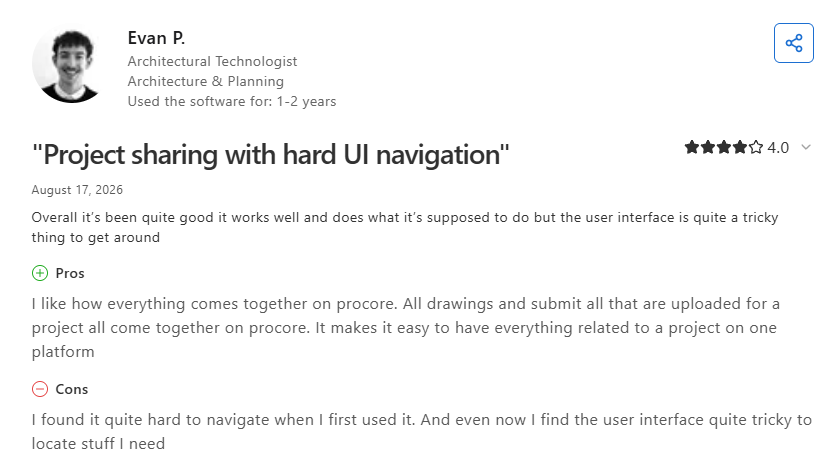
- Centralized drawings simplify project sharing: One reviewer said Procore brings all drawings and submittals together in one place, though the reviewer still finds the interface tricky to navigate. (Evan P., Capterra, August 17, 2026)
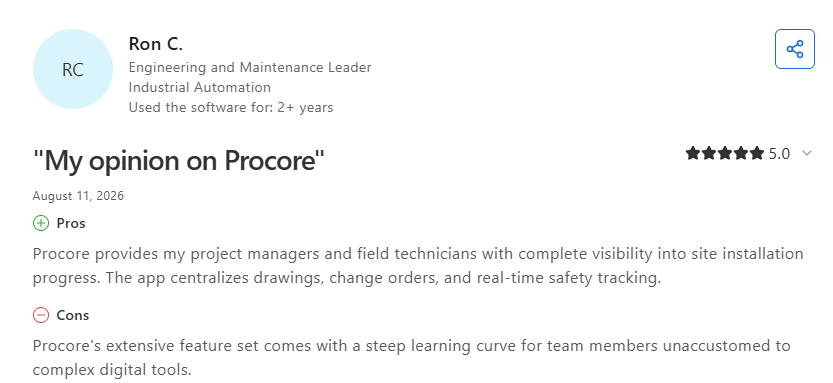
- Clear view of installation progress: One reviewer said Procore gives their PMs and field techs a full view of how on-site installation work is moving, and keeps drawings, change orders, and live safety tracking in a single app. (Ron C., Capterra, August 11, 2026)
Pricing
The official pricing page says quotes depend on the products you select and your Annual Construction Volume, the total dollar value of work you manage. Every contract includes unlimited users, unlimited data storage, and support.
Ignore the specific figures floating around review sites, because none of them come from Procore.
Bottom line
Procore fits general contractors running large, multi-trade projects where owners demand formal reporting. For a paving contractor bidding on parking lots, it's a lot of platform for a short daily report.
4. Fieldwire by Hilti: Best for Plan-Based Field Reporting and Punch Lists

What it does: Fieldwire puts current drawings on a phone or tablet and lets crews pin tasks, punch items, photos, and inspection forms to exact locations on the plan.
Best for: Contractors whose field reporting revolves around drawings, sheets, and location-specific issues.
Fieldwire fits trades working inside a building from a current sheet set. Pinning a photo to a coordinate on a sheet beats describing a location in a text box, and the free tier makes it easy to test on one job before committing.
Key features
- Plan viewing and sheet compare: Crews see the current revision, and sheet compare highlights what changed between versions.
- Task and punch list management: Assign, track, and close location-pinned items with photos and custom statuses.
- Custom forms: Build inspection and daily report forms on the Business plan and up.
- Reports and exports: Generate PDF reports of tasks, photos, and forms for owners.
Pros
- The free Basic plan covers 5 users, 3 projects, and 100 sheets, which is enough to run a live job through it before you pay anything.
- Plan-anchored reporting is clearer than text descriptions for anything with a drawing.
- Hilti ownership adds stability, and the mobile app is strong.
- Offline mode on iOS and Android, including the free plan, holds up on sites with no signal.
Cons
- Reports and exports start at the Pro tier, so the free plan won't produce owner-facing documentation.
- Custom forms sit two tiers up, at Business.
- Per-user pricing climbs fast once you add field crews who log in occasionally.
- No estimating, invoicing, or full job costing, and paving work often has no plans to pin anything to.
What users say
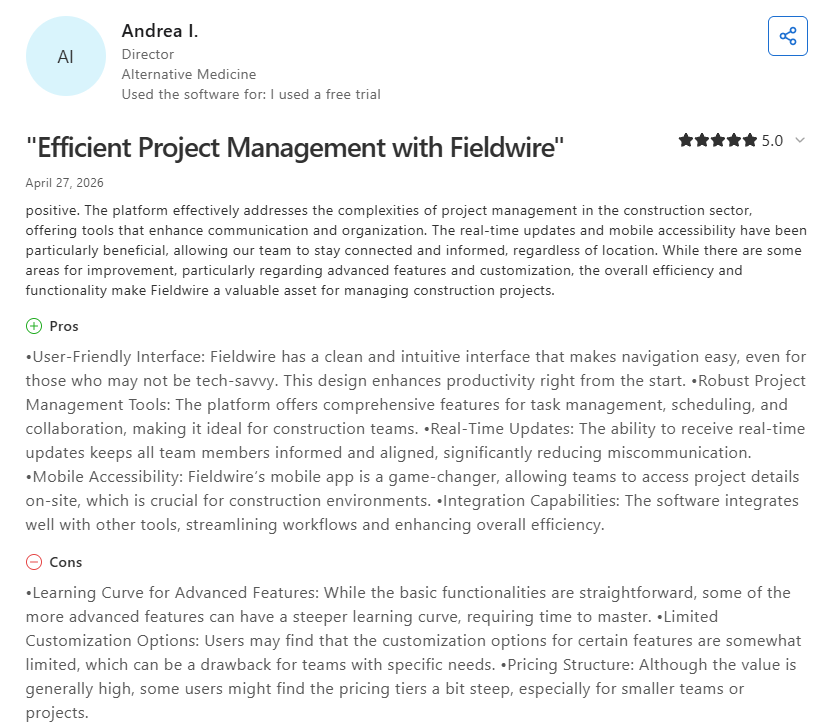
- Real-time updates keep teams connected on the go: One reviewer said Fieldwire handles the moving parts of construction project management well, and that live updates plus the mobile app kept their team in the loop wherever they were. (Andrea I., Capterra, April 27, 2026)
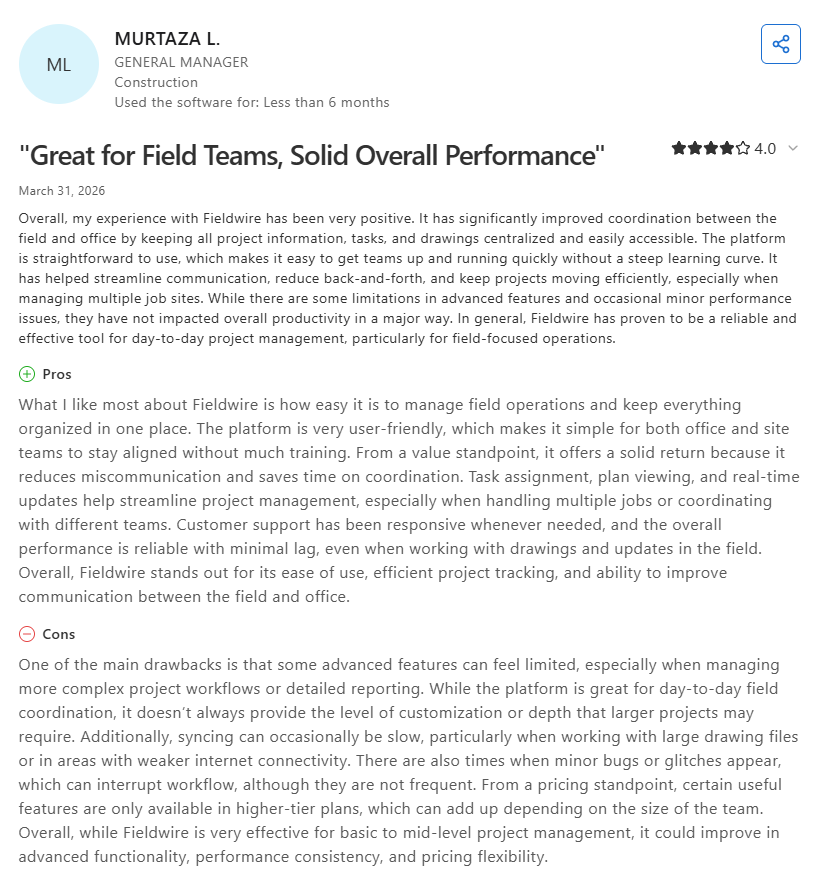
- Centralized project data reduces back-and-forth: One reviewer said Fieldwire got field and office working in sync by keeping project details, tasks, and drawings in one place, and that it's simple enough for new users to pick up fast. (Murtaza L., Capterra, March 31, 2026)
Pricing
Fieldwire publishes its rates. On the official pricing page, Basic is free for up to 5 users, 3 projects, and 100 sheets. Pro runs $39 per user per month, billed annually, and adds reports, exports, and sheet compare.
Business is $64 per user per month billed annually ($79 monthly) and adds custom forms, integrations, and a BIM viewer. Business Plus is $89 per user per month billed annually ($104 monthly) and adds RFIs, submittals, change orders, and budget tools. Custom contracts cover unlimited users, SSO, and API access.
Bottom line
Fieldwire is the best free starting point on this list. It's the wrong fit for paving crews who work from satellite maps and takeoffs instead of sheet sets.
5. HCSS HeavyJob: Best for Heavy Civil Crews Tracking Production Quantities
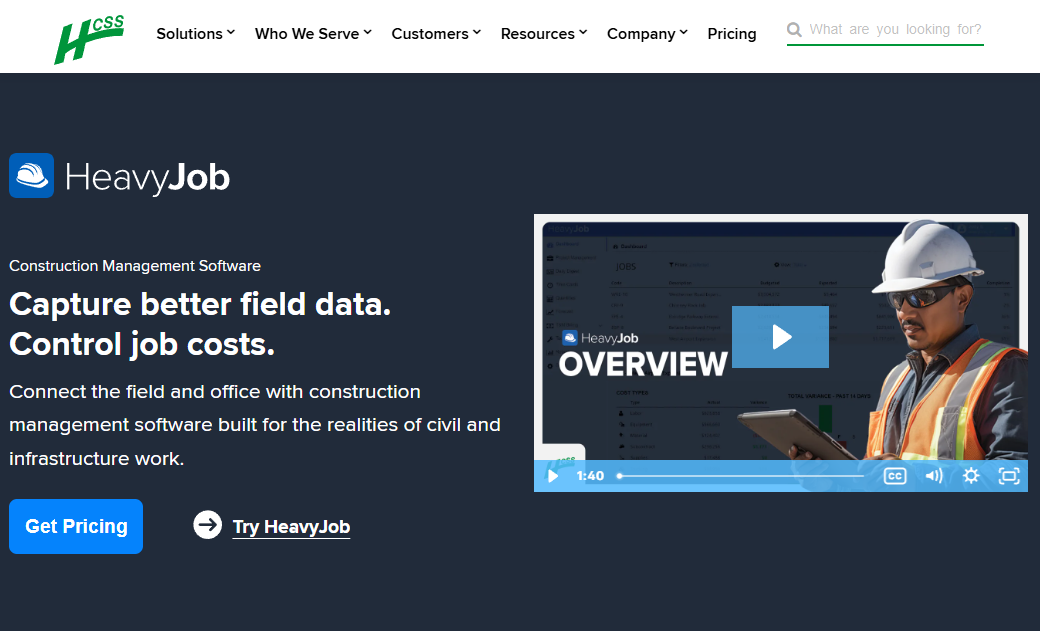
What it does: HCSS HeavyJob captures time cards and installed quantities from the field, then shows job costs and production rates against the budget.
Best for: Heavy civil and infrastructure contractors doing DOT work, road building, and large earthwork.
HeavyJob is built around one question for heavy civil crews: did we make or lose money on this job today? Foremen enter time cards and quantities, and the system shows where the job stands the same day.
Key features
- Field time cards: Crew hours, equipment hours, and quantities entered together, then routed to payroll.
- Daily job costing: Actual unit costs compared to bid unit costs, calculated as the data arrives.
- HeavyBid connection: Bid quantities flow into the job, so field reporting measures against the estimate instead of a fresh budget.
- Diaries, photos, and daily logs: Foremen log daily notes, weather, delays, and site photos alongside the numbers.
Pros
- Widely adopted, with 128,000 active users according to HCSS.
- Built specifically for self-performing civil, infrastructure, and utility contractors.
- HCSS runs 24/7 phone support, which crews consistently praise.
- Inspectors or owner representatives can sign off on the same daily record.
Cons
- The desktop interface looks dated, and reviewers say it takes a while to learn.
- Pricing is quote-only through a sales form.
- HeavyJob assumes public-works bidding structures, so a commercial paving contractor bidding parking lots pays for depth they won't use.
- Getting full value usually means adopting HeavyBid and other HCSS products too.
What users say
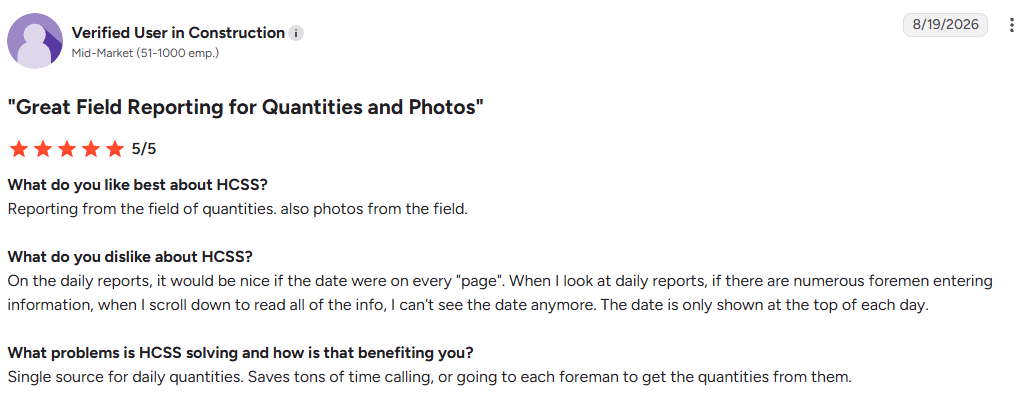
- Daily quantities in one place: One reviewer said HeavyJob gives the office one place to see daily quantities and field photos, which saves calling or visiting each foreman to collect them, though the report date only shows at the top of each day, so it scrolls out of view when several foremen have entered information. (Verified user in construction, G2, August 19, 2026)
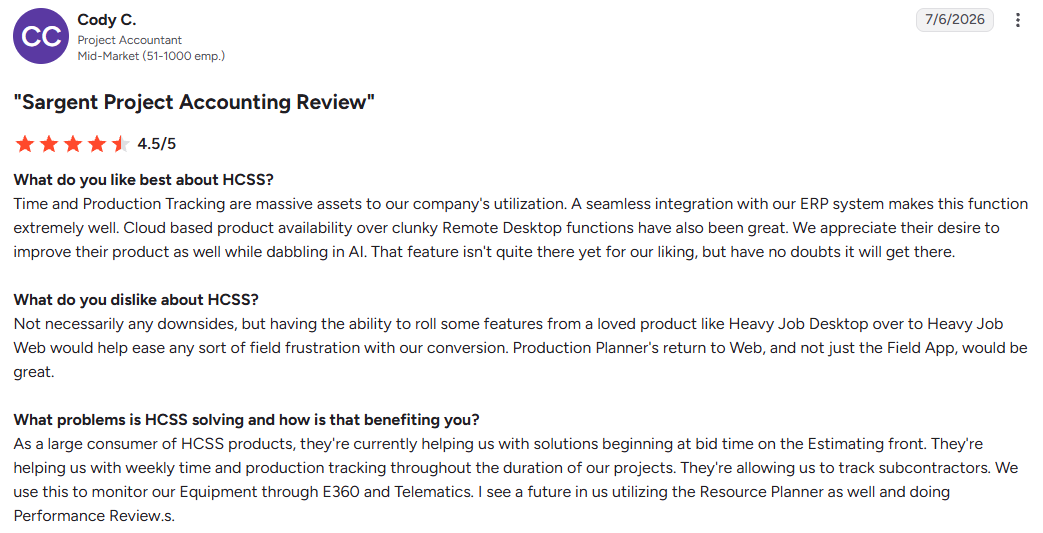
- Strong field tracking, slower web transition: One reviewer said HeavyJob's time and production tracking are major assets for their company and tie in cleanly with their ERP, though some features they liked in HeavyJob Desktop haven't reached HeavyJob Web yet, which has frustrated field users during the switch. (Cody C., G2, July 6, 2026)
Pricing
HCSS does not publish prices. The official pricing page collects your company type and role, then routes you to a custom quote. HCSS has a self-guided HeavyJob tour with a pre-loaded sample project.
Bottom line
If you bid DOT and municipal work by unit price, HeavyJob belongs on your shortlist. Commercial paving contractors will find its bidding assumptions a poor match for how they sell.
6. Mitti (Formerly SafetyCulture): Best for Safety and Quality Inspections
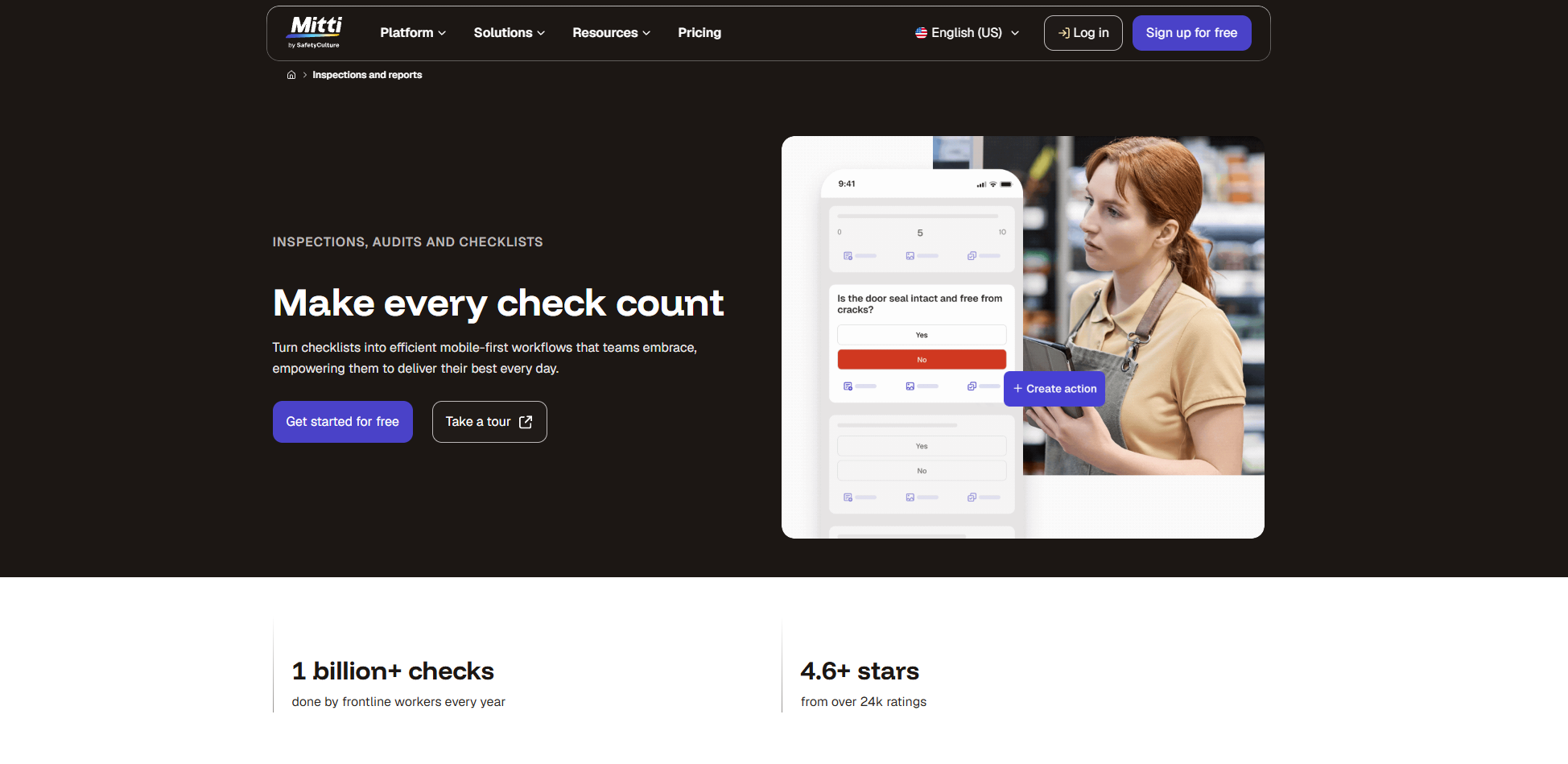
What it does: Mitti lets you build mobile inspection templates, checklists, and audits that crews complete on site, then turns the results into reports and automated follow-ups or corrective actions.
Best for: Contractors whose field reporting is mostly safety, compliance, and quality documentation.
SafetyCulture rebranded to Mitti on August 11, 2026, so the app your safety manager already uses may now carry a new name. It's the same platform, with nothing to relearn. The strength here is inspections: build a template once, and every crew fills out the same form the same way.
Key features
- Template builder: Turn any paper checklist into a mobile form with photo fields, signatures, and scoring.
- Actions and issue reporting: Failed items become assigned tasks with due dates instead of notes nobody reads.
- Analytics dashboards: Compare inspection scores across crews and sites to see which foreman keeps finding problems.
- Training module: Deliver toolbox talks and track completion by worker.
Pros
- The free plan supports up to 10 users, enough for a small crew to run real inspections.
- Template library covers thousands of pre-built forms, including construction safety and pavement inspections.
- Offline capture keeps working on rural jobs with no signal.
- Reporting looks professional enough to hand a property manager.
Cons
- Mitti covers inspections, issue tracking, and training, and stops there. No estimating, invoicing, job costing, or crew scheduling.
- The free plan caps you at 5 active templates and 3 years of data history.
- Per-seat pricing costs more for seasonal crews, though Mitti also quotes a per-site option with unlimited users.
- The rebrand means support docs, review sites, and your team all use different names right now.
What users say
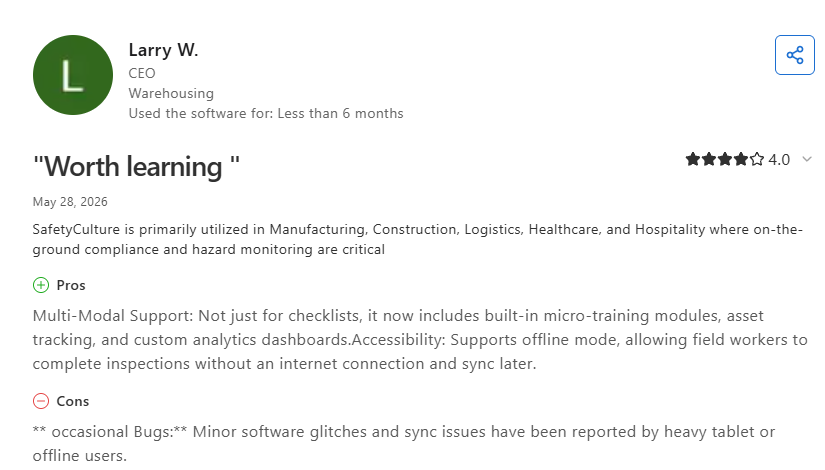
- Goes past checklists and works offline: One reviewer said the platform does more than basic checklists, adding short training lessons, asset tracking, and custom reporting dashboards, and that crews can finish inspections offline and sync them once they have coverage again. (Larry W., Capterra, May 28, 2026)
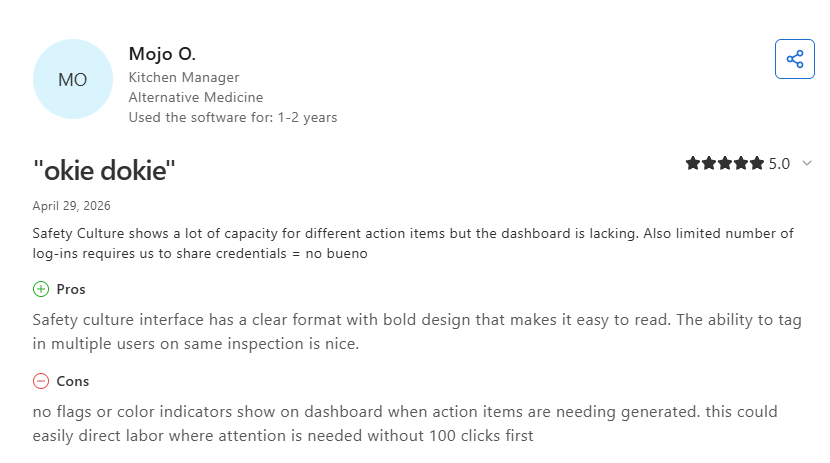
- Clear interface aids multi-user inspections, but dashboard lacks alerts: One reviewer said the layout is clean and easy to scan and liked adding several teammates to one inspection, but wished the dashboard would visually mark action items that need attention. (Mojo O., Capterra, April 29, 2026)
Pricing
Mitti publishes its rates. The official pricing page lists a Free plan at $0 for up to 10 seats with 5 active templates. Premium costs $24 per seat per month billed annually, or $29 billed monthly. Enterprise pricing is custom. Premium can be trialed free for 14 days.
Bottom line
Mitti is the cheapest way to get quality and safety documentation off paper. Pair it with something else, because it was never built to run your jobs.
7. Fluix: Best for Turning Existing Paper Forms into Mobile Reports
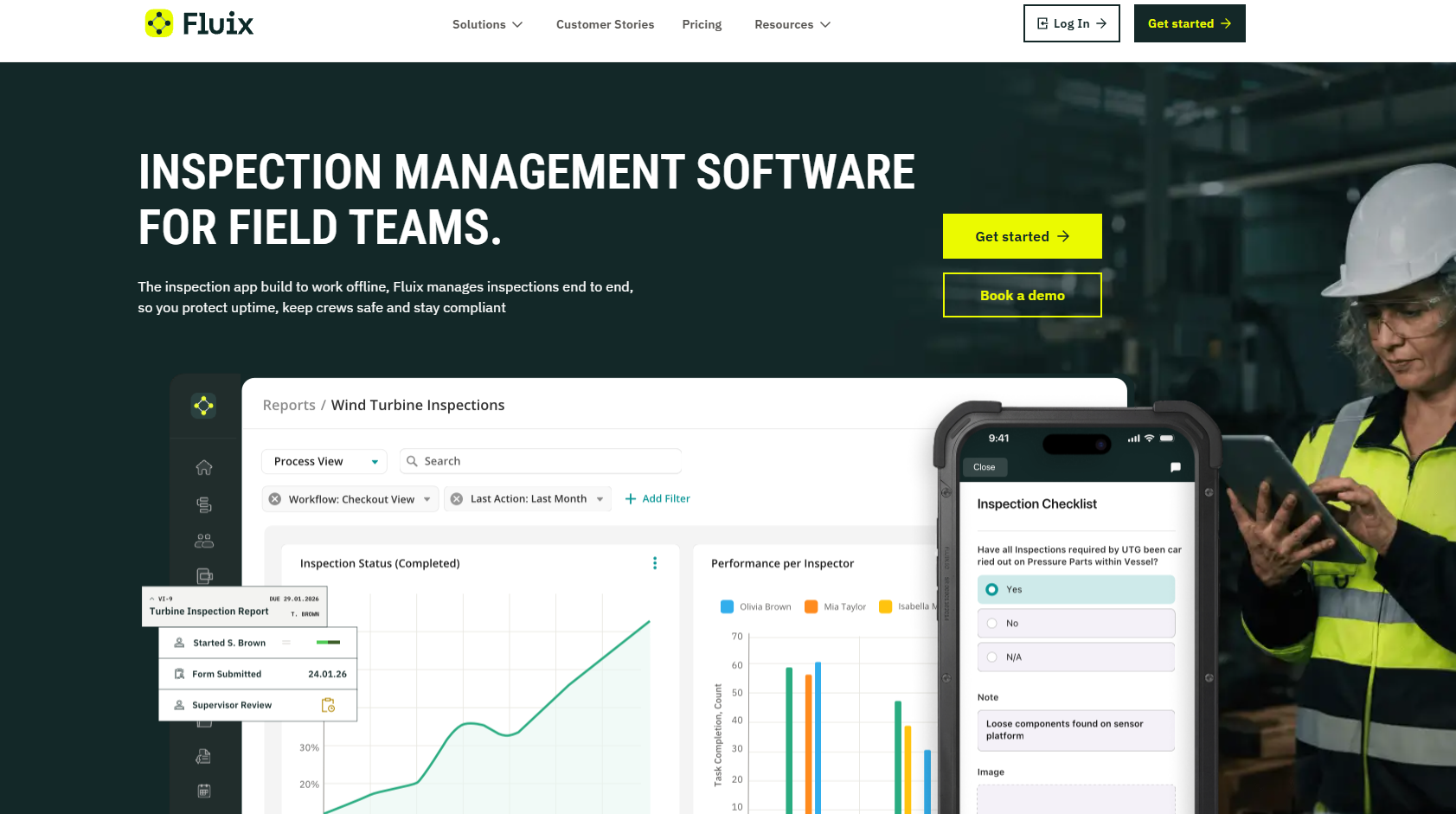
What it does: Fluix is an inspection and forms platform that takes the PDF forms your company already uses, makes them fillable on a phone or tablet, and routes each one through approval steps with e-signatures.
Best for: Contractors with strict paperwork requirements who want their own forms digitized instead of adopting a vendor template.
Fluix is the pick when your forms are non-negotiable. Some contractors have owner-mandated daily report formats, union time sheets, or DOT paperwork that has to keep its exact layout. Fluix keeps the form and automates the routing.
Key features
- Form and workflow builder: Use your existing PDFs or build new forms, then define who fills, who reviews, and who signs.
- Multi-step approvals: Route a change order through a superintendent and a PM before it reaches accounting, on the Operations plan.
- Guest access: The Operations and Enterprise plans bring subs and owners into a workflow without buying them licenses.
- Offline mode and e-signature: Crews complete and sign forms with no connection, and everything uploads when signal returns.
Pros
- Your paperwork stays your paperwork, which removes the biggest adoption objection.
- Published pricing with a clear per-user rate.
- Strong compliance posture, with a SOC 2 attestation and ISO 27001 certification.
- Integrations connect to Procore, Salesforce, Power BI, and Zapier.
Cons
- User minimums apply. The Crews plan needs 5 users, Operations needs 15, and Enterprise starts at 25.
- Fluix routes documents and schedules inspections, but it has no job costing, estimating, or crew scheduling.
- Building your own workflows takes real setup time compared to picking a template.
- Construction is one of several industries Fluix serves, so paving-specific logic doesn't exist.
What users say
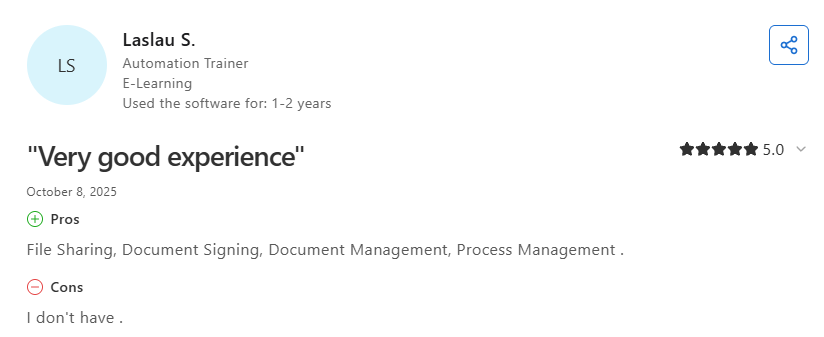
- File sharing and document signing simplify process management: One reviewer said Fluix delivered a very good experience through its file sharing, document signing, document management, and process management tools, with no complaints raised. (Laslau S., Capterra, October 8, 2025)
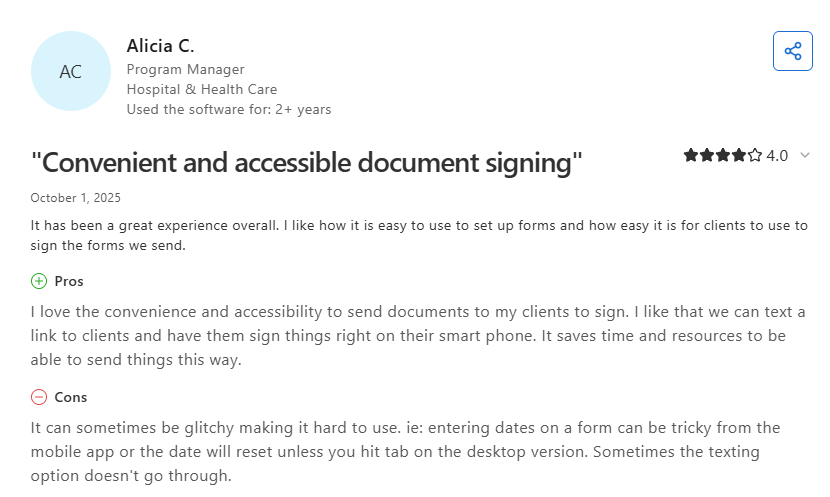
- Mobile document signing saves time, though occasional glitches occur: One reviewer said Fluix lets them text clients a link to sign forms on their phones, which cuts time and admin work, though dates can be awkward to enter in the mobile app, and on desktop a date won't stick unless you tab out of the field. (Alicia C., Capterra, October 1, 2025)
Pricing
Fluix publishes its rates. The official pricing page lists Crews at $29 per user per month for 5 or more users. Operations costs $49 per user per month for 15 or more users. Enterprise plans are quoted individually. Fluix also offers a 14-day free trial with no credit card required.
Bottom line
Fluix wins when an owner or agency dictates the form. If a vendor's proven daily report works for you, pick a tool that ships one and save the build time.
Which Field Reporting Software Should You Choose?
The right answer depends on what happens to the report after your foreman submits it. If billing already runs elsewhere, a documentation app is enough. If you want field numbers to flow into what you bill and what each job costs, pick OneCrew.
Choose OneCrew if you:
- Run commercial paving projects
- Want field actuals feeding job costs, with invoices built from the same estimate line items
- Are stitching together four or five tools and want one platform instead
Choose Raken if you:
- Need crews reporting tomorrow with almost no training
- Care most about photo evidence and owner-facing daily reports
- Already have estimating and accounting you don't want to touch
Choose Fieldwire or Mitti if you:
- Want to start free and prove the concept on one job
- Report against drawings (Fieldwire) or inspections and safety forms (Mitti)
Choose Procore or HeavyJob if you:
- Run large multi-trade building projects (Procore) or bid DOT and municipal work by unit price (HeavyJob)
- Answer to owners who expect formal, auditable reporting
Choose Fluix if you:
- Must keep forms an owner, union, or agency dictates
- Want approvals and signatures routed on your own PDFs
Skip a dedicated field reporting platform if:
- You run one crew on one job at a time, and a shared photo album covers it
- Nobody in your office would open the reports if they existed
Replace Patchwork Field Reporting Software With One Platform
OneCrew is built for commercial paving crews and the sealcoating and striping work around each job. It ties each field report back to the estimate and the job's costs.
Here's what OneCrew covers:
- Capture daily actuals from the field: The field management tools push mobile work orders to crew phones with the job details from the signed proposal. Foremen send hours, daily actuals, photos, and flagged issues back to the office.
- Build estimates from maps or plans: OneCrew's estimating tools let you measure from satellite imagery or from uploaded plans with the PDF plan takeoff add-on, and price every line item with configurable cost formulas. OneCrew reports a 75% reduction in estimating time.
- Dispatch crews with drag-and-drop scheduling: OneCrew's scheduling feature assigns crew members and equipment to individual services so your office and field see the same plan at the same time.
- Send proposals customers sign online: OneCrew's estimating tools generate professional proposals directly from your estimate, and customers can sign them from any device.
- Keep job history on every property: OneCrew's CRM keeps accounts, contacts, and job sites as linked records, so past work is right there when you scope the next job.
- Bill from the estimate's line items: OneCrew's invoicing tools generate invoices from the line items already in the platform and sync invoicing and payment data with QuickBooks Online.
You need one platform that carries a job from takeoff to final invoice, with field reporting that earns its keep after the foreman hits submit. Book a Demo and see what your crews' daily numbers could be doing for your margins.
FAQs
1. What is field reporting software?
Field reporting tools collect job site data from crews on mobile devices and send it to the office in a structured format.
Reports typically cover crew hours, installed quantities, photos, weather, delays, and safety sign-offs. Better tools push that data into job costing and invoicing instead of stopping at a PDF.
2. What is the best field reporting software for paving contractors?
OneCrew is the best field reporting platform for commercial paving contractors, because foremen report actuals against the bid line items and those numbers flow straight into job costing.
Raken suits contractors who only need daily documentation and want to keep their current estimating and billing tools.
3. How much does field reporting software cost?
Among vendors that publish rates, field reporting tools cost between $24 and $89 per user per month, with Fieldwire's and Mitti's rates billed annually. Both have free plans for small teams.
Raken, Procore, and HCSS quote pricing on request, and OneCrew shares seat-based pricing during a demo, so budget for a sales call before you get a number.
4. Does field reporting software work without cell service?
Yes, most field reporting tools work without cell service through offline mode. Crews complete reports on the device, and the app uploads everything once signal returns. Check each vendor's plan details before buying.
5. Do small paving crews need field reporting software?
Yes, small paving crews benefit from a field reporting platform once they run more than one job at a time. That's when the office starts guessing about hours, quantities, or what a photo showed, and those gaps hit margins directly.