7 Best Asphalt Paving Scheduling Software for Contractors
The best asphalt paving scheduling software in 2026 is OneCrew. It handles everything from crew assignments to multi-phase project coordination, and it's built specifically for paving contractors who deal with asphalt and concrete work.
I spent weeks testing platforms, talking to paving contractors, and digging into real-world scheduling workflows. The takeaway is clear: asphalt paving scheduling software needs vary widely. Some teams need basic calendar tools, others require complex scheduling across multiple job sites, and a few need tight integration with their estimating and invoicing systems.
7 Best Asphalt Paving Scheduling Software: At a Glance
1. OneCrew: Best Asphalt Paving Scheduling Software Overall
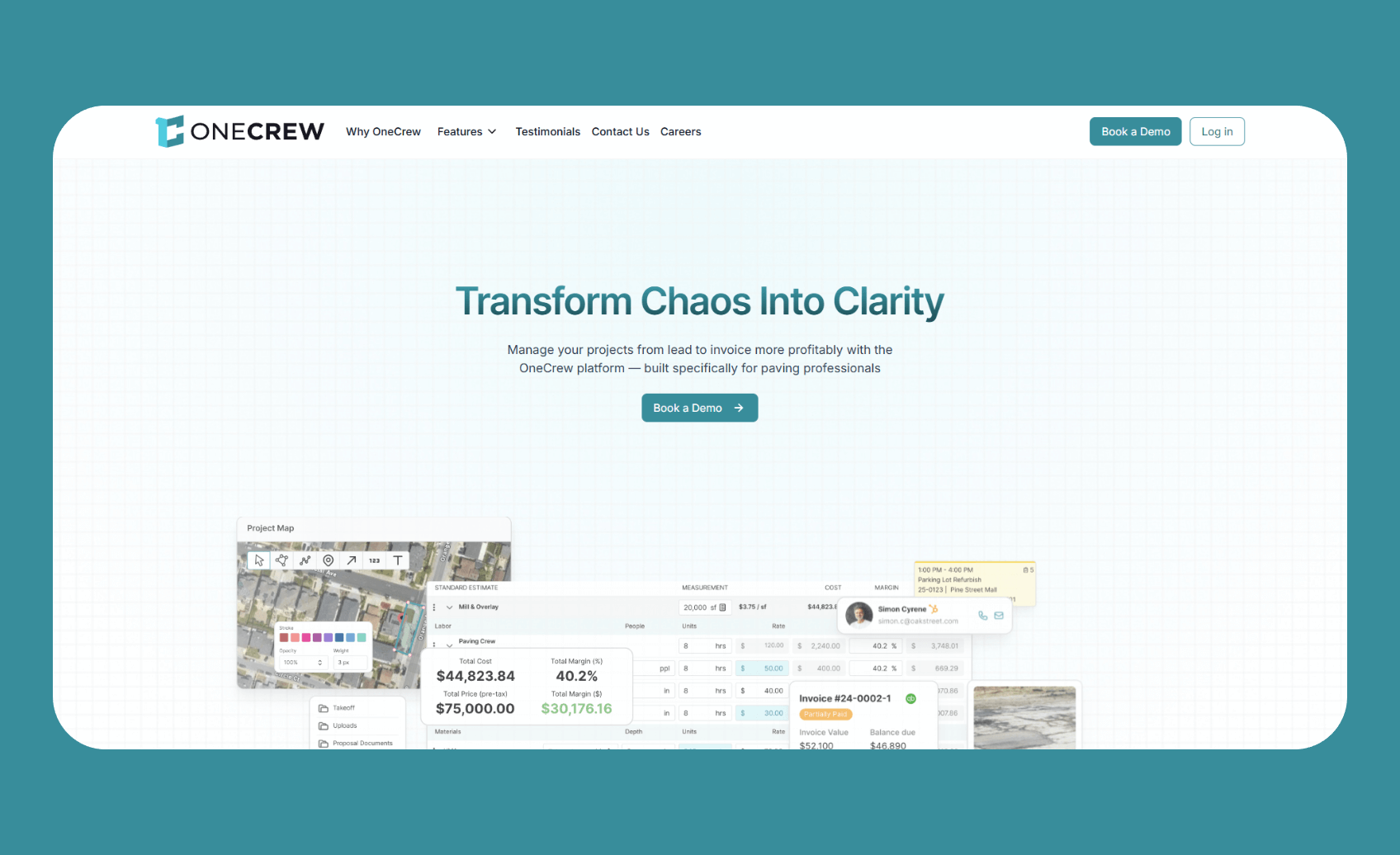
What it does: OneCrew centralizes scheduling, estimating, and job management into one platform built specifically for paving contractors.
Who it's for: Asphalt and concrete contractors who want complete project visibility from lead capture through final invoice, and need scheduling that connects to the rest of their operations.
OneCrew stands out because it treats scheduling as part of a larger workflow rather than an isolated calendar. When you create an estimate, that data flows directly into job scheduling. When you assign crews, work orders generate automatically.
This connected approach eliminates the double-entry and miscommunication that plague contractors using separate tools.
The platform reduced estimating time by up to 75% for customers like DACS Asphalt Concrete. Plus, the scheduling features follow the same efficiency-focused philosophy.
You're not managing jobs in a vacuum. Every scheduled project ties back to your estimates, customer communications, and financial tracking.
Key features
- Drag-and-drop scheduling: Assign crews and equipment to jobs with a visual calendar. Move projects around when bad weather hits or priorities shift, and everyone gets updated automatically.
- Integrated estimating and scheduling: Estimates convert directly into scheduled jobs without re-entering information. Material calculations, crew requirements, and timeline projections stay connected.
- Mobile work orders: Crews access their schedules, job details, and site maps from their phones. No more morning calls asking where to go or what equipment to bring.
- Customer portal: Clients view project status, approve proposals, and make payments through a dedicated portal. This significantly cuts down on “When are you coming?” phone calls.
- Job costing that tracks against schedule: Easily see which jobs run on time and on budget. Identify scheduling patterns that affect profitability.
Pros
- Complete workflow integration: Scheduling connects to estimates, proposals, and invoicing. This eliminates data silos and reduces administrative headaches.
- Built for paving contractors: OneCrew understands project-based work. It's designed for multi-day commercial jobs, not quick service calls.
- QuickBooks Online integration: Invoicing and payment data syncs automatically. Job costing stays accurate without manual reconciliation.
- Independent ownership: Unlike some competitors owned by private equity roll-ups that also acquire paving companies, OneCrew keeps your data yours.
Cons
- More features than solo operators need: The platform is built for growing operations. Individual contractors might find simpler tools sufficient.
Pricing
OneCrew uses seat-based pricing tailored to company size and feature needs. Book a demo to get specific pricing for your operation.
Bottom line
OneCrew delivers the best asphalt paving scheduling software experience for contractors who want their scheduling integrated with everything else.
If you're tired of copying job details between programs, or losing projects during handoffs between sales and operations, OneCrew solves those problems. Skip this platform only if you need bare-bones scheduling with no frills.
2. Bitumio: Best for Asphalt Maintenance Scheduling

What it does: Bitumio combines scheduling with specialized asphalt calculations for sealcoating, crack filling, and paving work.
Who it's for: Asphalt maintenance contractors who need scheduling that understands production rates, travel times, and material requirements specific to their services.
Bitumio's scheduling strength comes from its tight connection to estimating. The platform auto-calculates crew production rates, travel times between jobs, and material quantities based on job specifications.
This means your schedule reflects realistic timeframes rather than optimistic guesses.
I was impressed by how Bitumio handles the nuances of asphalt work. The software knows that spraying sealcoat takes a different time than squeegeeing, and the scheduler adjusts accordingly. For contractors juggling multiple maintenance jobs daily, this precision matters.
Key features
- Production-rate scheduling: Bitumio calculates how long jobs will take based on your crew's actual production rates. Schedules reflect reality, not wishful thinking.
- Automated travel time calculation: Job scheduling accounts for travel between sites. The platform considers job locations and crew starting points.
- Job management dashboard: View all scheduled jobs, track progress, and coordinate crews from one screen. Filter by date, crew, or job status.
- Mobile crew access: Field teams see their schedules, job details, and customer information on their phones. They know where to go and what to bring.
- Customer notifications: Automated messages keep clients informed about scheduled arrival times and job updates.
Pros
- Built specifically for asphalt work: Bitumio understands crack sizes, application methods, and equipment needs that generic platforms miss.
- Cuts scheduling guesswork: Auto-calculated production rates mean fewer scheduling conflicts and more accurate customer commitments.
- 40% faster estimation claimed: Less time creating estimates means more capacity for additional jobs.
Cons
- Limited for diverse project types: If you handle concrete, general construction, or services beyond asphalt maintenance, Bitumio feels constraining.
- Multi-phase project limitations: Large commercial jobs with complex scheduling needs may require workarounds.
Pricing
$149/month per user with full platform access.
Bottom line
Bitumio excels as asphalt paving scheduling software for maintenance contractors. The production-rate calculations and travel time features create realistic schedules that help crews complete more jobs daily.
3. PavementSoft: Best for Enterprise Paving Operations

What it does: PavementSoft provides comprehensive business management for established paving contractors, including scheduling, CRM, estimating, and financial tracking.
Who it's for: Larger paving operations ready to invest in a full ERP system built by contractors who understand the industry.
PavementSoft's scheduling capabilities sit within a broader business management platform. You're not buying standalone scheduling. You're buying a system that handles your entire operation, with scheduling as a core component.
The platform was built by actual paving company owners, and this shows in how features connect. Scheduling integrates with customer management, work order creation, and crew tracking.
For established contractors managing multiple crews across different locations, this integration reduces coordination headaches.
Key features
- Complete scheduling system: Assign crews to jobs, track equipment availability, and coordinate multi-location operations from one calendar.
- HubSpot CRM integration: Customer data flows between your CRM and scheduling system. Sales teams and operations stay aligned.
- Mobile crew management: Field teams access schedules, upload job photos, and communicate updates from their phones.
- Work order generation: Scheduled jobs automatically generate work orders with all necessary details for crews.
- Property measurement integration: Map measurements tie directly to job scheduling, ensuring accurate timeline projections.
Pros
- Built by paving contractors: The developers run paving companies, so features address real industry challenges.
- Comprehensive business management: Scheduling connects to every other aspect of your business within one platform.
- Selective customer approach: Limited new customers each year ensures dedicated support.
Cons
- Selective onboarding: You may need to wait for acceptance into their customer base.
- Process adaptation required: Getting full value means changing your workflows to match the platform's design.
- No transparent pricing: You need to request a custom quote.
Pricing
Contact PavementSoft for custom pricing based on your operation size and needs.
Bottom line
PavementSoft suits established contractors who want scheduling within a complete business management platform. The selective customer approach and comprehensive features make it a serious investment. Smaller contractors or those wanting quick implementation should look elsewhere.
4. Jobber: Best for Service and Maintenance Work

What it does: Jobber handles scheduling, invoicing, and customer communication for service-based contractors.
Who it's for: Small paving contractors handling maintenance work, residential repairs, and quick turnaround jobs.
Jobber's scheduling tools prioritize simplicity over complexity. The drag-and-drop calendar makes it easy to assign jobs and rearrange schedules when plans change. For contractors managing small crews doing repair and maintenance work, this straightforward approach works well.
The platform shines for service-style work when you're completing multiple jobs per day. Route optimization, arrival notifications, and quick invoicing help crews move efficiently between residential and light commercial jobs.
Key features
- Visual scheduling calendar: Drag-and-drop interface for assigning jobs. Color-coded views help track crew assignments.
- Route optimization: Automatically generates efficient routes for crews with multiple daily stops.
- Client communication: Sends appointment reminders, on-the-way notifications, and follow-up messages.
- Mobile crew access: Teams view schedules, clock time, and capture job photos from the Jobber app.
- Quick invoicing: Generate invoices immediately after job completion and accept on-site payments.
Pros
- Fast implementation: Most teams get productive within days. The learning curve is minimal.
- Strong customer communication: Automated messaging keeps clients informed and reduces no-shows.
- Affordable entry point: Basic plans work for solo contractors without major investment.
Cons
- Limited project management: Not designed for multi-phase paving projects or complex job tracking.
- Costs escalate with growth: Adding users and features pushes monthly costs to $200–600 quickly.
- No takeoff or material calculations: You can't import blueprints or calculate material quantities accurately.
Pricing
Plans start at ~$39/month for individuals. Team plans begin at $169/month, with larger plans reaching $599/month (discounted pricing is available for annual plans).
Bottom line
Jobber can work as asphalt paving scheduling software for small-scale maintenance and residential repairs. The platform quickly organizes teams without a complex setup. Skip Jobber if you handle project-based or commercial paving work, or need detailed cost tracking.
5. StackCT (STACK): Best for Estimating-Focused Scheduling

What it does: STACK provides cloud-based takeoff and estimating tools with project management features.
Who it's for: Contractors who build schedules from detailed estimates and need takeoff capabilities that generic tools lack.
STACK approaches scheduling from an estimating foundation. You perform takeoffs, build estimates, and then manage projects based on that detailed planning. For contractors bidding complex jobs from blueprints, this workflow makes sense.
The platform includes area, linear, and volume measurement tools essential for accurate paving takeoffs. Scheduling flows from these precise measurements rather than rough guesses.
Key features
- Cloud-based takeoffs: Upload plans and perform digital measurements accessible from any device.
- Pre-built and custom assemblies: Standardized takeoffs with the option to create project-specific configurations.
- Team collaboration: Multiple team members work on projects simultaneously with real-time updates.
- Project management integration: Data flows from takeoffs through estimates into project schedules.
- Document organization: Store and organize all project files, site plans, and specifications in one location.
Pros
- Strong takeoff capabilities: Specialized measurement tools deliver accuracy that generic platforms can't match.
- Free tier available: Start using core features without financial commitment.
- Regular updates: STACK continuously improves features based on user feedback.
Cons
- Estimating-first approach: Scheduling exists as an extension of takeoff features rather than a standalone strength.
- Not paving-specific: Serves general construction, so asphalt and concrete-specific calculations require manual configuration.
Pricing
Paid plans scale based on users and feature needs, starting at $2,999 per year (single user).
Bottom line
STACK suits contractors who need strong takeoff tools and want scheduling connected to their estimates. The platform builds schedules from detailed project planning. Choose paving-specific platforms if you want asphalt scheduling capabilities without the estimating overhead.
6. PlantDemand: Best for Asphalt Plant Scheduling

What it does: PlantDemand coordinates asphalt plant scheduling, production planning, and material logistics.
Who it's for: Contractors who operate asphalt plants or need precise material scheduling with suppliers.
PlantDemand fills a niche that contractor management platforms don't address: plant-side scheduling. If you're coordinating when trucks arrive at plants, managing production schedules, or aligning material delivery with paving schedules, PlantDemand handles that complexity.
This isn't a replacement for project scheduling tools. It's a complement for operations where plant coordination creates bottlenecks.
Key features
- Online plant scheduling: Create production schedules accessible to all team members from any device.
- Customer ordering portal: Contractors place orders and check availability through a dedicated interface.
- Material and mix management: Track different asphalt mixes, aggregate requirements, and production capabilities.
- Production forecasting: Plan for busy periods and optimize plant utilization.
- Mobile access: Sales teams and plant operators view and modify schedules from smartphones.
Pros
- Eliminates scheduling conflicts: Real-time visibility prevents double-booking plant capacity.
- Faster order entry: Optimized interfaces speed up order placement significantly.
- Improves customer service: Contractors confirm delivery times while on-site with their clients.
Cons
- Narrow focus: Doesn't handle contractor-side scheduling, estimating, or job management.
- Niche application: Only valuable if you operate plants or need tight supplier integration.
Pricing
Contact PlantDemand for custom pricing based on plant size and usage requirements.
Bottom line
PlantDemand solves plant scheduling challenges that contractor platforms ignore. It's a specialized tool for a specific need. Most contractors will combine PlantDemand with other asphalt paving scheduling software rather than use it alone.
7. HCSS HeavyJob: Best for Large Infrastructure Projects

What it does: HCSS HeavyJob provides project management for heavy civil contractors handling large-scale paving and infrastructure work.
Who it's for: Contractors managing highway projects, airport runways, and major commercial paving with complex scheduling requirements.
HCSS serves a different scale than most paving contractors encounter. The platform handles multi-million-dollar projects where scheduling mistakes cost serious money.
Daily job costing, field data collection, and detailed compliance reporting meet the demands of large infrastructure work.
For smaller commercial and residential contractors, HCSS represents overkill. But for contractors bidding DOT work and managing crews across major job sites, the scheduling capabilities match the project complexity.
Key features
- Daily job costing: Track costs in real-time against project estimates. Identify budget issues before they become problems.
- Field data collection: Crews capture time cards, equipment usage, and progress updates from mobile devices.
- Accounting integration: Syncs with Sage, ViewPoint, QuickBooks, and other enterprise accounting platforms.
- Compliance reporting: Generate documentation for DOT requirements and project stakeholders.
- Change order tracking: Document changes and maintain accurate billing records throughout complex projects.
Pros
- Enterprise-grade capabilities: Handles project complexity that smaller platforms can't manage.
- Strong integration options: Works with HCSS estimating tools and major accounting systems.
- Detailed cost tracking: Real-time visibility helps large projects stay profitable.
Cons
- Complex implementation: Designed for organizations with dedicated admin staff and training resources.
- Premium pricing: Cost structure targets mid- to large-sized contractors.
- Overkill for smaller operations: Features and complexity exceed what most paving contractors need.
Pricing
Custom pricing based on company size and feature requirements.
Bottom line
HCSS HeavyJob serves large contractors handling complex infrastructure paving projects. The scheduling and project management capabilities match enterprise-level work. Smaller contractors will find better value in platforms designed for their scale.
How I Tested These Asphalt Paving Scheduling Tools
What I looked for
- Scheduling flexibility: How easily can you create, modify, and reschedule jobs? Does the platform handle multi-day projects and recurring work?
- Integration depth: Does scheduling connect to estimating, invoicing, and customer communication? Or does data sit in silos?
- Mobile capabilities: Can field crews access schedules, job details, and updates from their phones without constant office calls?
- Industry-specific features: Does the platform understand paving workflows, or is it a generic tool adapted for construction?
- Implementation reality: How long does it take to get teams productive? What training and process changes are required?
My testing process: I evaluated each platform through demos, analyzed feature documentation, and consulted with paving contractors using these tools daily. I focused on how scheduling actually works in busy paving operations rather than marketing claims.
Extra factors considered
- Support quality: How responsive are support teams, and do they understand paving industry challenges?
- Pricing transparency: Are costs clear upfront, or do hidden fees appear after implementation?
- Scalability: Will the platform grow with your business, or will you outgrow it quickly?
Which Asphalt Paving Scheduling Platform Should You Choose?
Choose OneCrew if you …
- Want scheduling connected to your estimates, proposals, and invoicing in one platform
- Manage commercial paving projects that require multi-day scheduling and crew coordination
- Are ready to move beyond spreadsheets and whiteboards with a structured implementation process
Choose Bitumio if you …
- Focus on asphalt maintenance work like sealcoating, crack filling, and repairs
- Want production-rate scheduling that calculates realistic job durations automatically
- Need asphalt-specific calculations built into your scheduling workflow
Choose Jobber if you …
- Handle primarily residential and small commercial maintenance work
- Need simple scheduling up and running within days, not weeks
- Prioritize customer communication features and route optimization for quick jobs
Avoid specialized platforms if you …
- Only need basic calendar scheduling without industry-specific features
- Run a very small operation where free tools or simple calendars suffice
- Aren't ready to commit to learning a new system and changing current processes
My Final Verdict
OneCrew earns the top spot for asphalt paving scheduling software because it treats scheduling as part of a complete operational workflow.
You're not managing calendars in isolation. Estimates flow into schedules, work orders are generated automatically, and job costing tracks against your timeline. For paving contractors tired of copying info between programs or losing jobs during handoffs, OneCrew fixes those problems.
That said, every platform on this list serves specific needs well. Bitumio's production-rate scheduling helps maintenance contractors create realistic job timelines. Jobber gets small crews organized quickly without complex setup.
STACK connects detailed takeoffs to project planning. HCSS handles enterprise-scale infrastructure projects.
Your right choice depends on your business model, crew size, and project complexity. Service-focused contractors handling quick maintenance jobs might prefer Jobber's simplicity.
Large operations managing infrastructure work need HCSS's capabilities. But for most commercial paving contractors who want integrated scheduling that connects to everything else, OneCrew delivers the best value.
Turn Your Scheduling into Measurable Growth with OneCrew
OneCrew is an all-in-one platform built for paving contractors who manage asphalt and concrete projects. It connects scheduling to every other aspect of your operation, giving you tools to win more jobs, keep crews productive, and track profitability across every project.
Here's how OneCrew helps you get more from your asphalt paving scheduling software investment:
- Schedule with complete project context: OneCrew connects scheduling to estimates, work orders, and customer communications. When you assign a job to a crew, they see site maps, material requirements, and client contact details through the field management app. Changes propagate automatically, so everyone stays aligned without phone calls and text chains.
- Coordinate crews and equipment without chaos: Drag-and-drop scheduling makes it easy to assign projects and adjust when weather changes plans. Every schedule update reaches your crews through the mobile app, and integrated dispatch keeps people and equipment at the right place, right time.
- Build estimates that become accurate schedules: OneCrew's estimating features create bids that reflect realistic project timelines. Material calculations and crew requirements flow directly into scheduling, eliminating the disconnect between what you bid and what you schedule.
- Track job profitability against your schedule: See which projects run on time and on budget. OneCrew's job costing tracks actual labor, material, and equipment costs against your estimates, helping you identify scheduling patterns that affect margins and make better decisions about future jobs.
- Keep customer relationships organized: The built-in CRM tracks every interaction from first contact through project completion. When a client calls asking about their job, you have the full history at your fingertips.
- Get implementation support from people who understand paving: OneCrew provides dedicated onboarding guidance and ongoing support. You're not figuring out scheduling workflows alone. You're working with a team that understands how paving contractors actually operate.
Ready to upgrade your asphalt paving scheduling software? Book a demo with OneCrew to see how integrated scheduling transforms paving operations.
FAQs
1. What is the best asphalt paving scheduling software for small contractors?
The best asphalt paving scheduling software for small contractors is OneCrew for project-based work, or Jobber for service-focused maintenance. OneCrew provides complete project management built for paving workflows. Jobber offers simpler scheduling for contractors handling quick repairs and residential jobs.
2. Can asphalt paving scheduling software integrate with QuickBooks?
Yes, platforms like OneCrew, Bitumio, and Jobber integrate with QuickBooks Online. These integrations sync invoicing and payment data to reduce double-entry and keep your accounting accurate without manual reconciliation.
3. What's the difference between service-based and project-based scheduling platforms?
Project-based platforms like OneCrew handle multi-day commercial jobs with detailed estimating, crew coordination, and job costing. Service-based platforms like Jobber focus on quick jobs, route optimization, and simple scheduling without complex project management features.
4. Do these platforms include material and crew calculations?
Specialized platforms like OneCrew and Bitumio include built-in calculators for asphalt quantities and crew requirements. These calculations connect directly to scheduling, creating realistic timelines based on actual job specifications rather than rough estimates.
5. Can I use asphalt paving scheduling software on mobile devices?
Yes, all platforms reviewed here offer mobile apps or mobile-responsive interfaces. Crews access schedules, job details, and updates from their phones. OneCrew, Bitumio, and Jobber provide dedicated mobile apps for field teams.
6. Which platform works best for both asphalt and concrete paving contractors?
OneCrew serves both asphalt and concrete paving contractors with features designed for both materials. The platform handles project-based workflows regardless of material type, making it versatile for contractors working across paving categories.